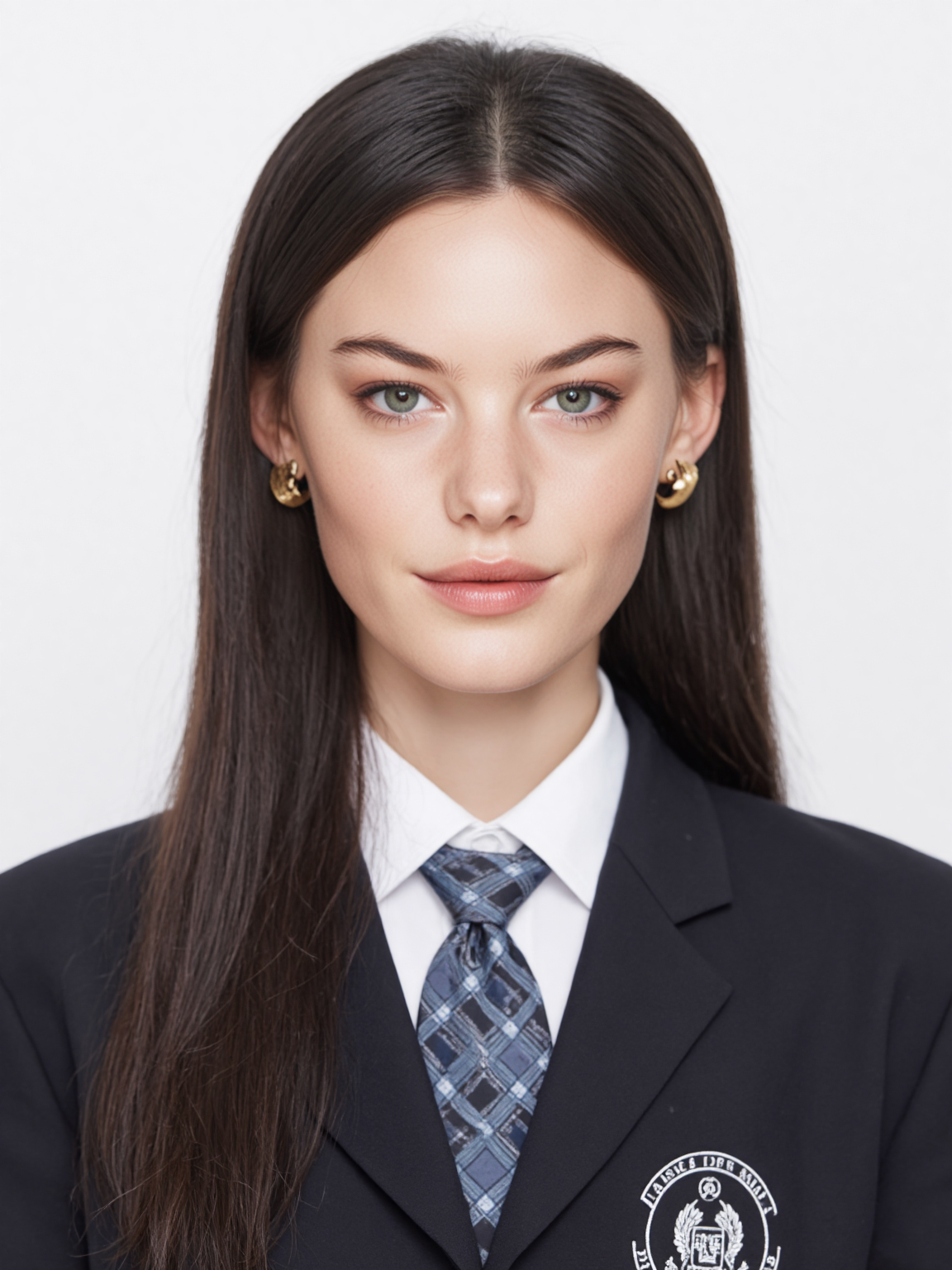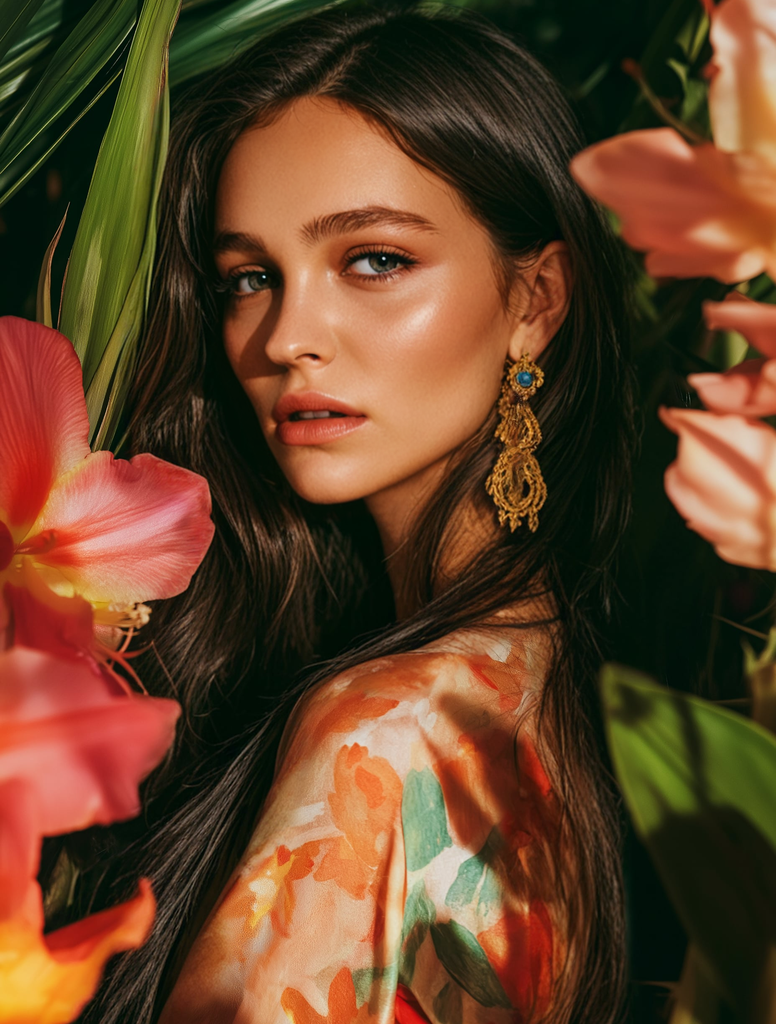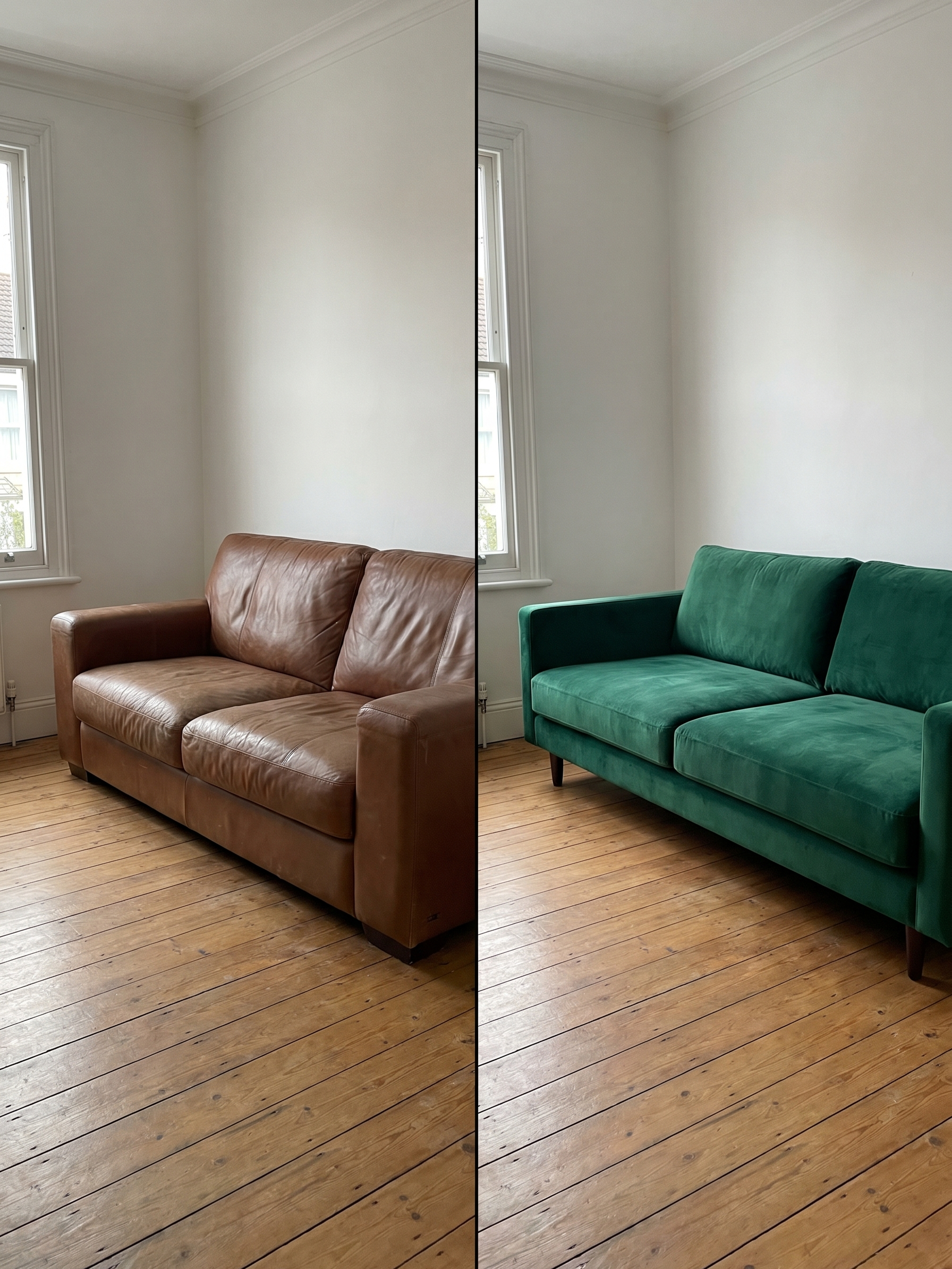
Turn any photo into a stunning black and white masterpiece. MyShell AI's intelligent B&W filter analyzes contrast, light, and texture to produce gallery-quality monochrome images — free, instant, no watermarks.
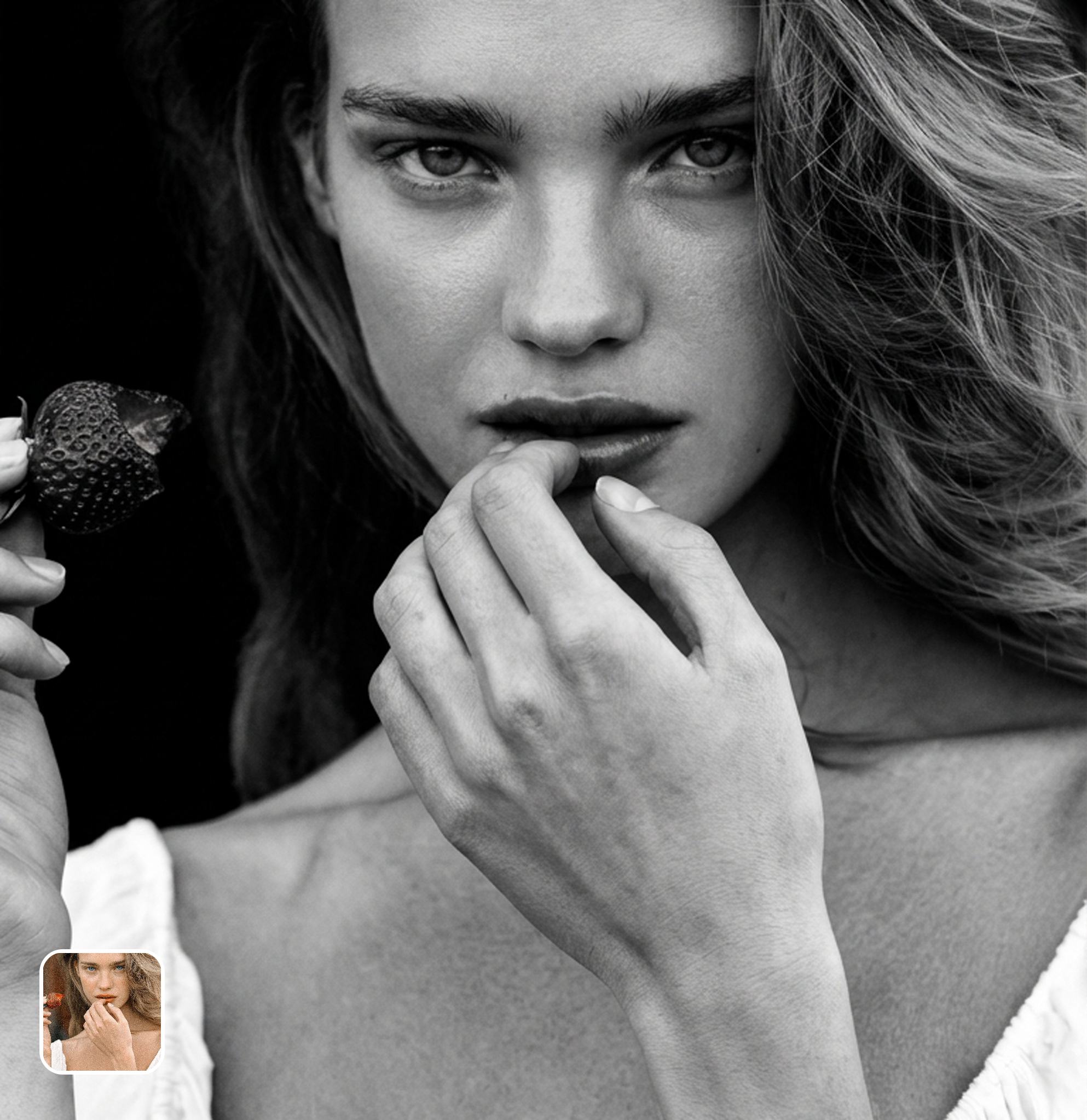
Ready in seconds · Energy-based generation · Full resolution download
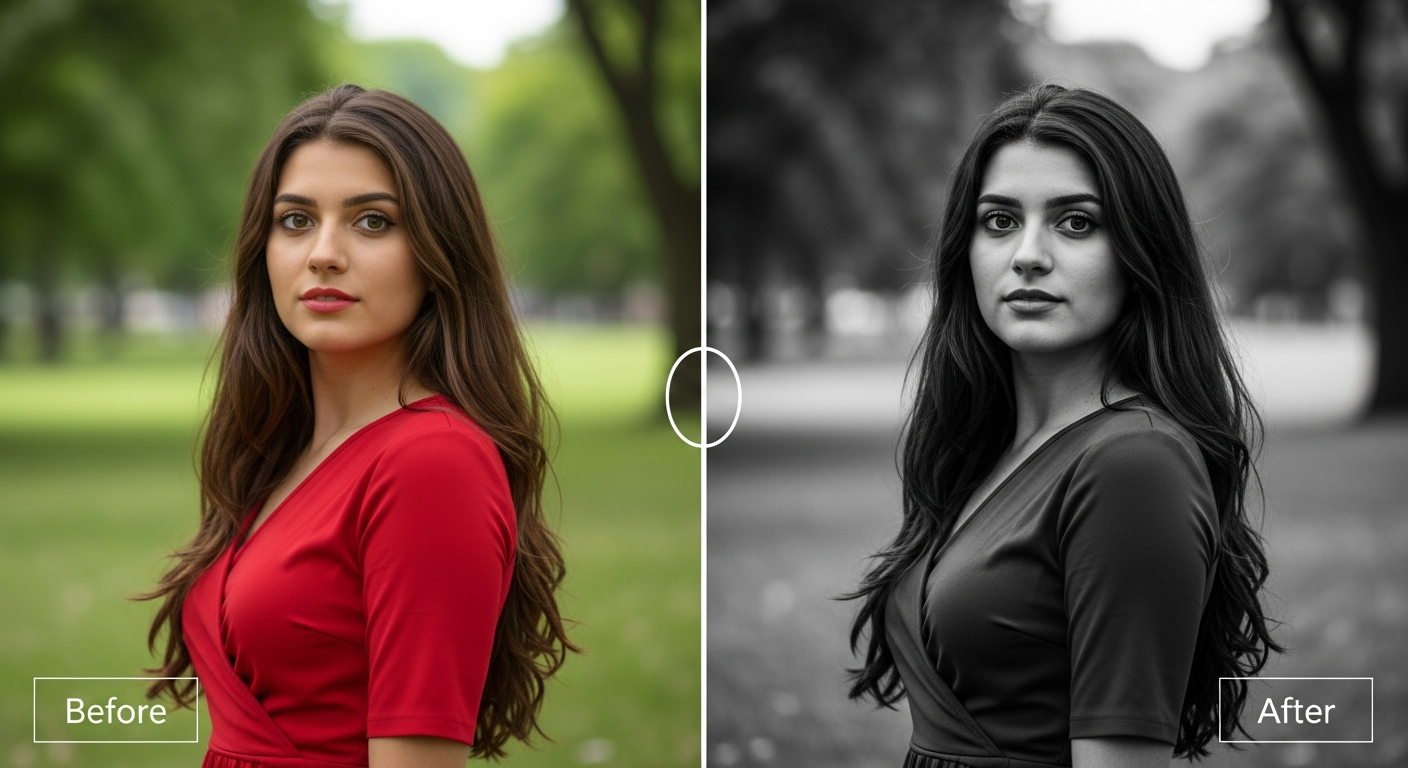
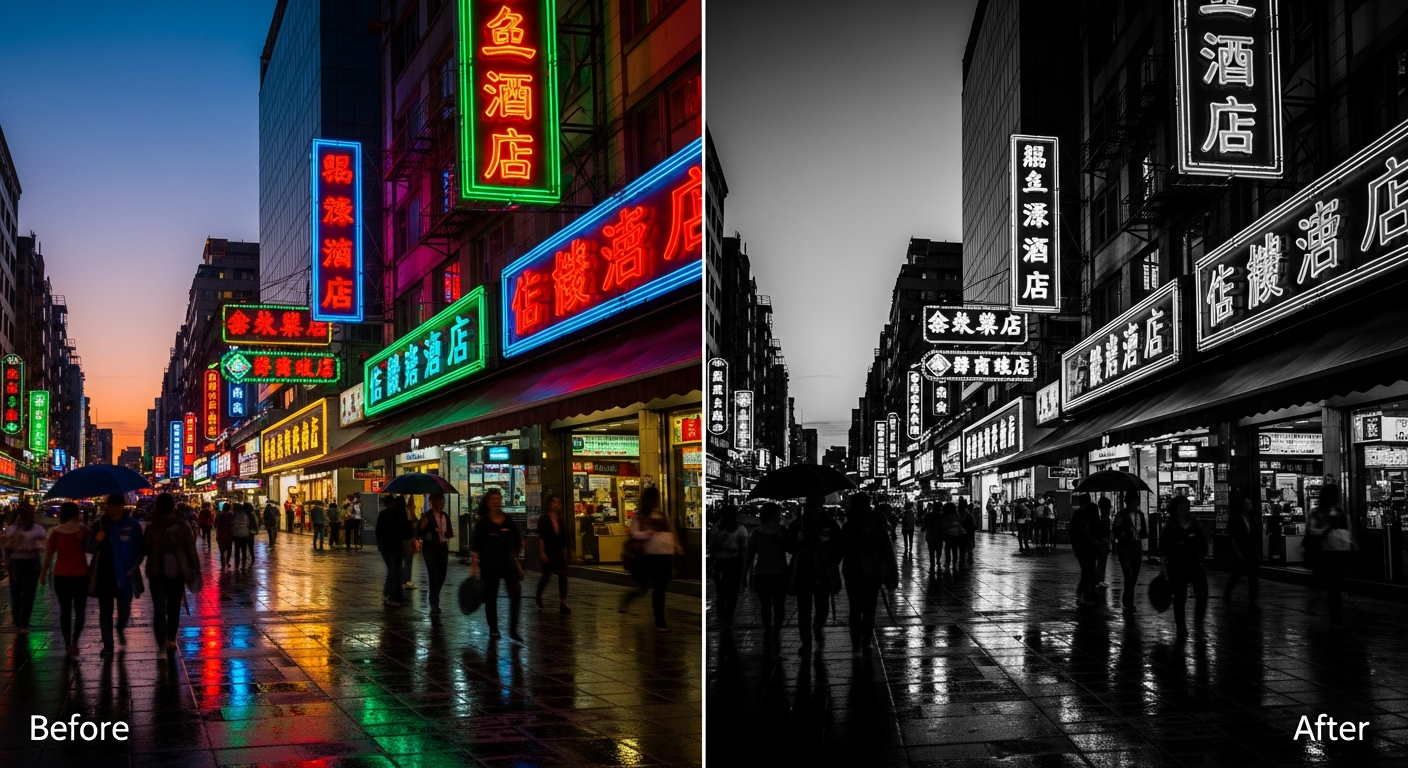
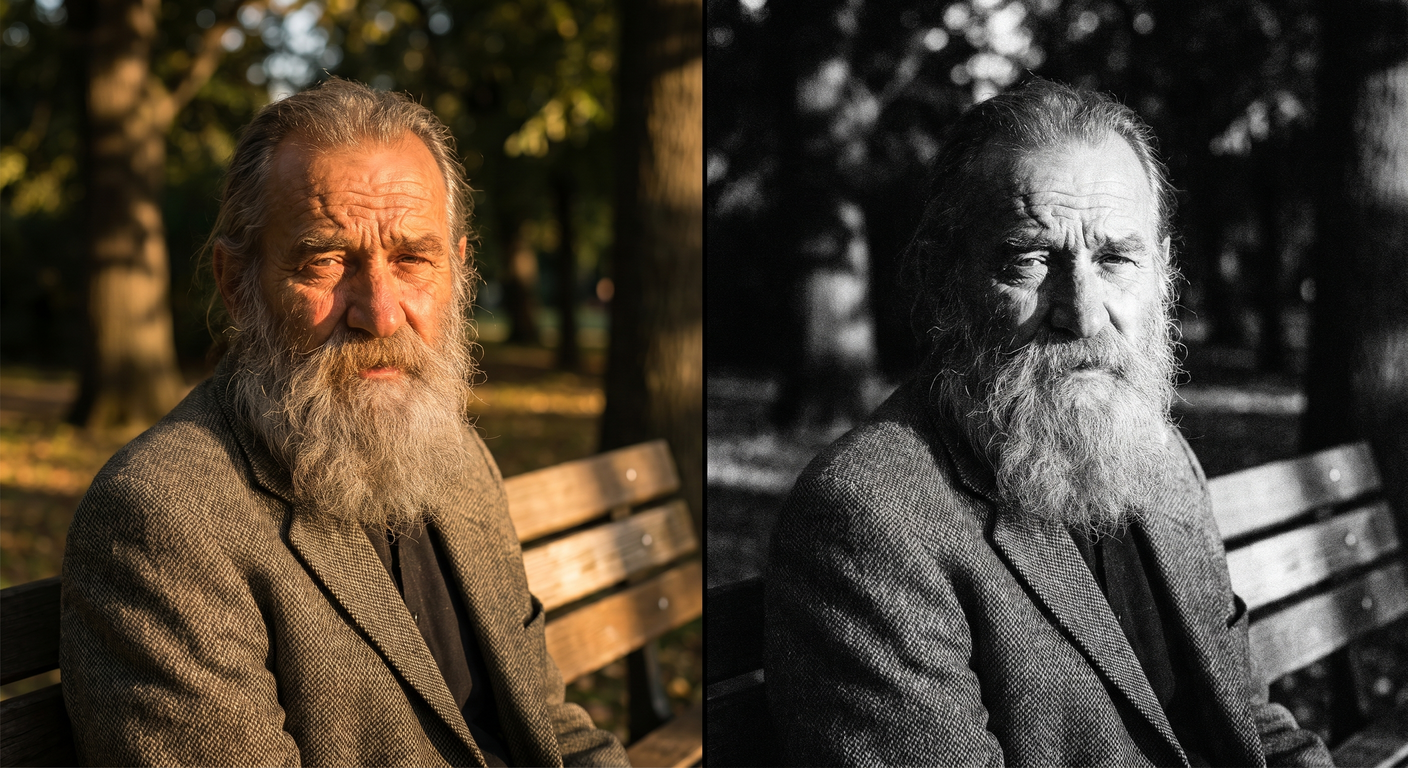
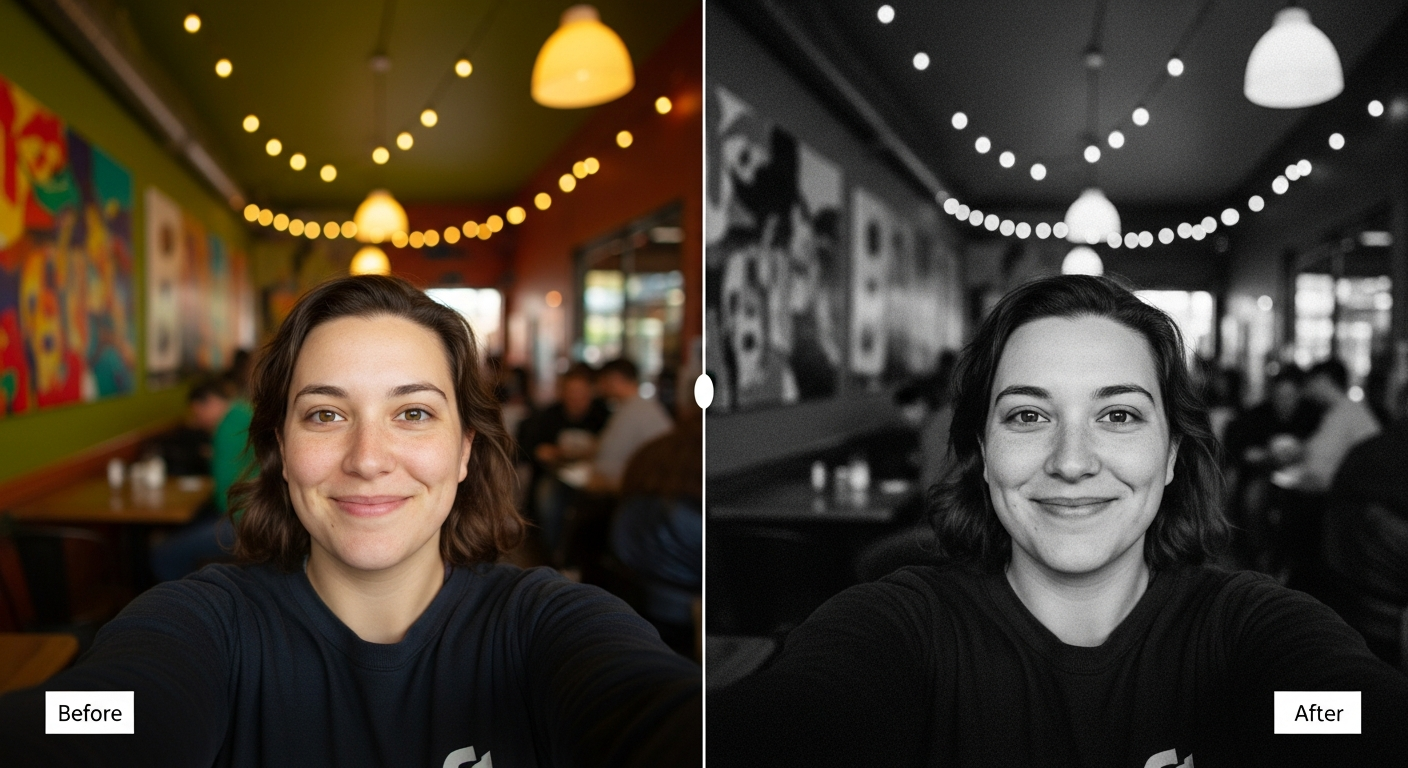
From romantic couples to childhood best friends, create polished AI portraits for the relationships and moments that matter.
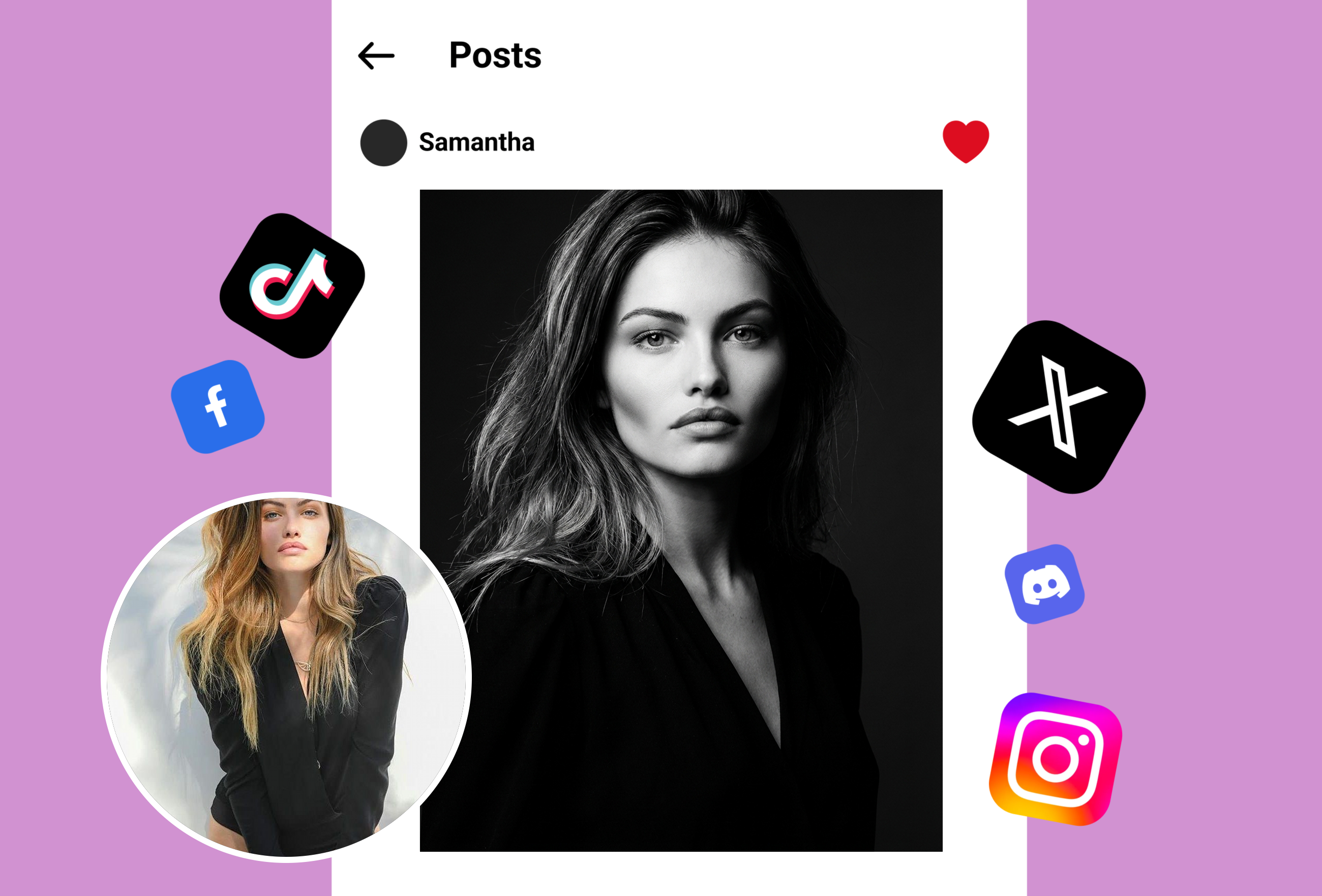
Our black and white filter doesn't just desaturate your image — it uses AI to analyze light distribution and optimize tonal range. Every shadow, midtone, and highlight is carefully balanced to create depth and drama that rivals professional darkroom work. Whether you're converting portraits, landscapes, or street photography, the algorithm adapts to your image's unique characteristics for stunning results. Explore more creative transformations with our Double Exposure tool.
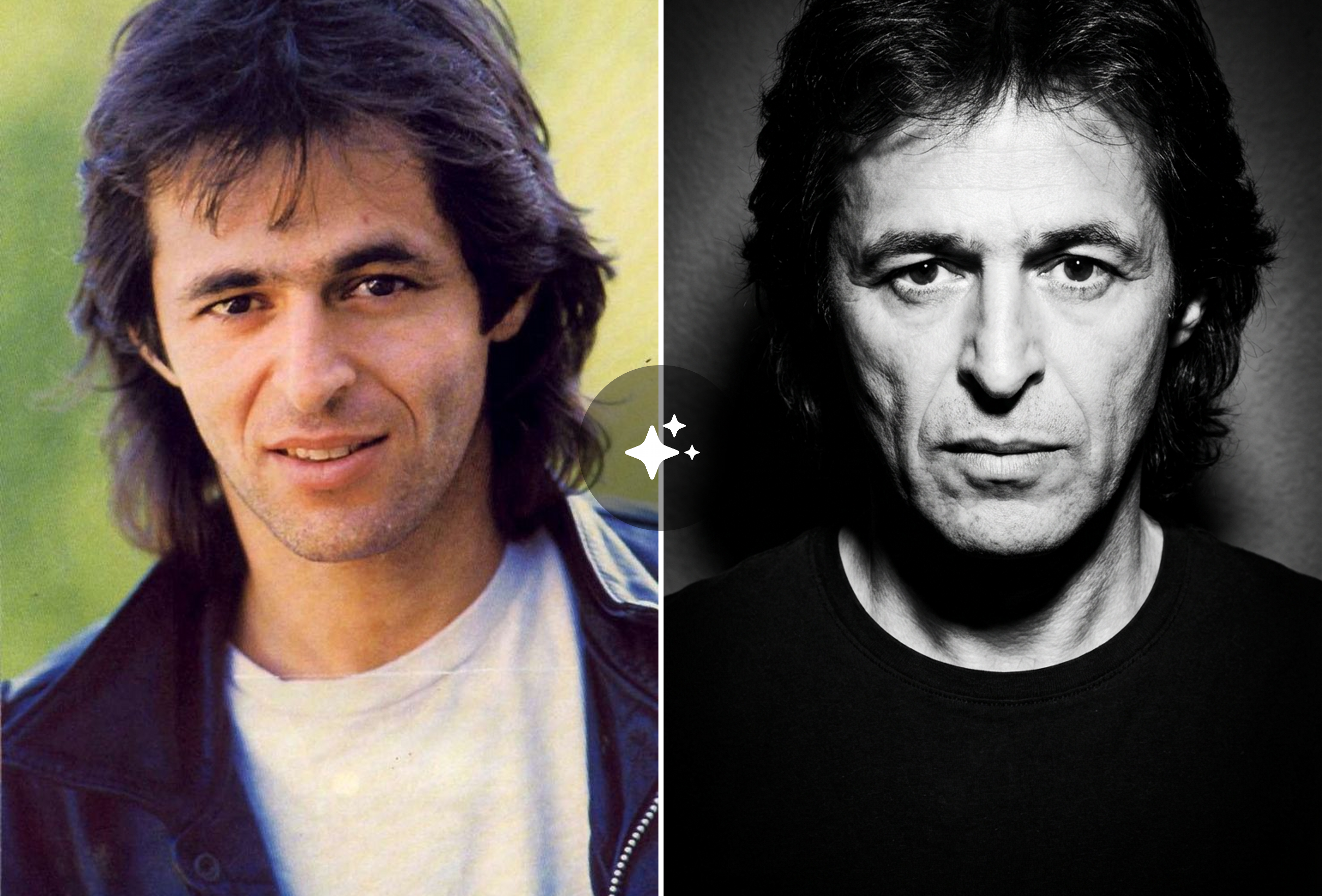
Color can sometimes mask fine details in a photograph. Our monochrome filter reveals hidden textures — skin pores in portraits, grain in architectural shots, fabric weaves in fashion photography. The AI engine intelligently sharpens micro-contrast while maintaining smooth gradients, giving your images a professional editorial quality. Pair it with our GPT Image Generator for completely new creative directions.
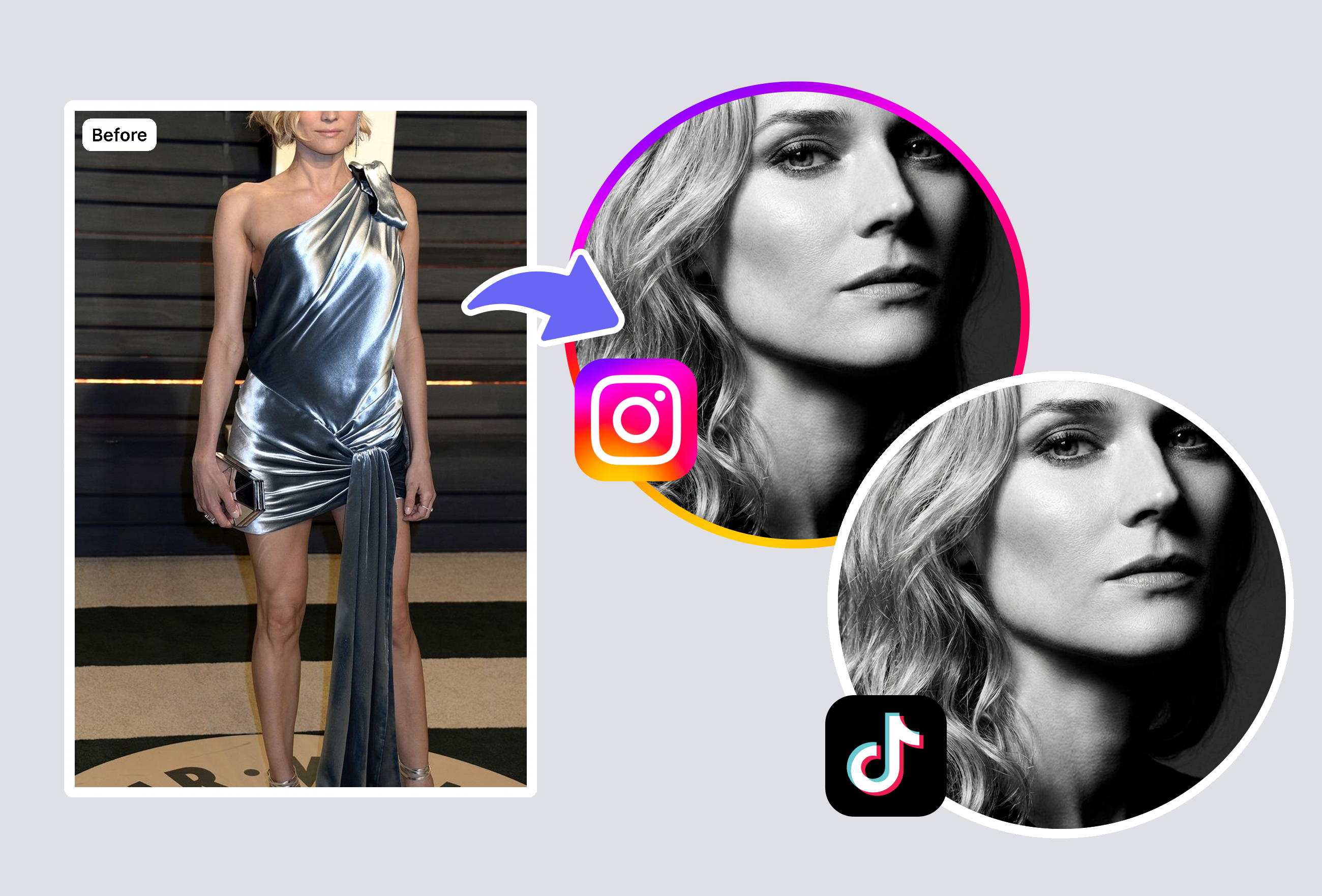
From high-contrast noir to soft silver halide film looks, our black and white filter offers intelligent style adaptation. The AI detects your photo's subject matter and lighting conditions to apply the most flattering monochrome treatment automatically. Street scenes get gritty contrast, portraits receive smooth tonal transitions, and landscapes benefit from expanded dynamic range. Try combining with our K-pop Photo Editor for unique portrait styles.
Yes, MyShell AI's black and white filter is free to try with 3 complimentary generations for new users. There are no watermarks added to your converted images, no account registration required, and no daily usage limits. The tool is AI-powered and processes your photos at full resolution, so you get professional-quality monochrome conversions without paying for expensive editing software. Simply upload your photo and download the result instantly.
Simple desaturation removes all color information equally, which often produces flat, muddy-looking grayscale images. A proper black and white filter — like MyShell AI's — uses intelligent channel mixing to convert different colors into different gray tones. For example, a red rose against green leaves would look nearly identical in simple grayscale, but with smart B&W conversion, the contrast between them is preserved. Our AI analyzes the full color spectrum and remaps it to create rich, dynamic monochrome images with proper tonal separation.
Our black and white filter supports all major image formats including JPG/JPEG, PNG, WebP, and HEIC (iPhone photos). You can upload files up to 20MB in size at any resolution. The output is delivered in high-quality PNG format to preserve maximum detail and avoid compression artifacts. Whether you're converting phone selfies, professional DSLR shots, or screenshots, the tool handles them all seamlessly without quality loss.
Absolutely. Images processed through MyShell AI's black and white filter are yours to use however you wish — including commercial projects, social media marketing, print publications, and client work. No watermarks are applied and no attribution is required. Many professional photographers, real estate agents, and social media managers use our tool for commercial content. The high-resolution output ensures your B&W images look sharp across all media formats.
Traditional B&W conversion applies the same formula to every image, but AI-powered conversion adapts to each photo's unique characteristics. Our neural network has been trained on millions of professionally graded monochrome images to understand how different subjects — portraits, landscapes, architecture, food — should look in black and white. It automatically adjusts contrast curves, preserves important textures, prevents shadow crushing, and maintains highlight detail. The result is a conversion that looks hand-tuned by a professional retoucher.
Currently, MyShell AI's black and white filter processes one image at a time to ensure maximum quality for each conversion. However, the process is extremely fast — typically 2-3 seconds per image — so you can quickly work through a batch of photos. Each image receives individual AI analysis, meaning the contrast and tonal adjustments are optimized specifically for that photo's content rather than applying a one-size-fits-all preset. For large batches, simply upload and download sequentially for consistent, high-quality results.
Keep creating — try these popular Framely AI tools next.