Transform Any Photo Into Warm Vintage Art
Upload one photo and get a beautiful sepia-toned vintage portrait in seconds. AI-powered warm brown tones with authentic film-era finish — no Photoshop skills needed, no watermarks, completely free.
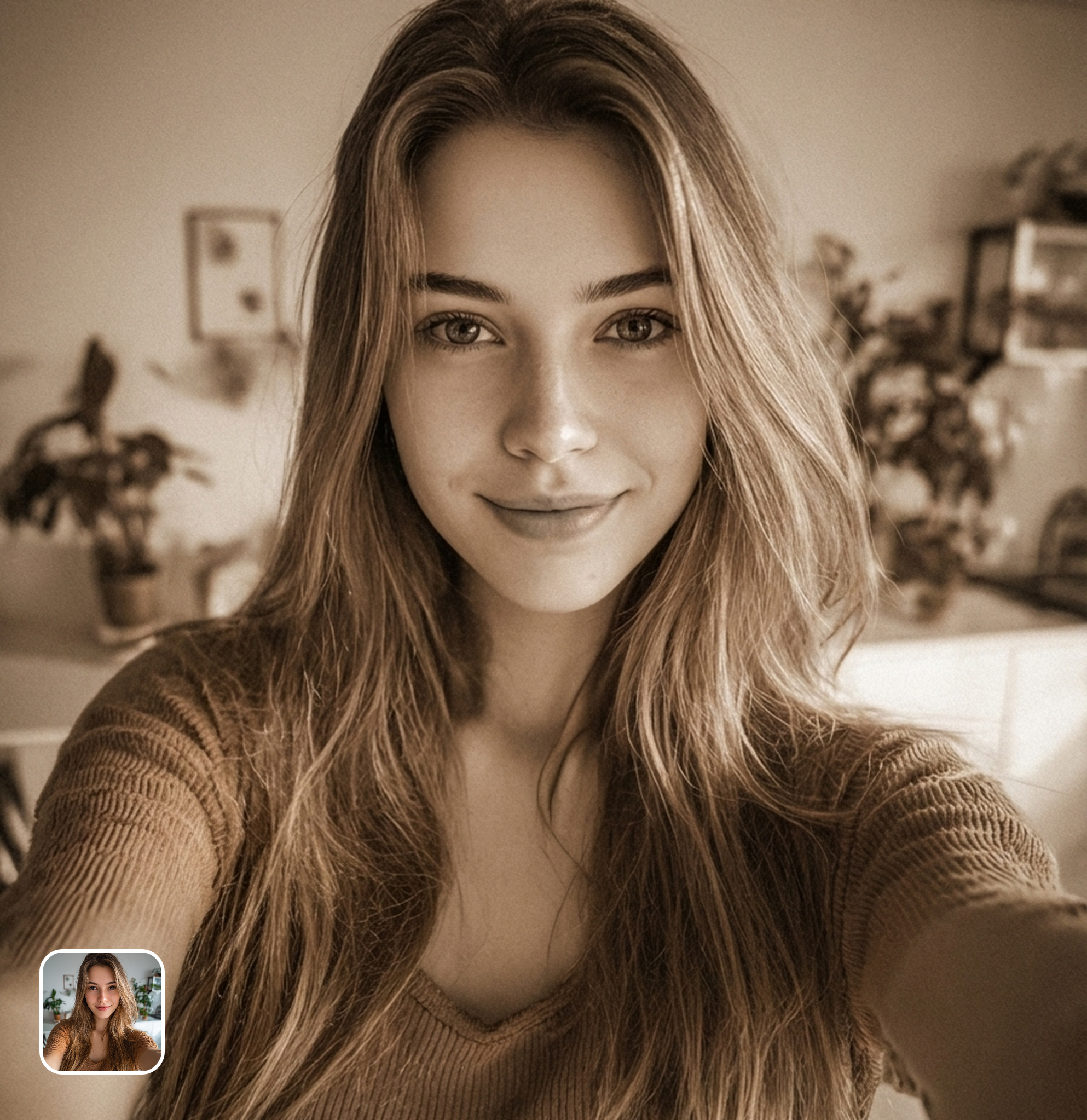
Ready in seconds · Energy-based generation · Full resolution download
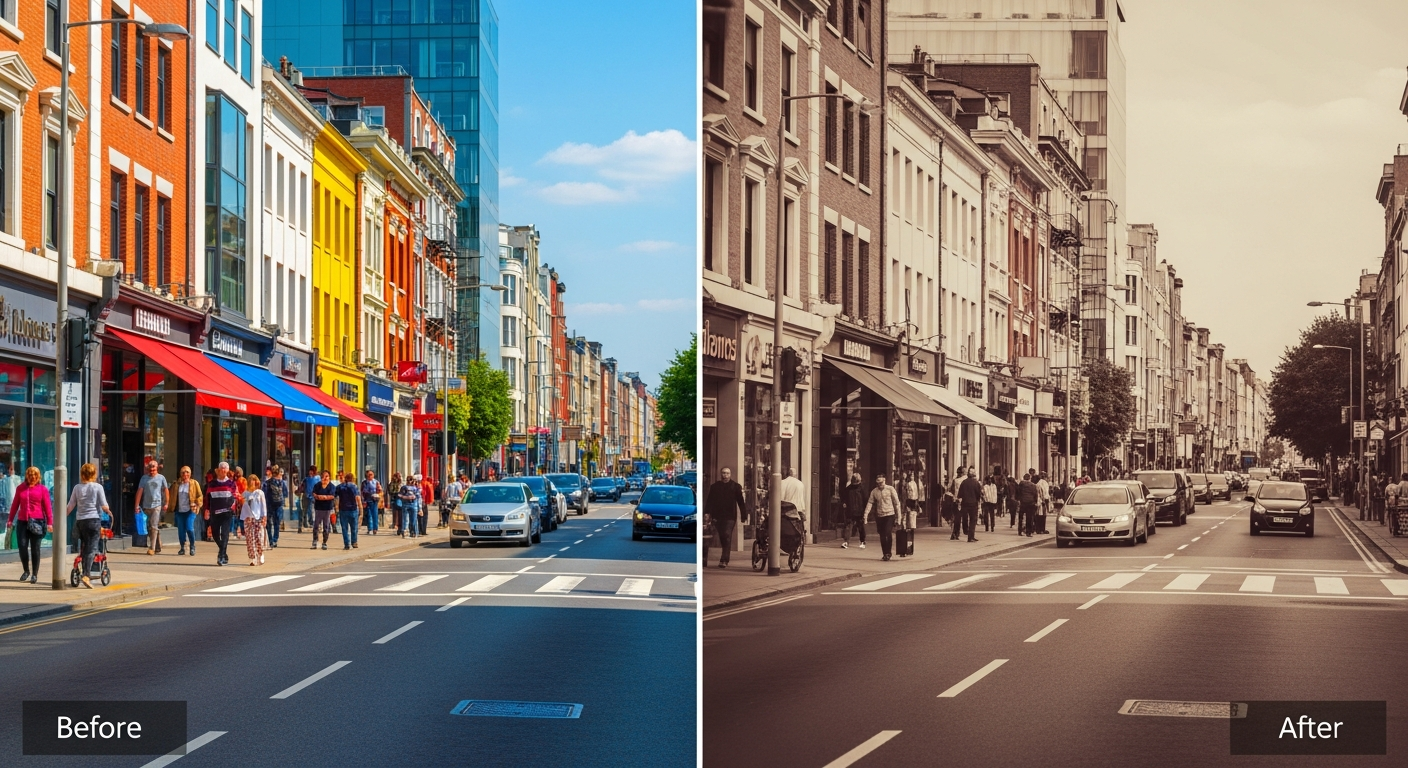
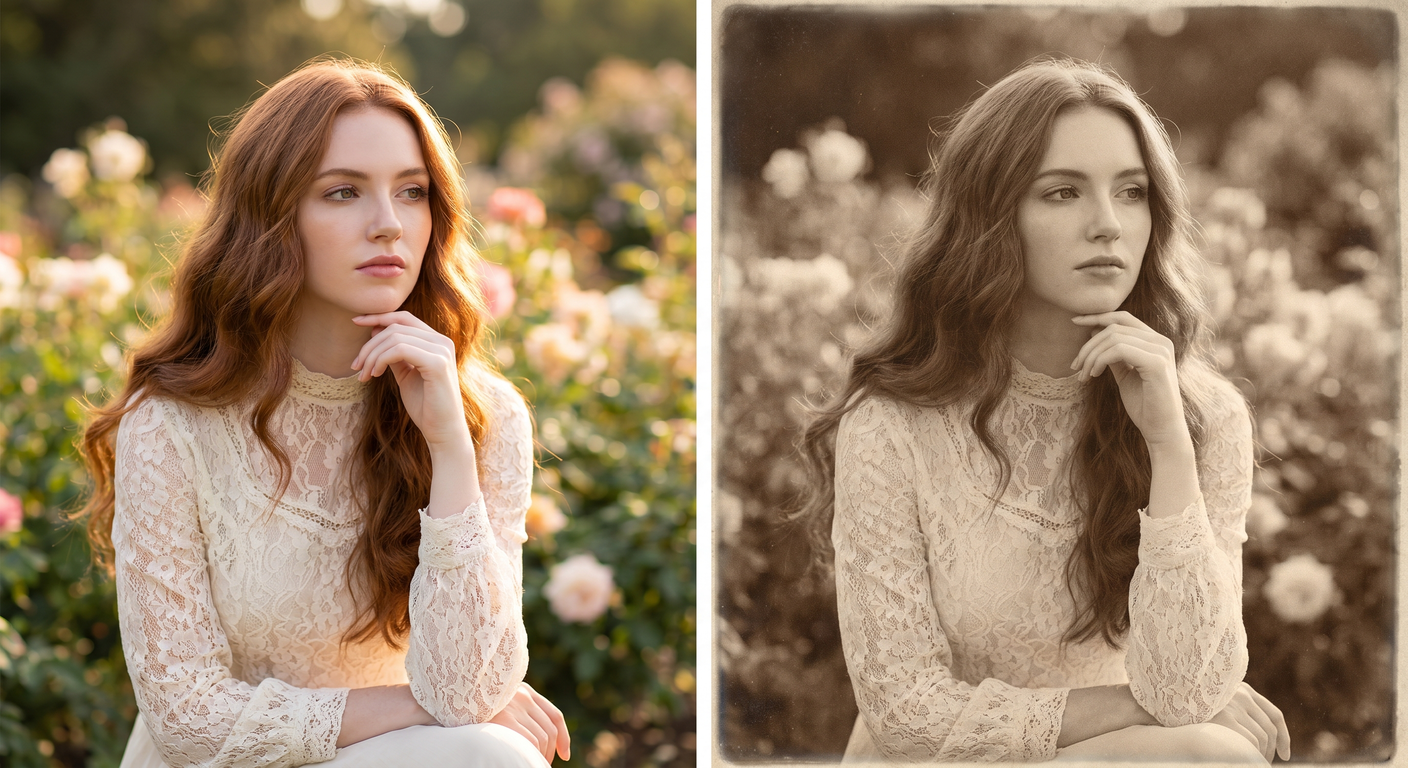
See What's Possible
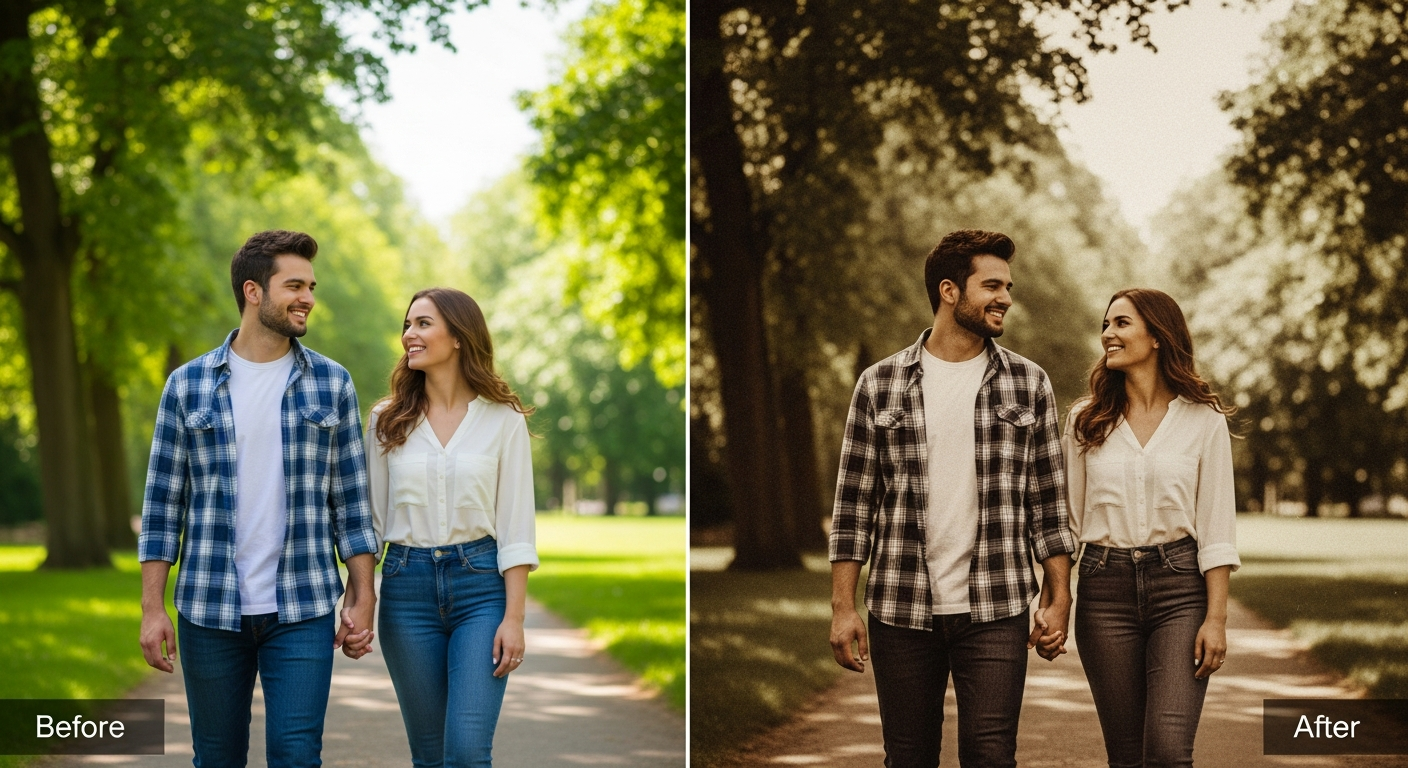
Perfect for Every Duo
From romantic couples to childhood best friends, create polished AI portraits for the relationships and moments that matter.
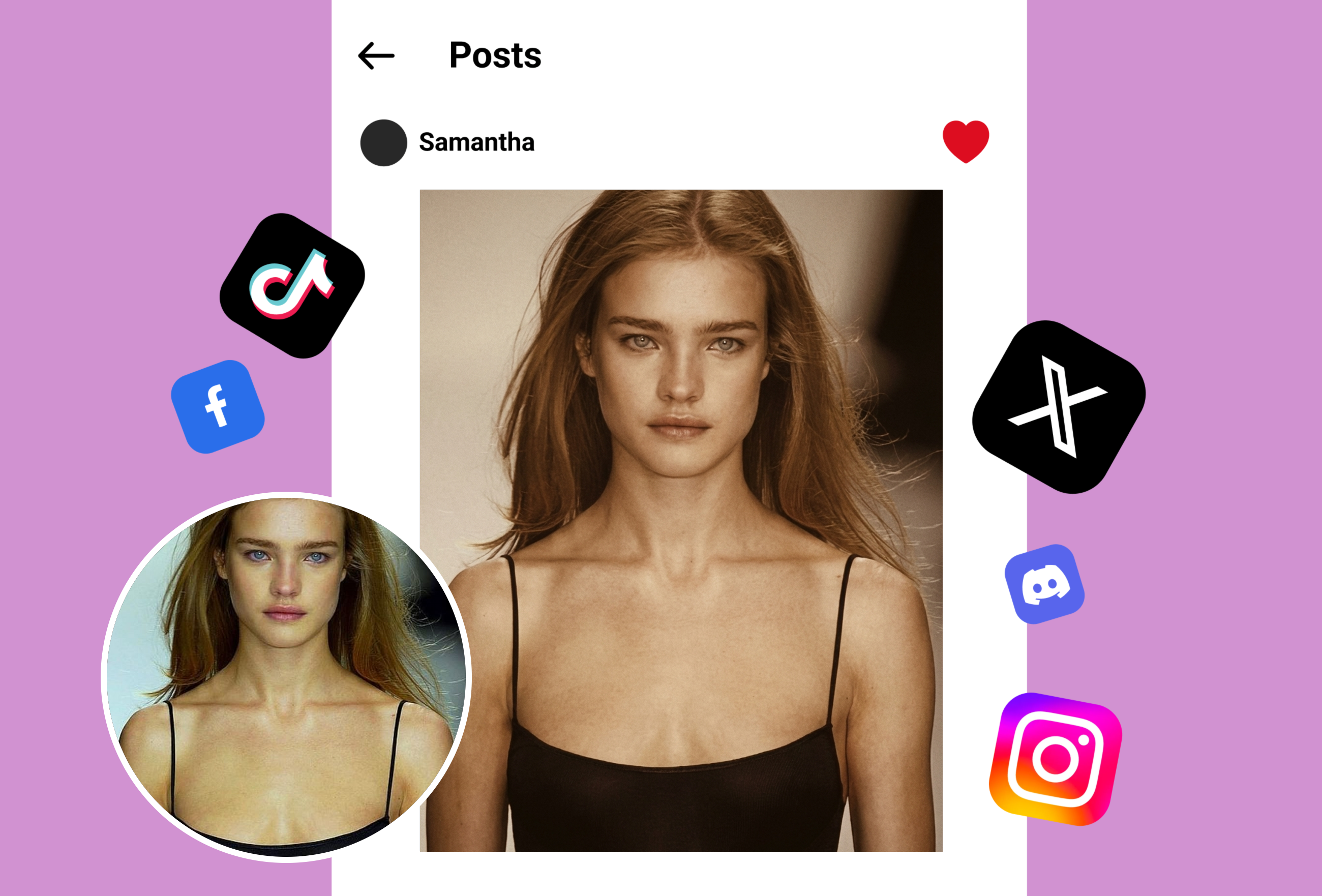
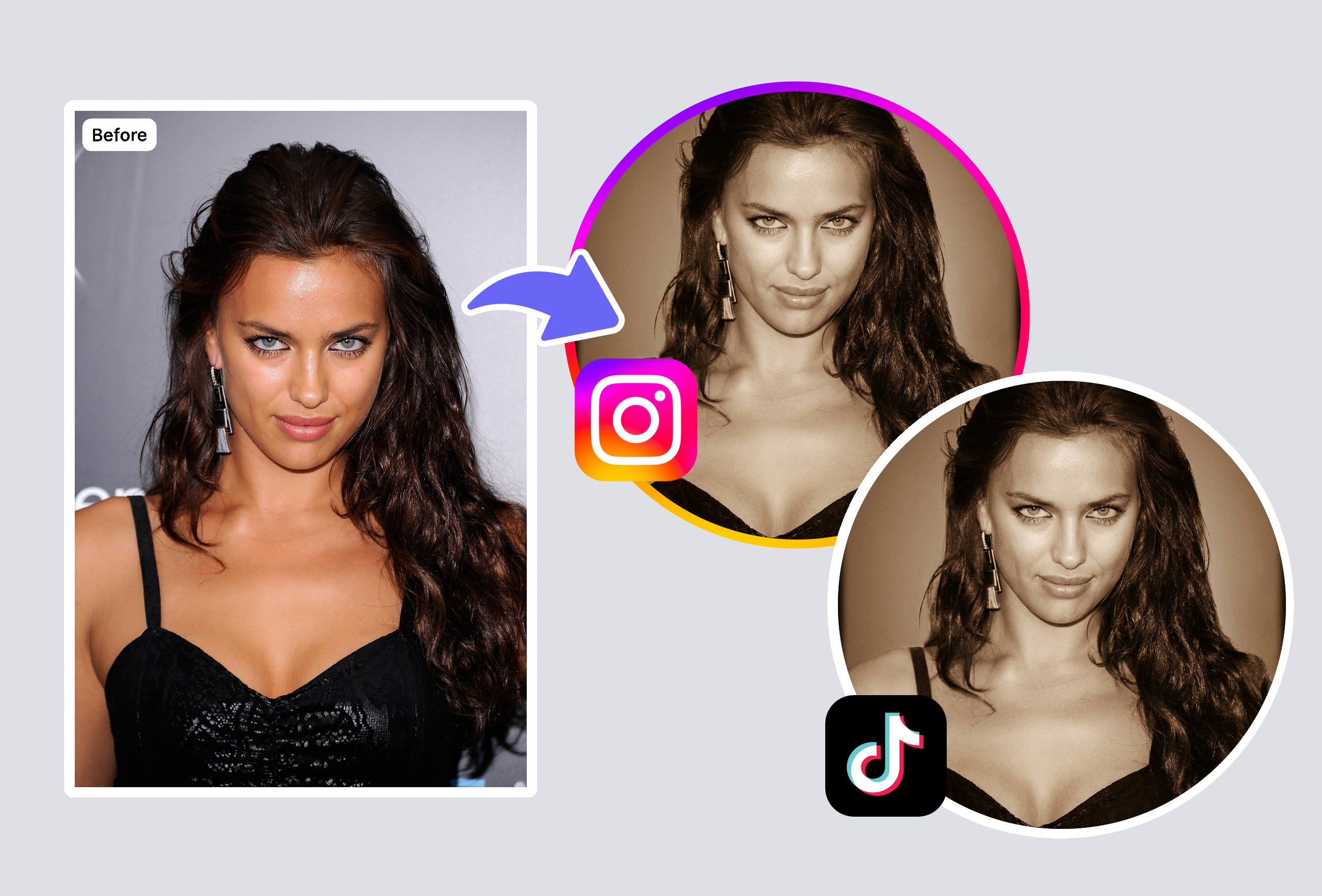
Vintage Instagram & Social Media Aesthetics
Create scroll-stopping vintage content for Instagram, TikTok, and Pinterest. Unlike VSCO's subscription-locked sepia presets, MyShell's AI sepia filter delivers richer warm tones for free — perfect for cohesive vintage feeds that stand out.
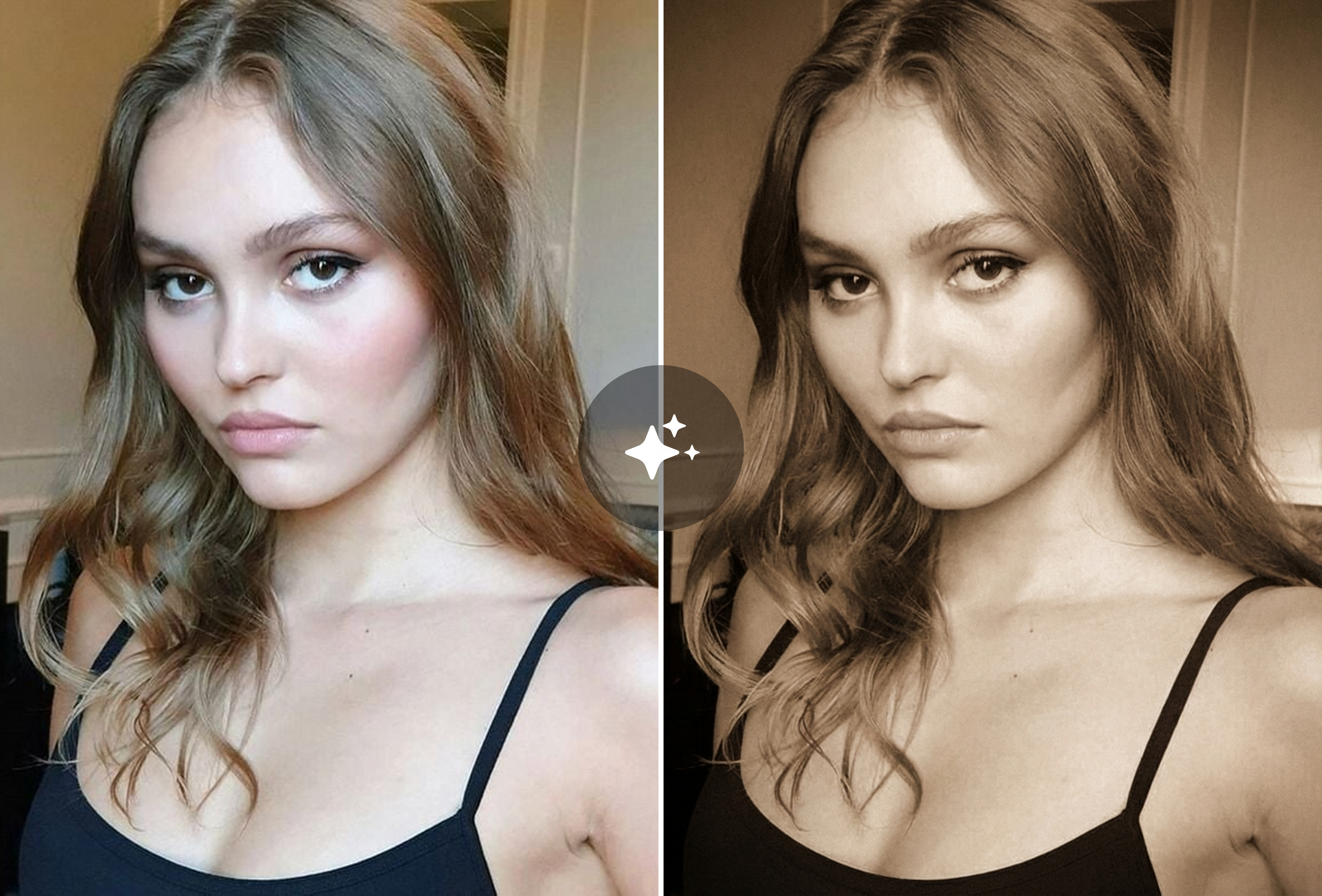
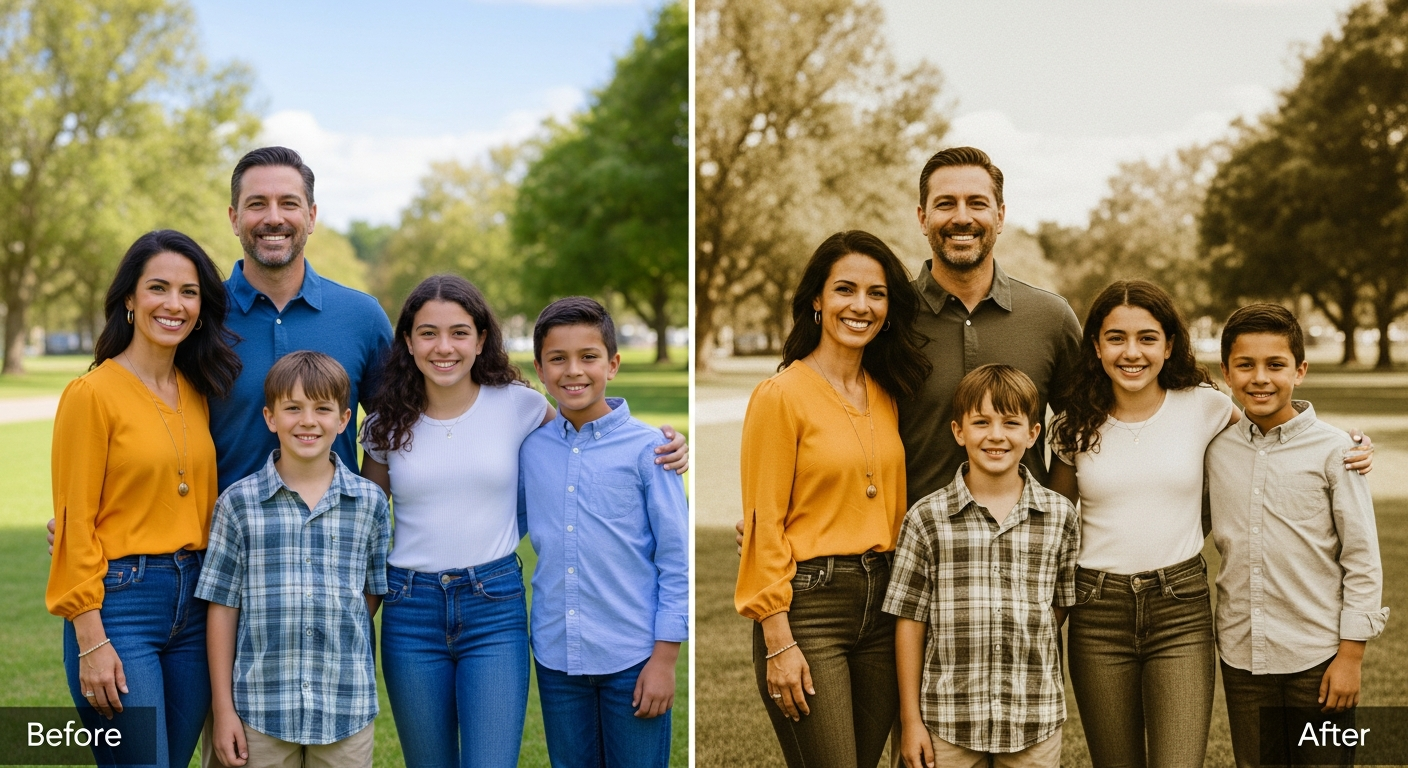
Timeless Family Portrait Restoration
Give modern family photos the authentic look of century-old portraits. Our AI analyzes skin tones and lighting to apply natural sepia gradients that Simplified and LunaPic's basic color overlays can't match.
Professional Retro Branding & Portfolio Pieces
Photographers and designers use our sepia tone filter to create nostalgic branding materials, wedding album previews, and portfolio showcases without expensive desktop software like Skylum Luminar.
Frequently Asked Questions
What is a sepia filter and how does it work?
A sepia filter transforms color or black-and-white photos into warm brown-toned images that mimic the look of antique photographs from the 1800s. Our AI-powered sepia filter analyzes depth, lighting, and skin tones to apply graduated sepia tones that look naturally aged, similar to chemical sepia toning in traditional darkrooms.
How is this different from Instagram or VSCO sepia filters?
Instagram and VSCO apply uniform color overlays across the entire image. MyShell uses AI to create depth-aware sepia toning — applying warmer tones to highlights and deeper browns to shadows, similar to how chemical sepia toning works on actual film prints.
Can I adjust the sepia filter intensity?
The AI automatically calibrates the optimal sepia intensity based on your photo's lighting and color profile. This smart approach produces more natural results than manual slider tools found on PineTools or ElitePX.
What photo formats and sizes are supported?
Our sepia filter supports JPG, PNG, and WebP formats up to 4K resolution. Results are ready in under 3 seconds. The filter works entirely in your browser with no server-side storage, ensuring complete privacy.
Explore More AI Portraits
Keep creating — try these popular Framely AI tools next.