Transform Any Photo into an Adorable Baby Face with AI in Seconds
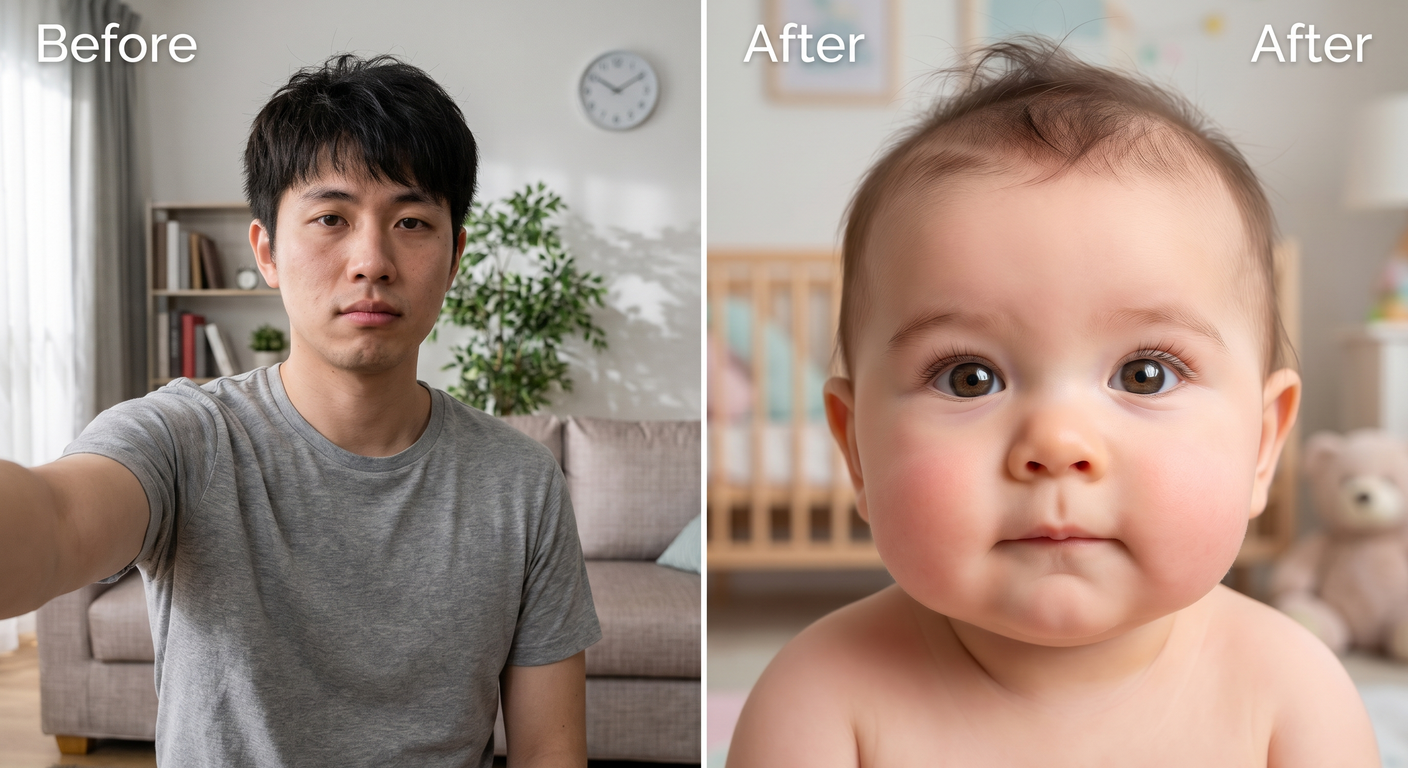
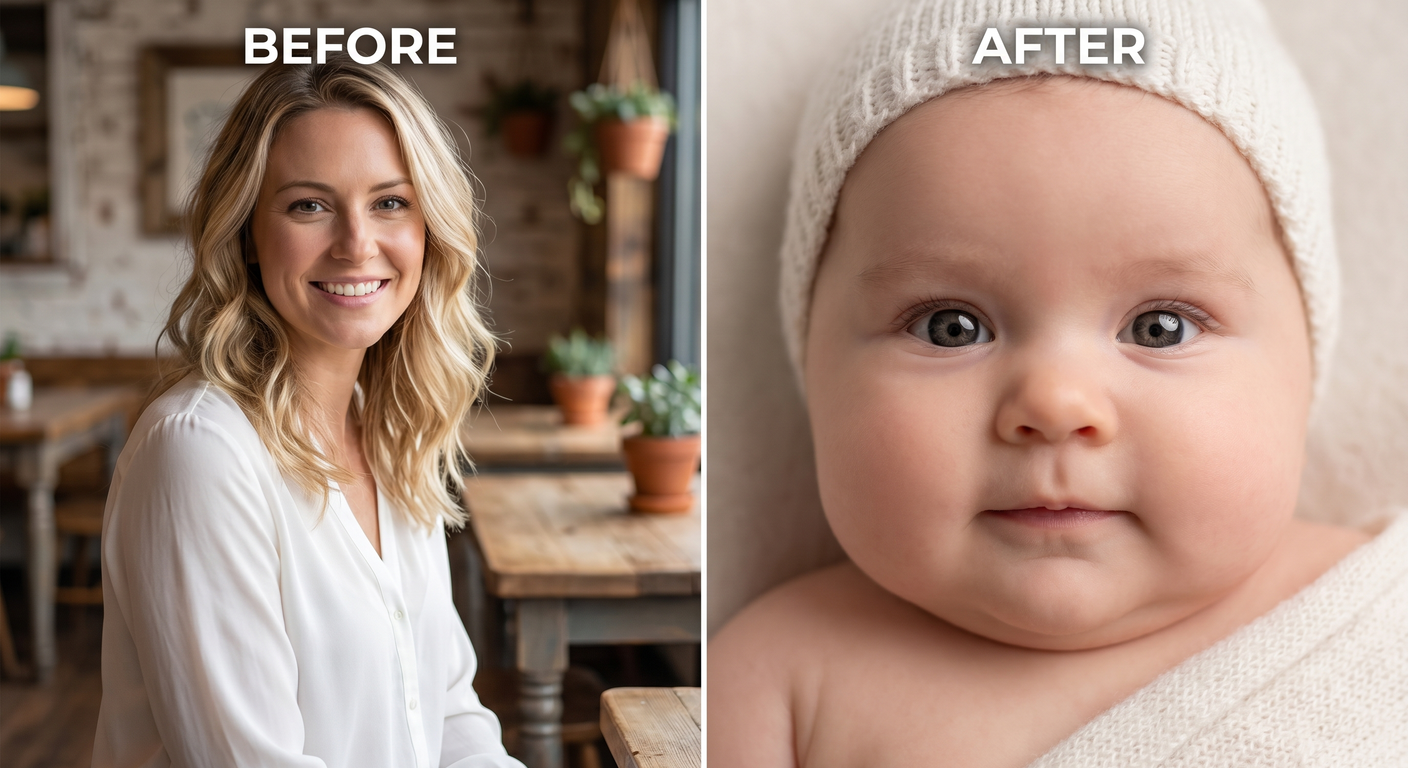
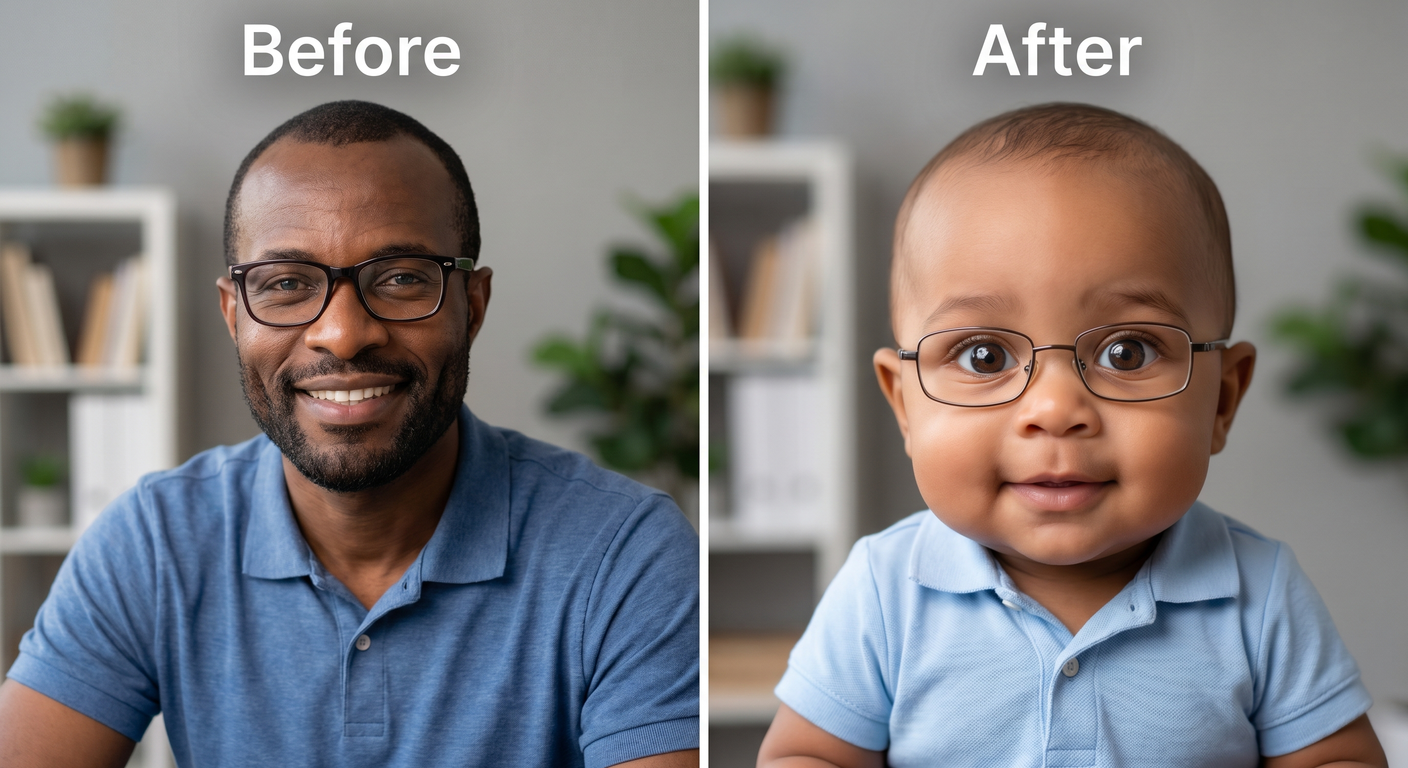
Want to see yourself as a baby? Upload any photo and MyShell’s AI baby filter instantly transforms your face into a cute, realistic baby version — chubby cheeks, soft features, and all. Try 3 free generations, no signup required.
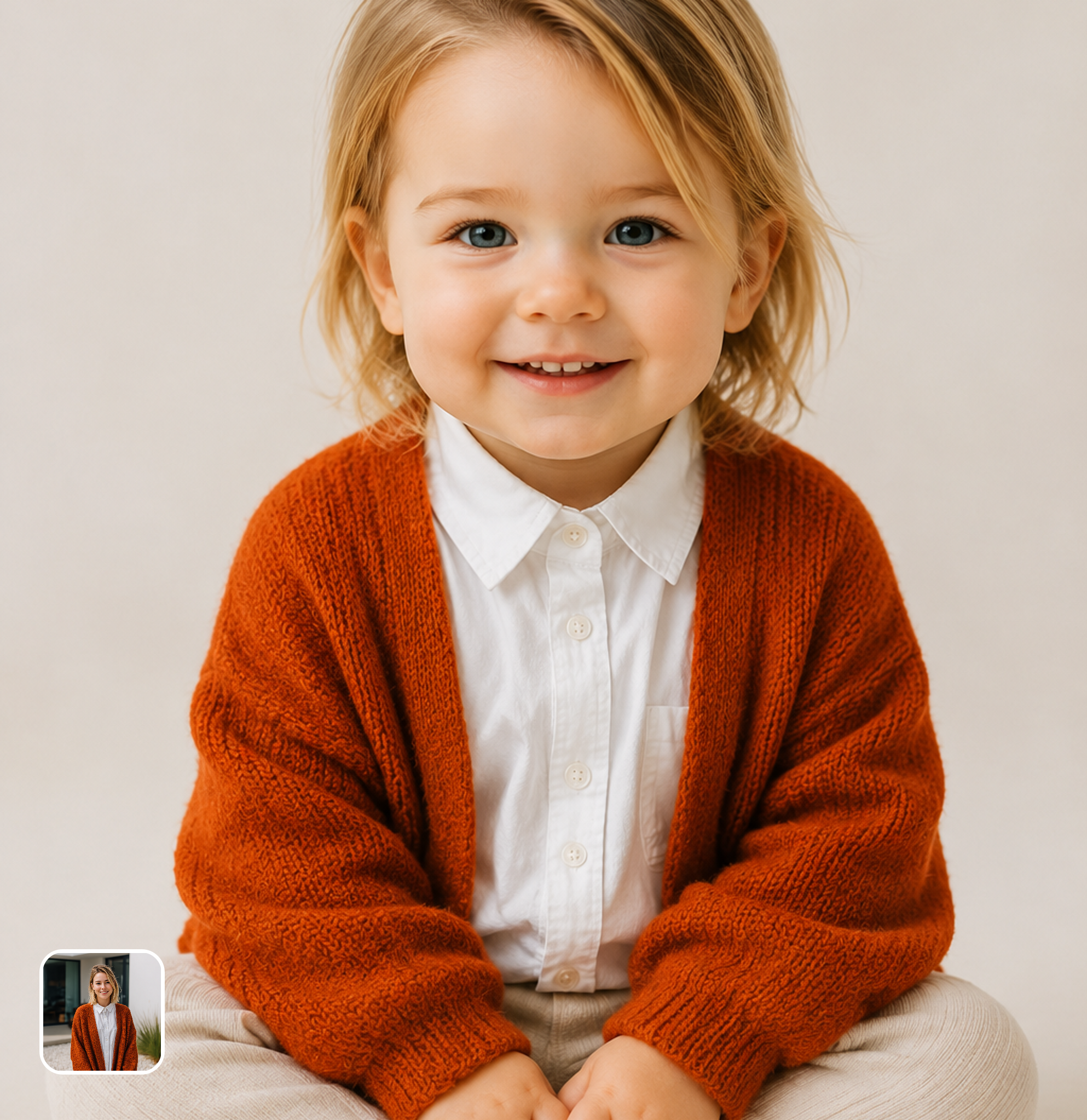
Ready in seconds · Energy-based generation · Full resolution download
See What's Possible
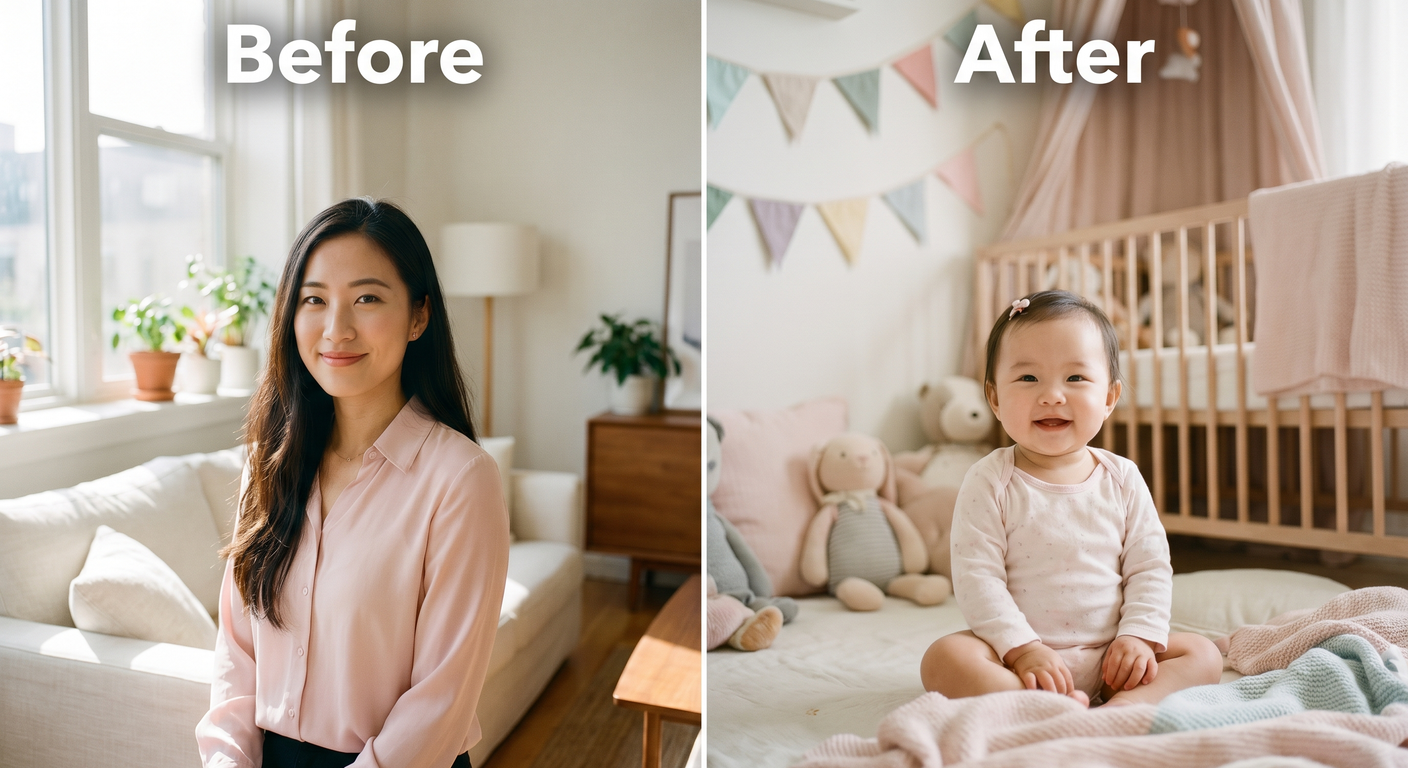
Perfect for Every Duo
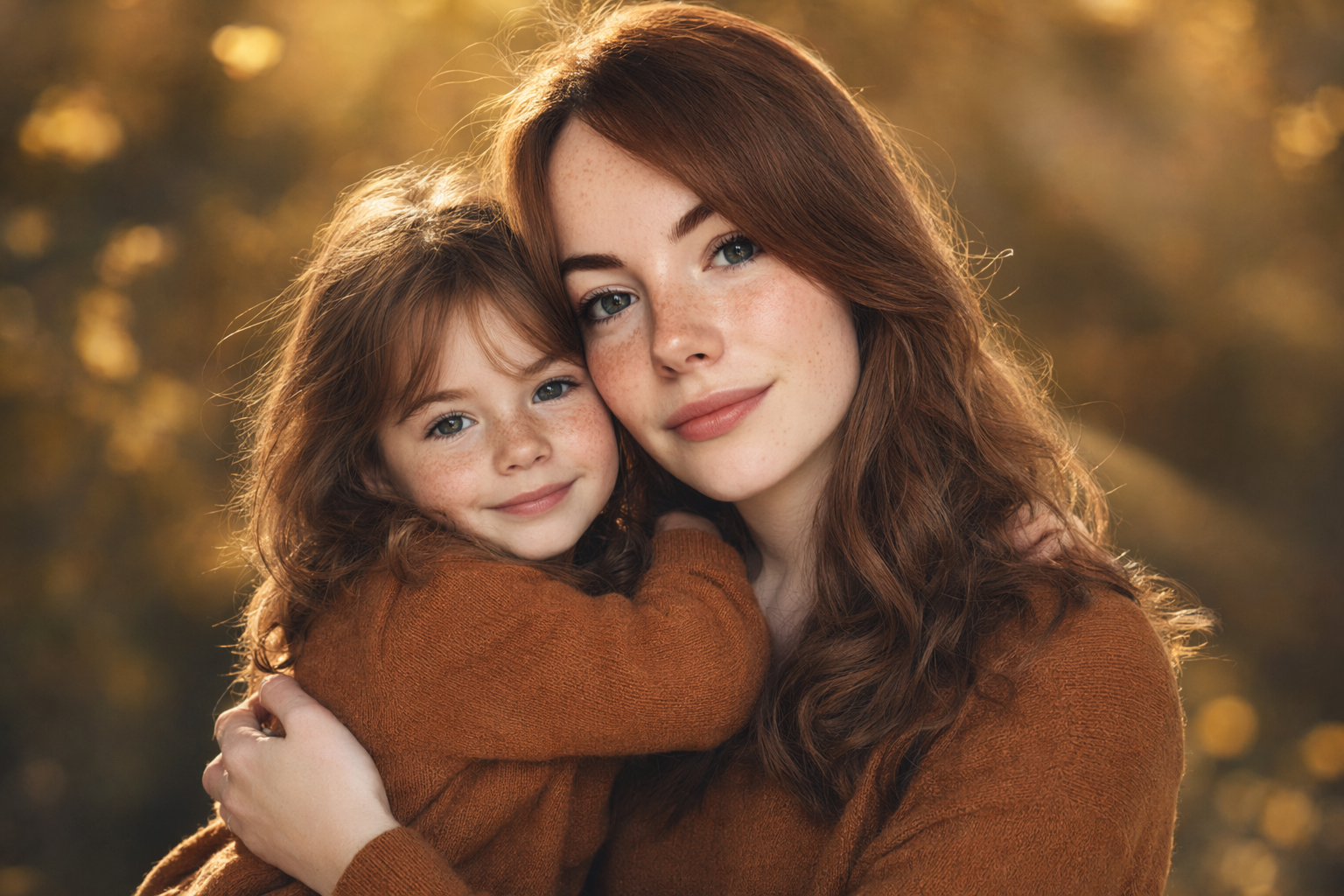
From romantic couples to childhood best friends, create polished AI portraits for the relationships and moments that matter.
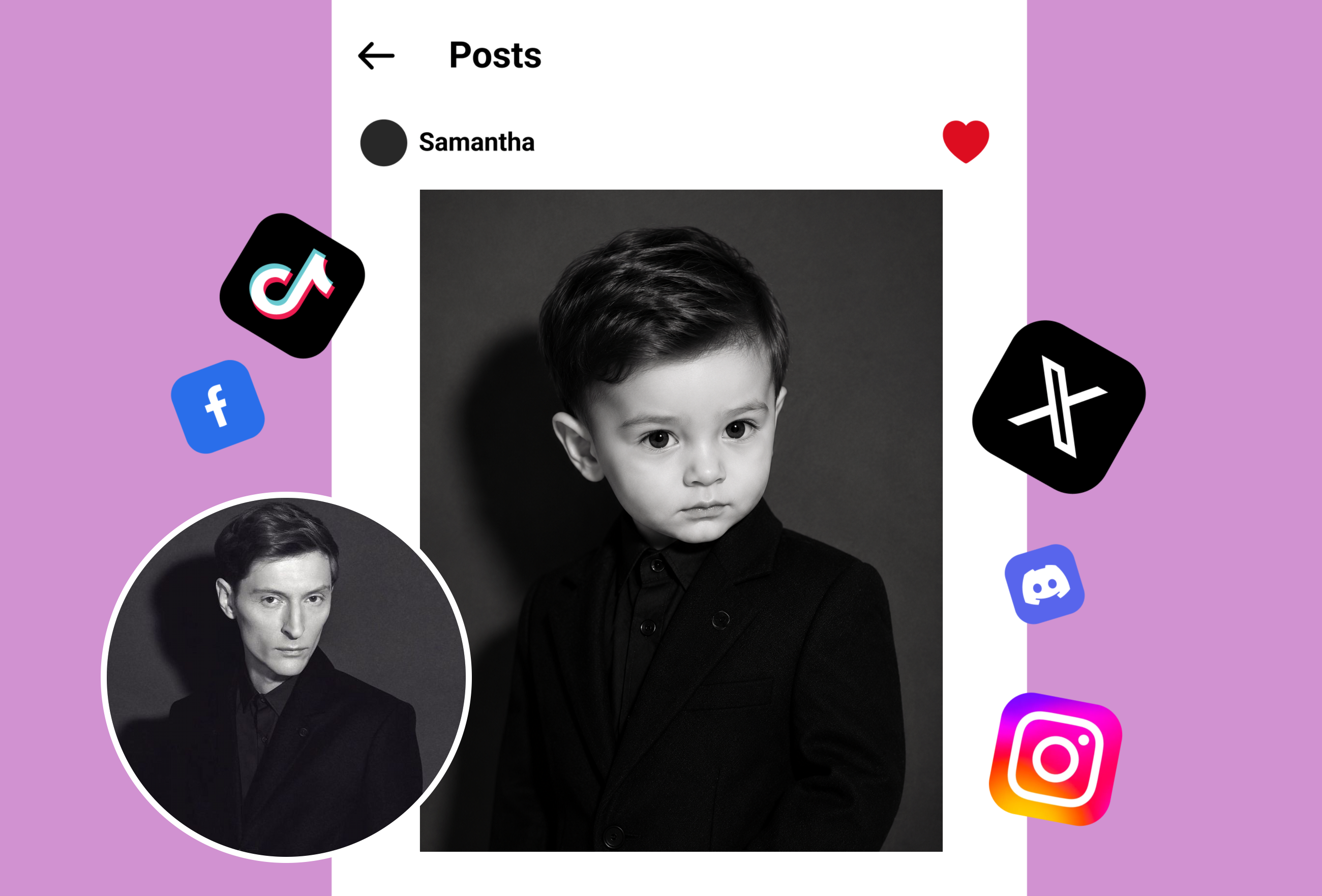
AI Baby Filter That Looks Incredibly Realistic
Upload any selfie or portrait and our AI baby filter transforms your adult face into a natural-looking baby version in seconds. The technology reshapes facial proportions — enlarging eyes, softening features, and adding baby-like cheek roundness — while preserving your unique characteristics. The same deep learning engine powers our AI face swap filter and age progression tools.
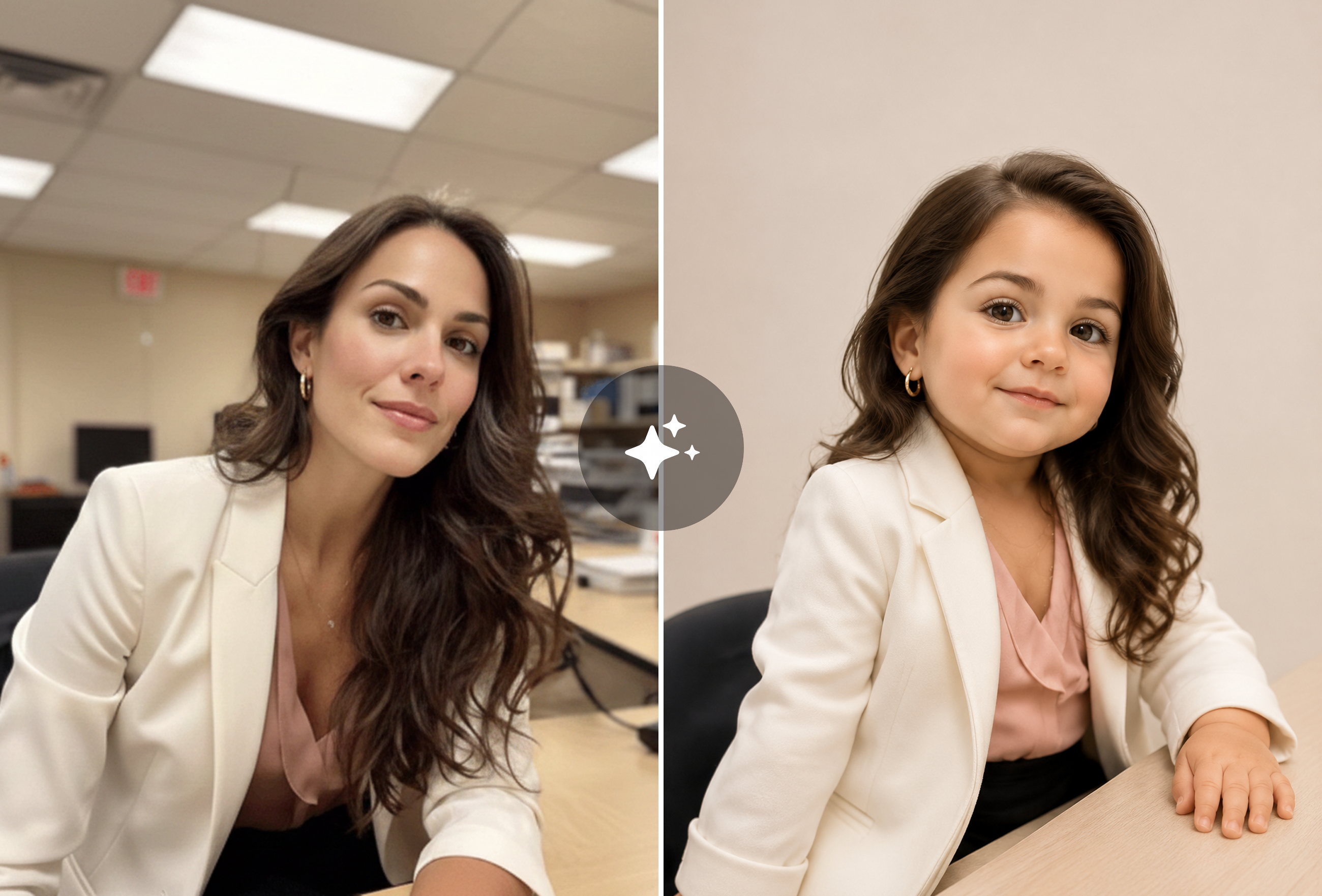
Multiple Baby Filter Styles and Variations
Generate different baby versions of yourself or try the filter on friends' photos for hilarious comparisons. Each generation produces a unique, high-resolution result ready to download and share on Instagram, TikTok, or WhatsApp. Explore more creative transformations with our full AI filter collection featuring cartoon filters, gender swap, and 2,000+ other AI bots.
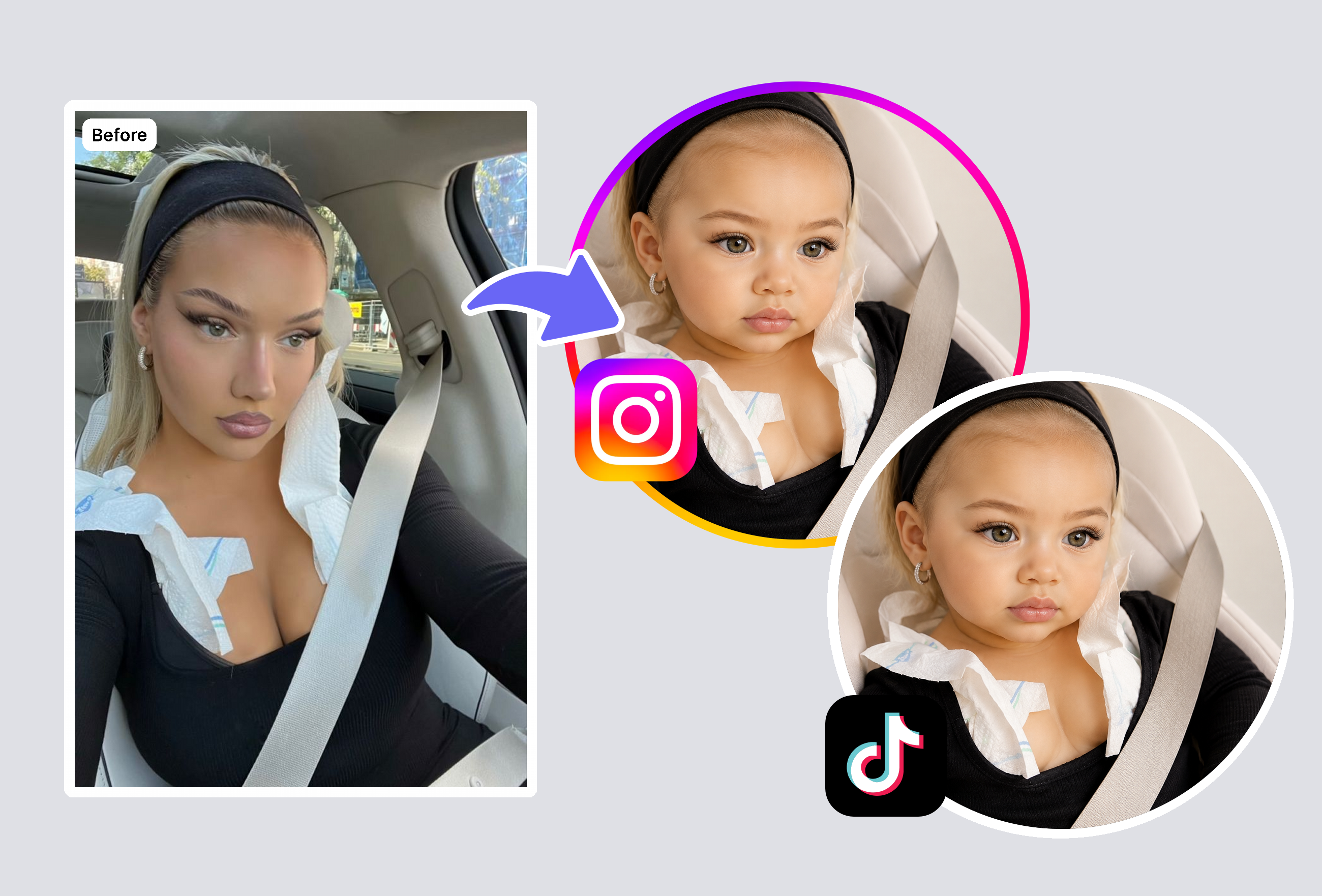
Instant Baby Filter Results — No Skills Required
No photo editing knowledge needed. Simply upload your photo, tap apply, and receive your baby-filtered image within seconds. Everything runs in your browser — no app downloads, no installations, no complex settings. Try the baby filter free, then explore our cartoon filter or AI yearbook generator for more viral-worthy content.
Frequently Asked Questions
What is a baby filter and how does it work?
A baby filter is an AI-powered photo tool that transforms any face into a realistic baby or toddler version. MyShell's baby filter uses deep learning models to analyze over 200 facial data points — eye spacing, cheek proportions, jawline, skin texture — and reshapes them into natural infant proportions. Unlike simple overlays or cartoon effects, this technology understands how baby faces actually differ from adult faces structurally, producing results that look like genuine baby photos rather than filtered images.
Is the baby filter free to use?
Yes! New users get 3 free baby filter generations with no signup, no credit card, and no email verification required. Each free generation produces a full high-resolution image with no watermarks — you get the complete experience from day one. After your free tries, affordable subscription plans unlock unlimited daily use across MyShell's entire platform of 2,000+ AI creative bots including face swap, age filters, cartoon filters, and more.
What photos work best with the baby filter?
For the most realistic baby filter transformation, upload a clear front-facing photo with good, even lighting and a neutral or smiling expression. Avoid sunglasses, hats, heavy makeup, or extreme angles that obscure your facial features. The AI works best with solo portraits where your face is the main focus. Higher resolution photos produce better results since the AI can detect more subtle details. JPG, PNG, and WebP formats are all supported up to 10MB.
Are my photos private when using the baby filter?
Absolutely. Privacy is a top priority for MyShell AI. Photos uploaded to the baby filter are processed via encrypted connections and automatically deleted from our servers immediately after your baby face is generated. We never store, sell, or share your images with any third parties. No human reviews your photos at any point — the entire processing pipeline is fully automated and secured with enterprise-grade encryption.
Can I use the baby filter on friends' or celebrities' photos?
Yes! The baby filter works on any clear face photo — try it on your own selfies, friends' photos for hilarious pranks, or even celebrity images to see what famous faces would look like as babies. Each generation produces a unique result, so you can experiment with different photos and share the funniest ones on social media. It's become a popular trend for content creators on TikTok and Instagram to apply the baby filter to viral photos.
How is MyShell's baby filter different from Snapchat or TikTok filters?
Social media filters typically apply a simple overlay or cartoon effect that's obviously fake. MyShell's AI baby filter uses advanced generative AI to completely restructure your facial proportions into realistic infant features — the result looks like an actual baby photo, not a filtered selfie. You also get high-resolution downloads with no watermarks, no app required, and the output is saved permanently to your device rather than disappearing like a social media story.
Explore More AI Portraits
Keep creating — try these popular Framely AI tools next.