Transform Any Photo Into Glitch Style Art
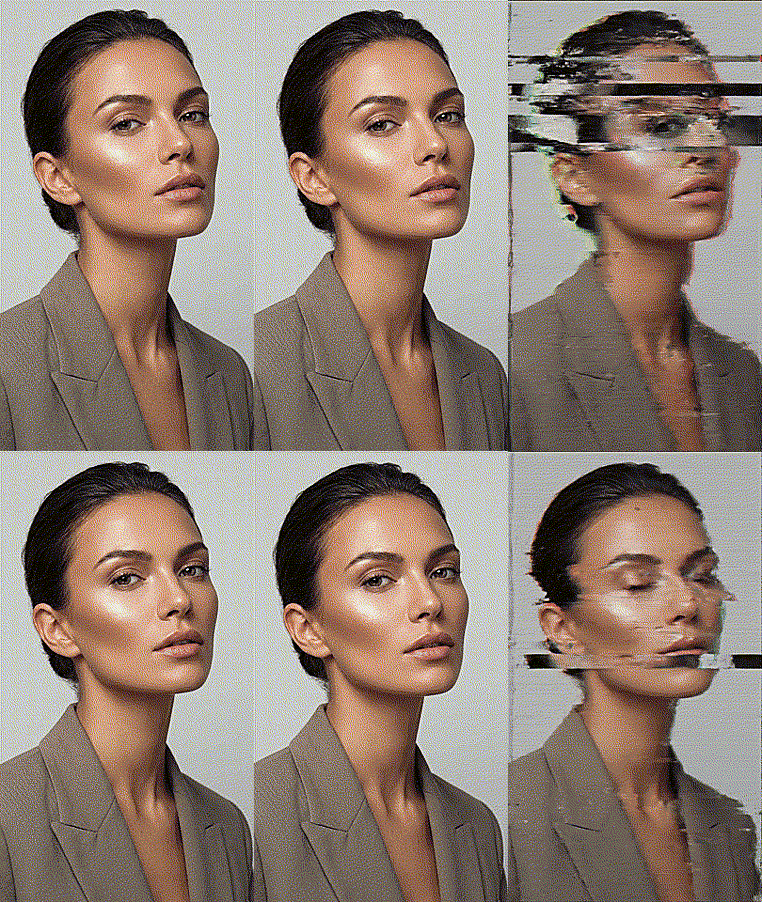
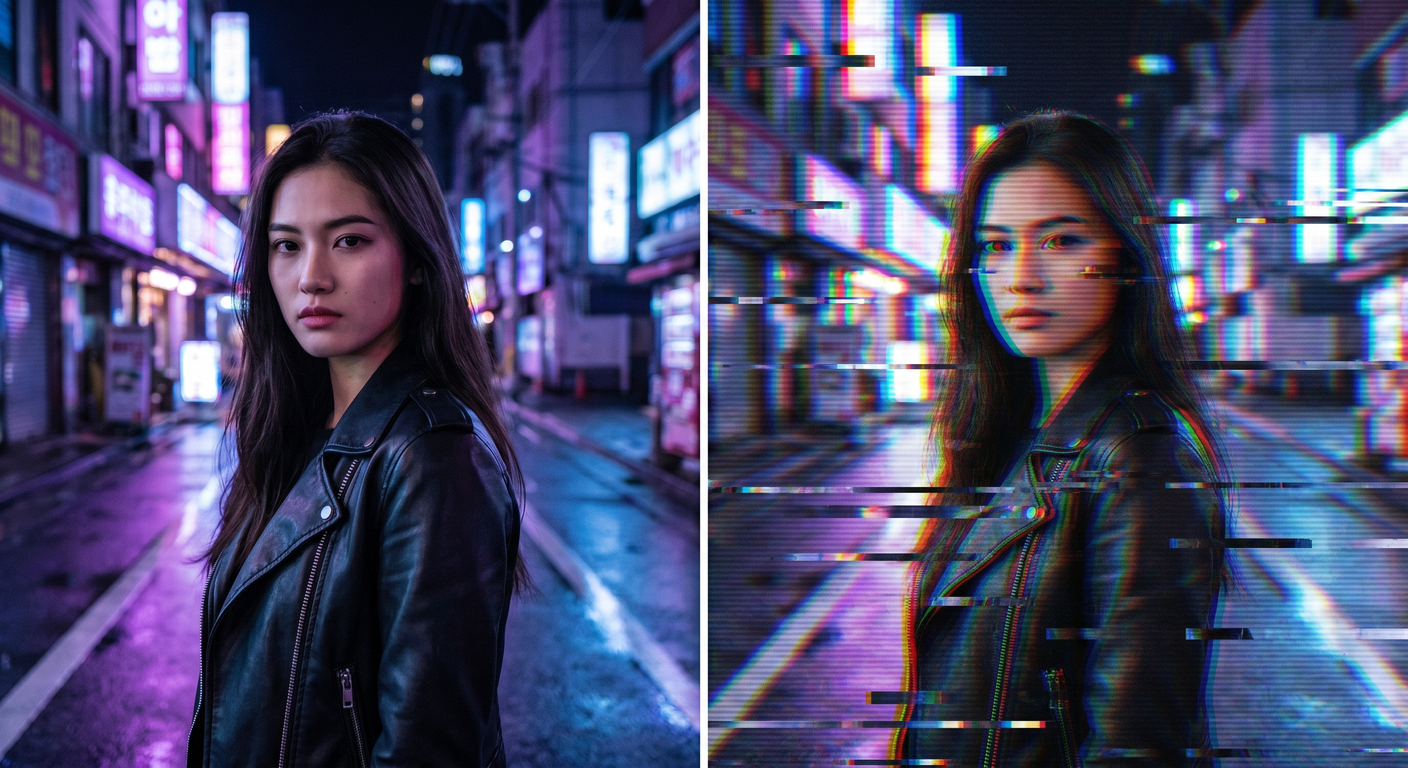
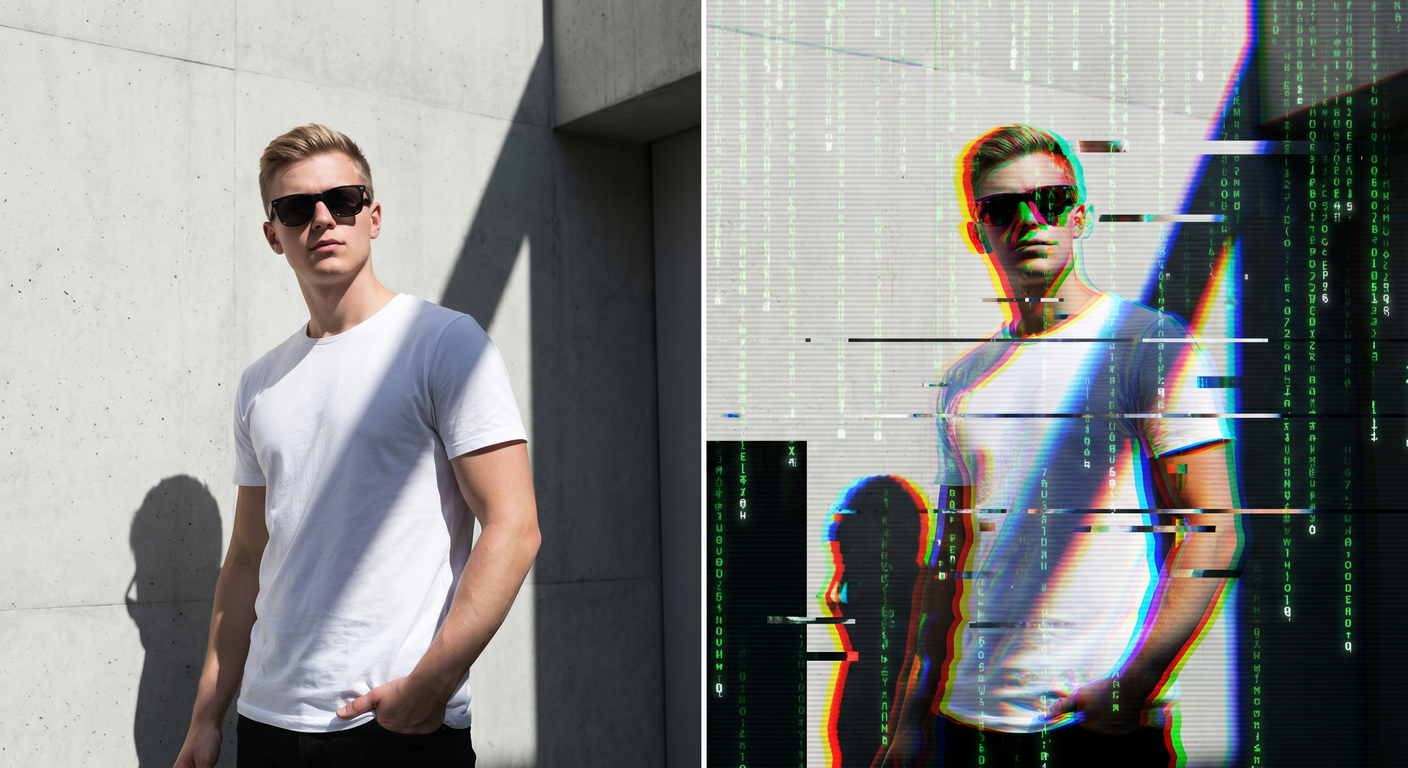
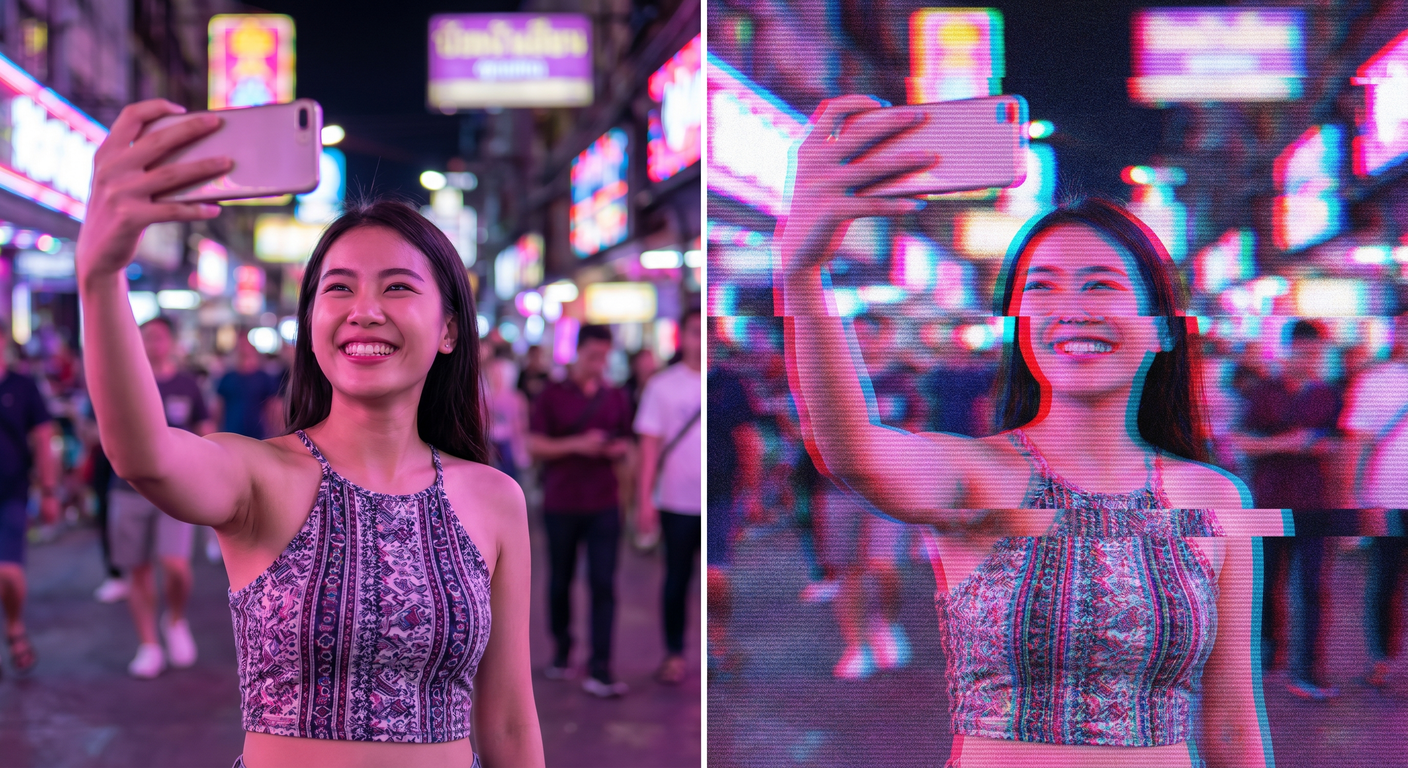
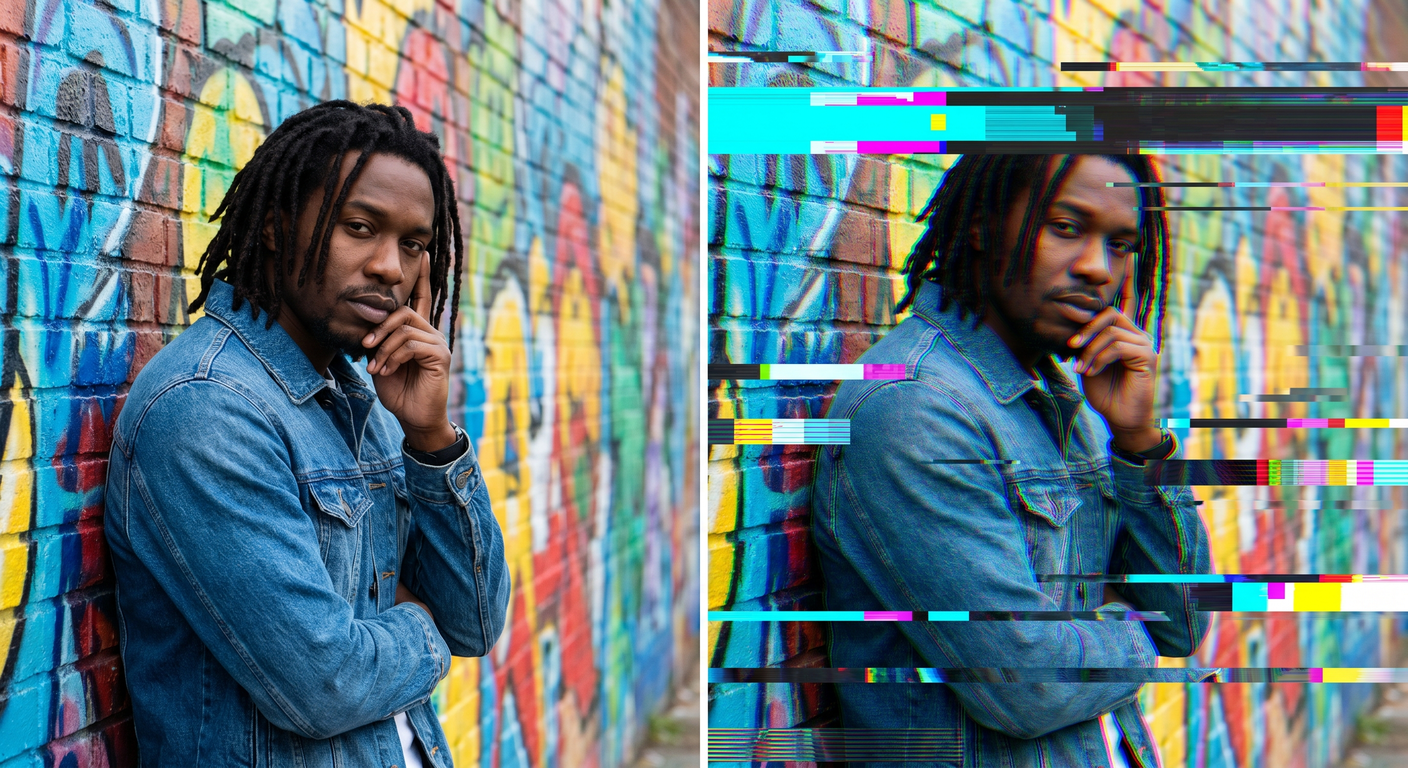
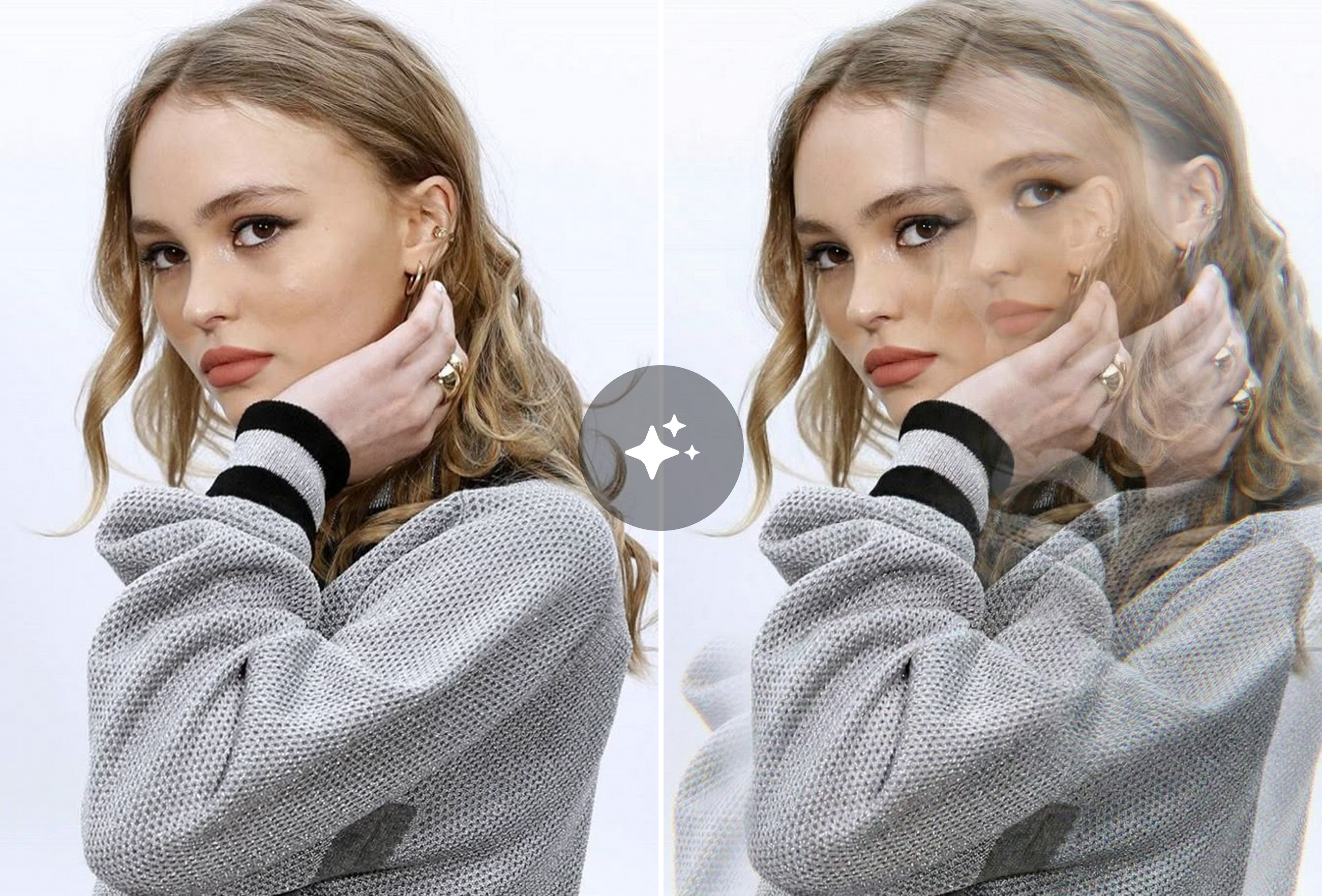
Upload one photo and create mesmerizing glitch art with AI-powered RGB splitting, pixel distortion, and cyberpunk-style effects. Free, instant, no Photoshop skills needed.
Ready in seconds · Energy-based generation · Full resolution download
See What's Possible
Perfect for Every Duo
From romantic couples to childhood best friends, create polished AI portraits for the relationships and moments that matter.
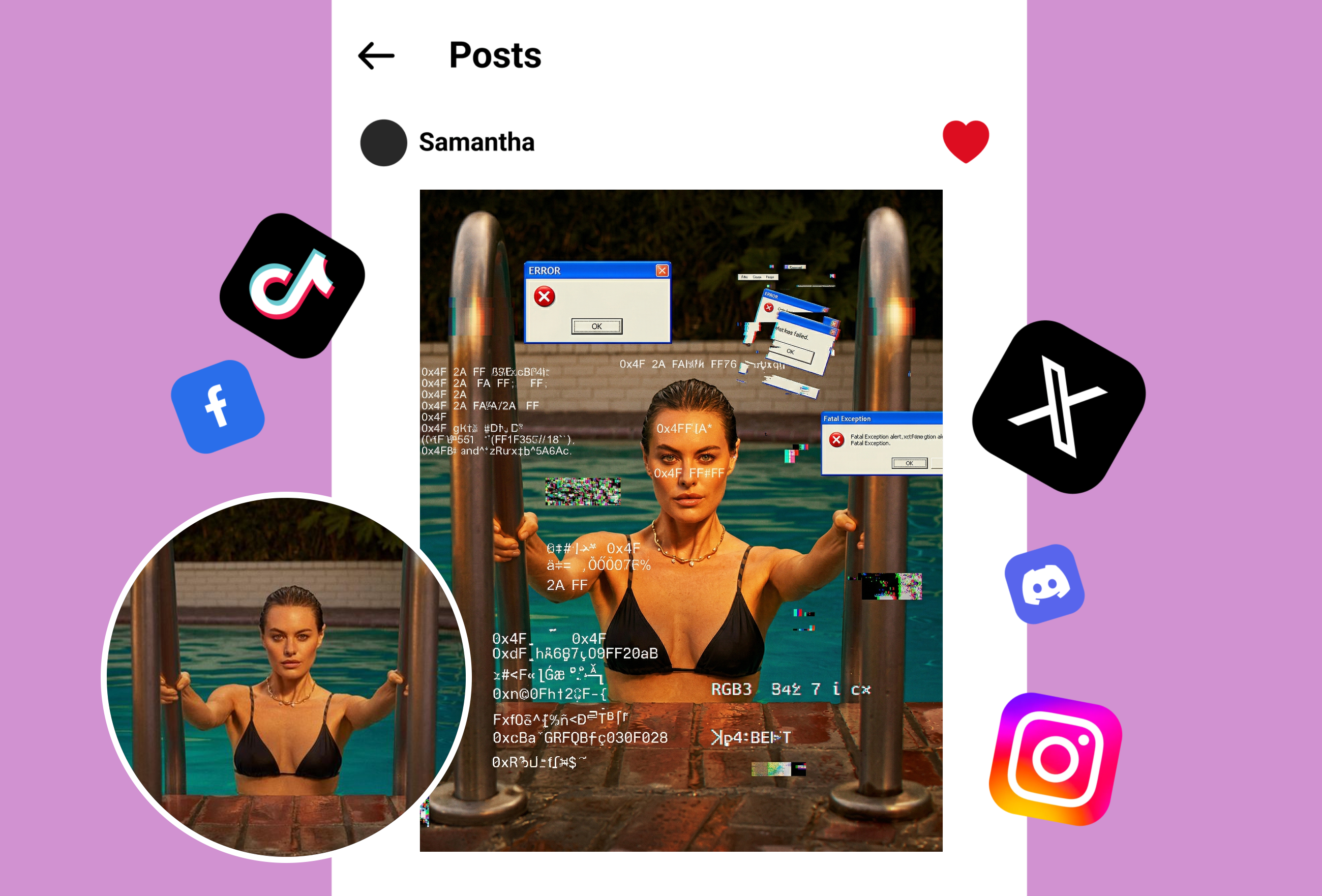
Cyberpunk Social Media Content
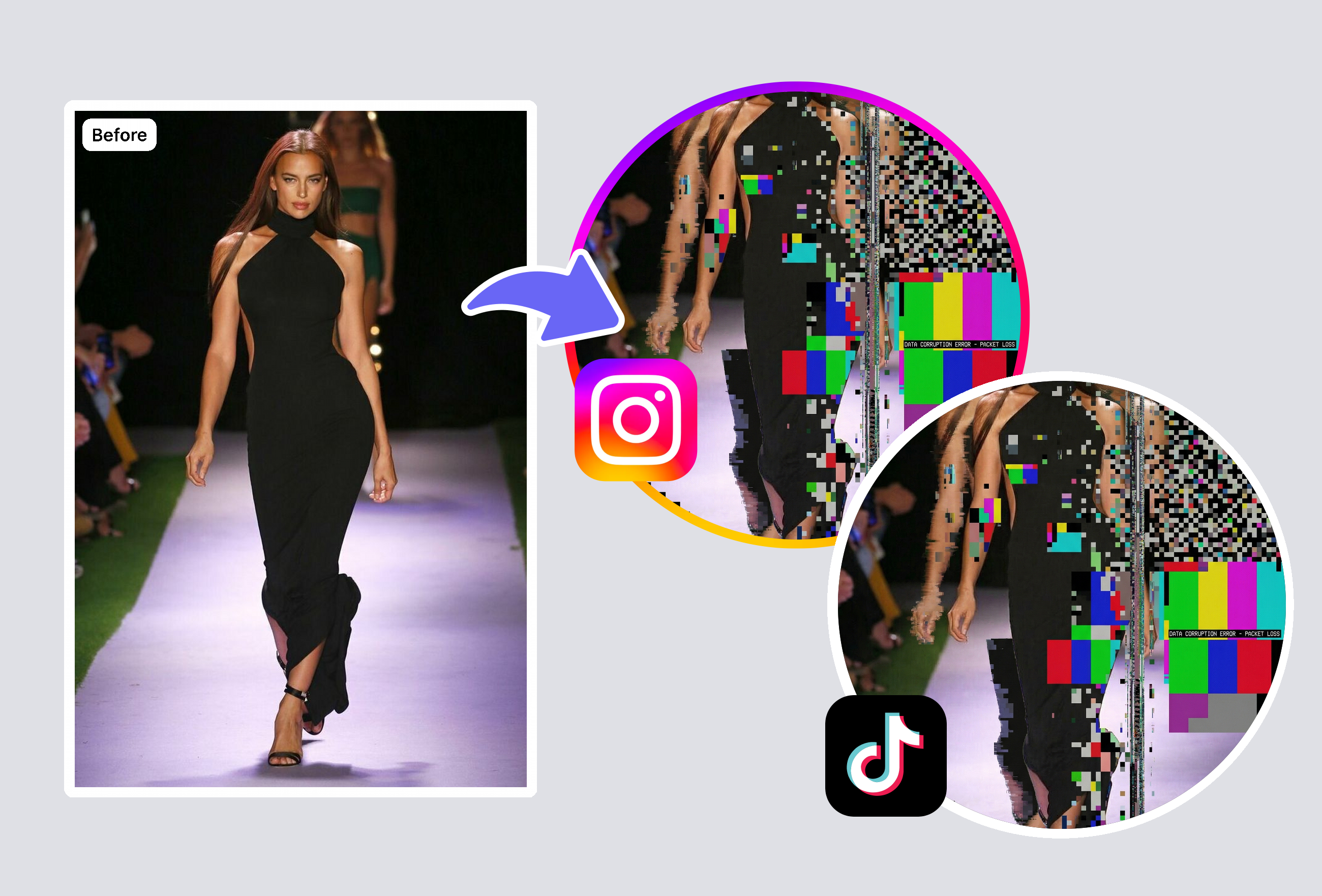
Create eye-catching glitch art for Instagram, TikTok, and Twitter. While Pixlr offers only 4 preset glitch effects and Canva requires a Pro subscription for advanced filters, MyShell's AI generates unique distortion patterns every time — completely free.
Album Covers & Music Visuals
Musicians and designers use glitch effects for album artwork, concert posters, and music video thumbnails. Our AI creates professional-grade RGB splitting and pixel distortion that rivals Envato's paid Photoshop actions — without needing desktop software.
Retro VHS & Vaporwave Aesthetics
Nail the 80s/90s nostalgic vibe with authentic VHS-style glitch distortion. Unlike basic apps like Picsart that apply flat overlays, our AI understands image depth to create realistic scan lines and color channel separation.
Frequently Asked Questions
What is a glitch effect and how does it work?
A glitch effect simulates digital distortion — RGB channel splitting, pixel displacement, scan lines, and color aberration — to create a cyberpunk or retro-futuristic aesthetic. Our AI analyzes your photo's composition to apply realistic distortion patterns, unlike basic tools that just overlay static textures.
How is this different from Pixlr or Canva glitch effects?
Pixlr offers only 4 static glitch presets and a random button. Canva requires a Pro subscription for advanced effects. MyShell uses AI to generate unique distortion patterns based on your specific photo — RGB splitting, scan lines, and pixel displacement adapt to the image content.
Can I control the intensity of the glitch effect?
Our AI automatically calibrates the optimal glitch intensity based on your photo's content and contrast. This produces more balanced results than manual slider tools where users often over-distort their images.
What photo formats work with the glitch effect?
The glitch effect supports JPG, PNG, and WebP formats up to 4K resolution. Processing takes under 5 seconds entirely in your browser — no uploads to external servers, ensuring your photos stay private.
Explore More AI Portraits
Keep creating — try these popular Framely AI tools next.