Transform Portraits with Botanical Art
Add breathtaking flower backgrounds to any portrait with AI that matches lighting, depth, and color temperature. Cherry blossoms, lavender fields, tropical orchids — 20 botanical styles with realistic scene integration.
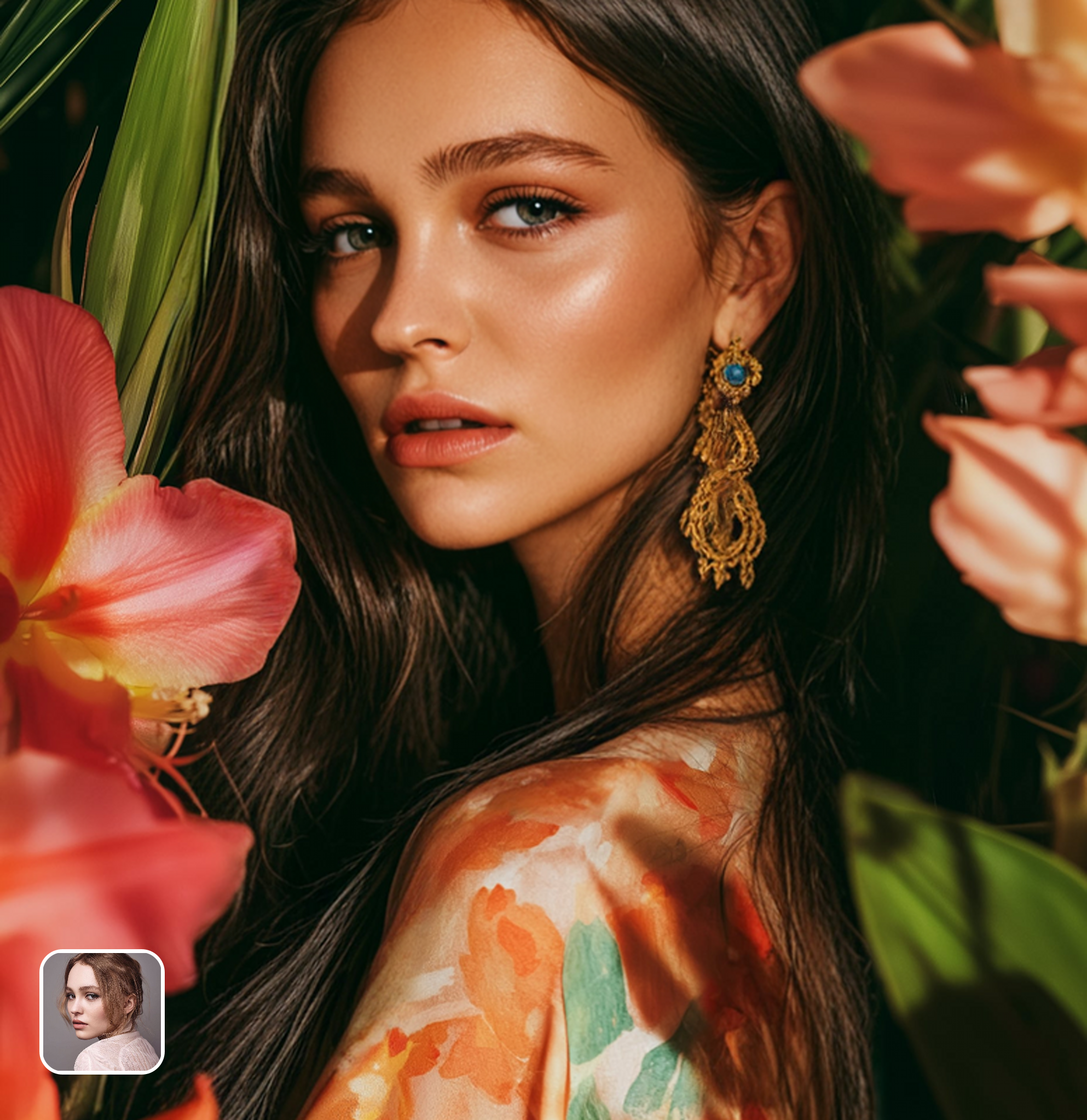
Ready in seconds · Energy-based generation · Full resolution download
See What's Possible
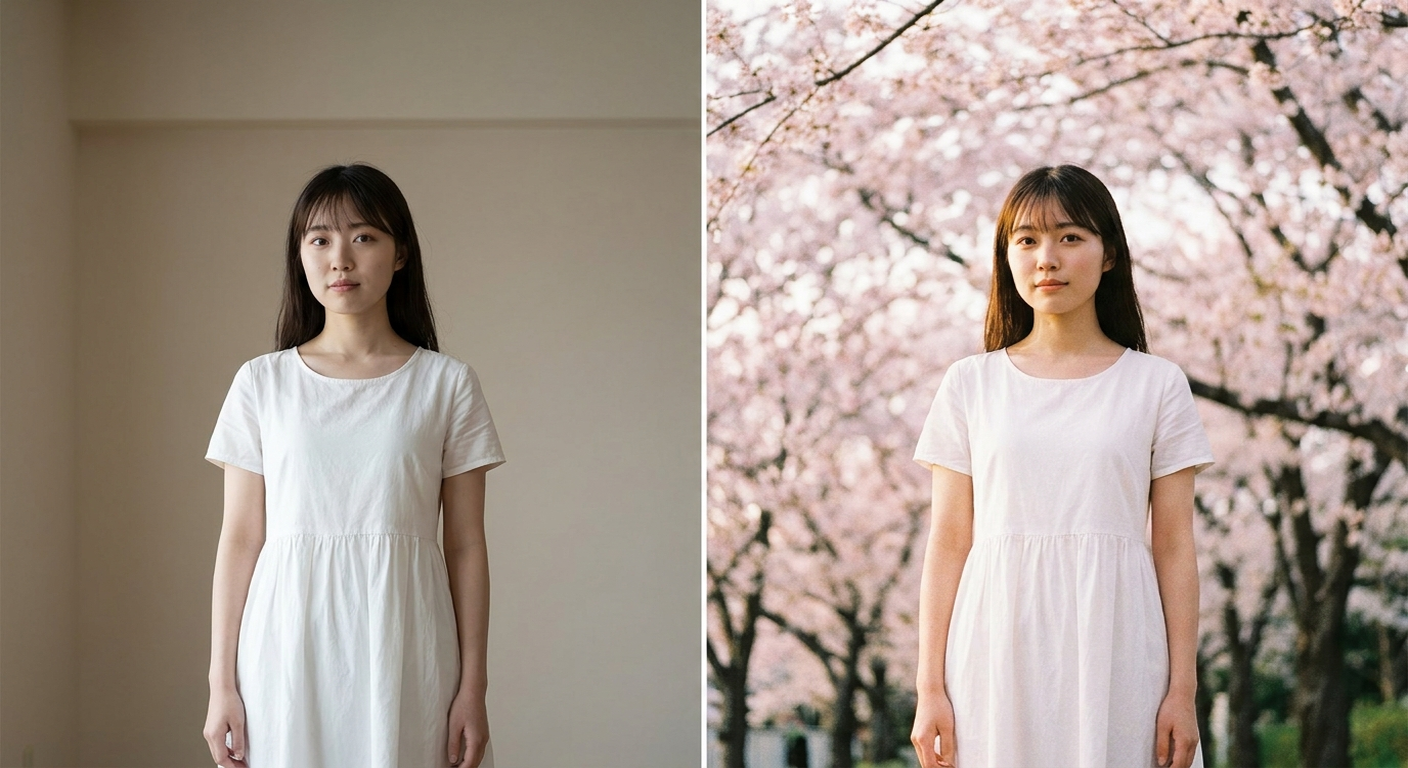
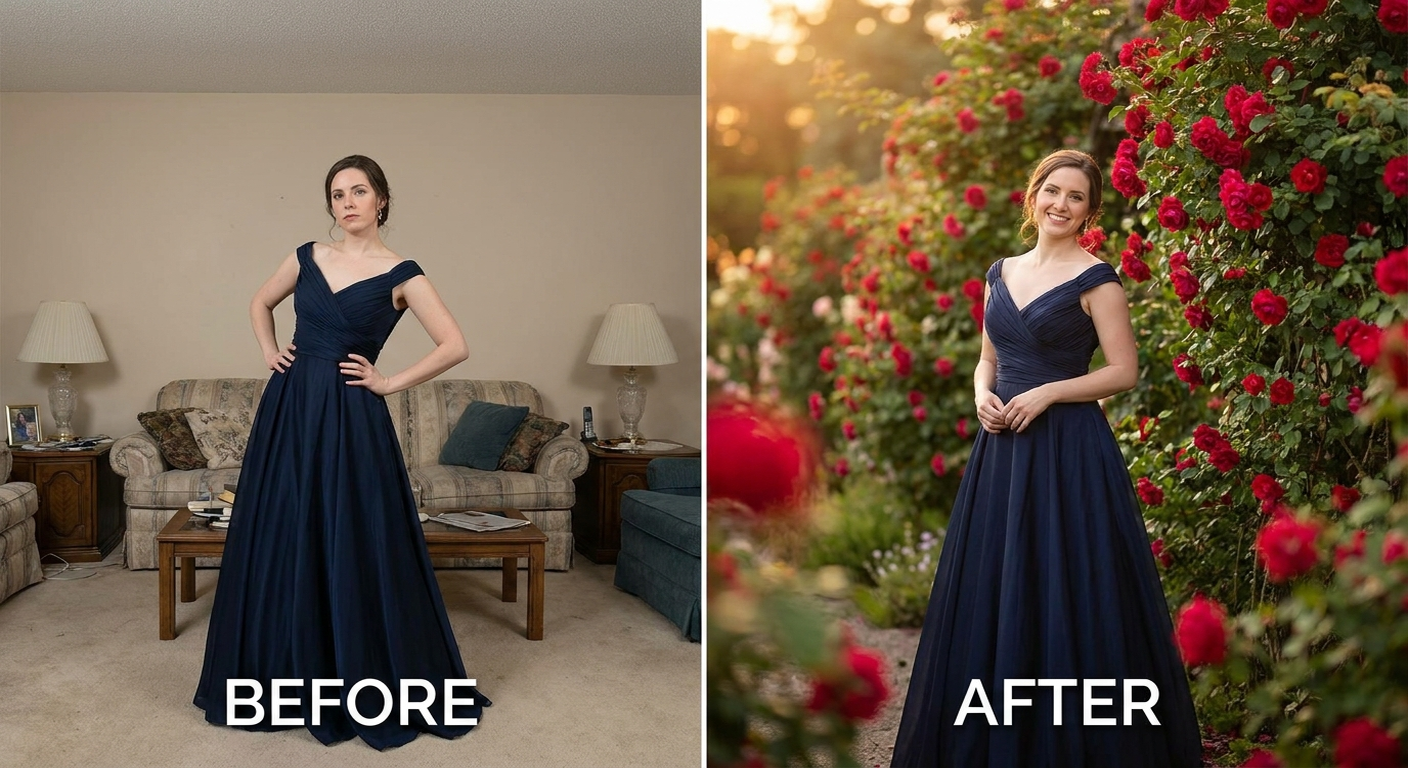
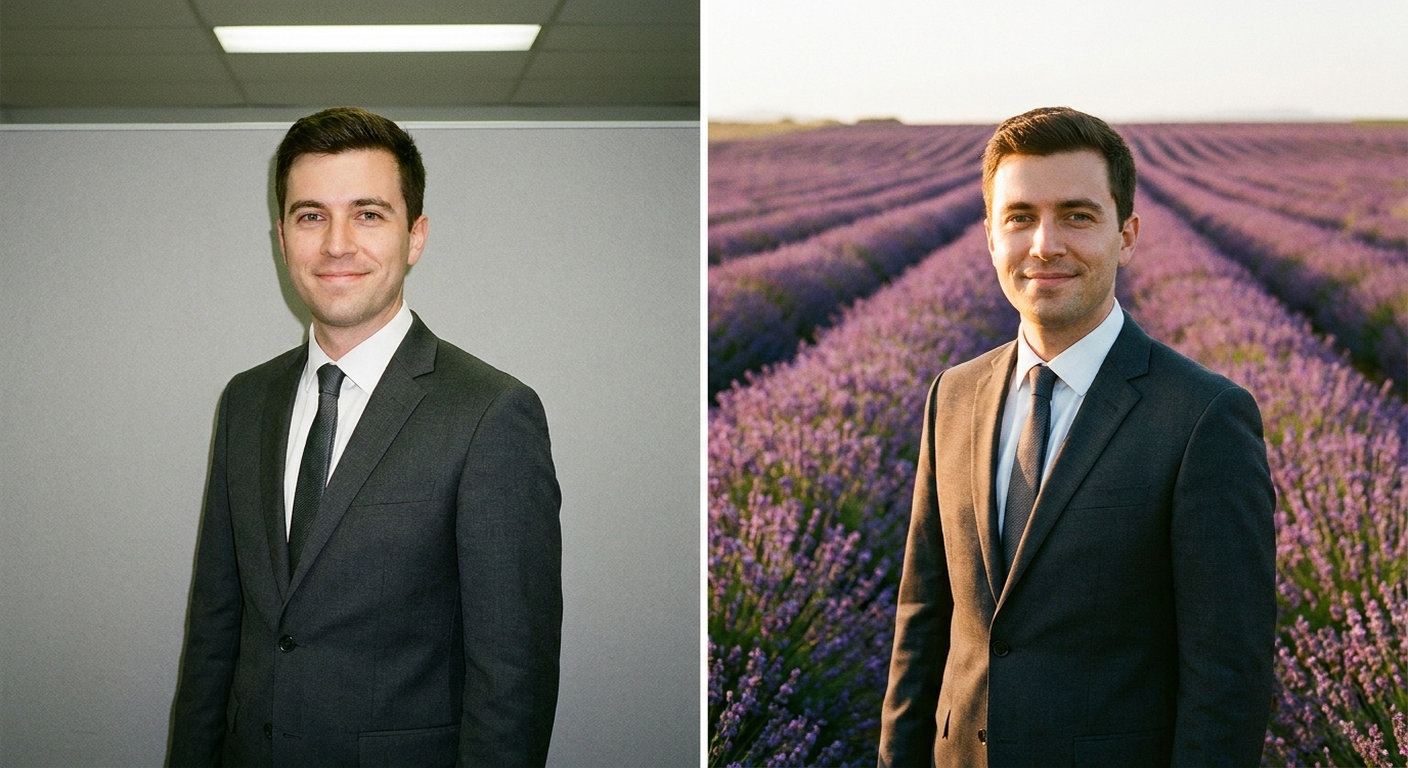
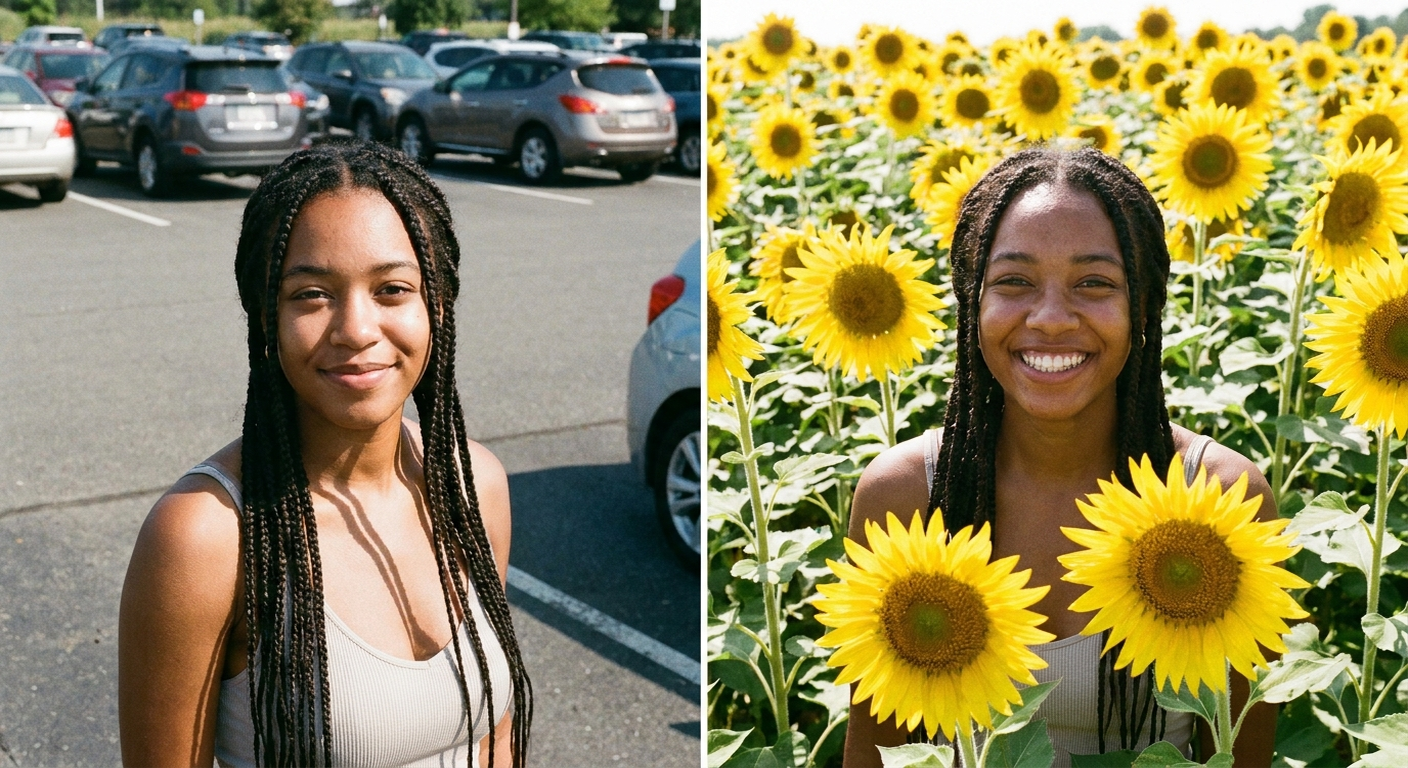
Perfect for Every Duo
From romantic couples to childhood best friends, create polished AI portraits for the relationships and moments that matter.
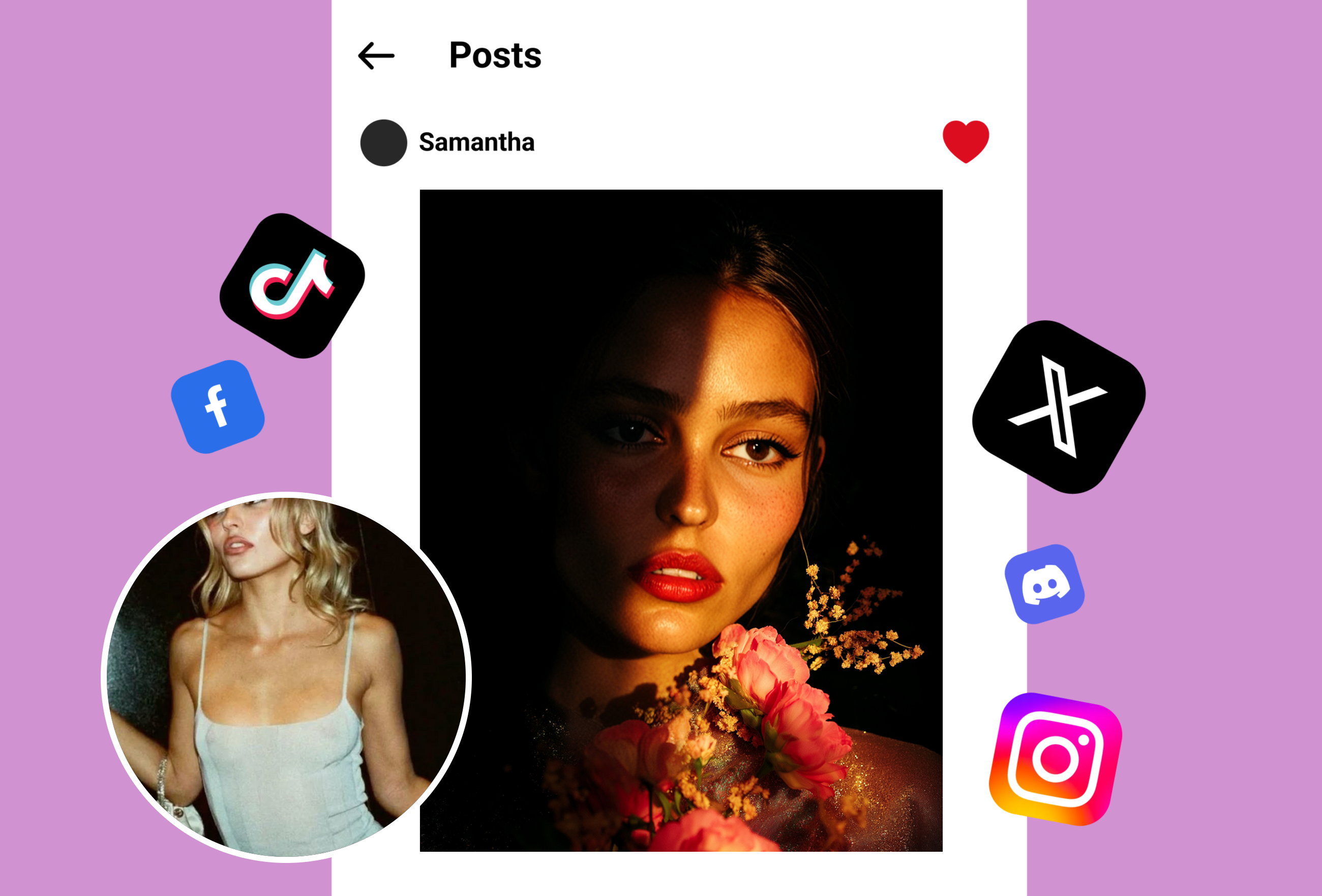
Portrait Photography Premium Upgrades
Senior portrait photographers offer AI flower backgrounds as premium packages adding cherry blossom and rose garden options that generate $75 extra revenue per session without on-location shoots.
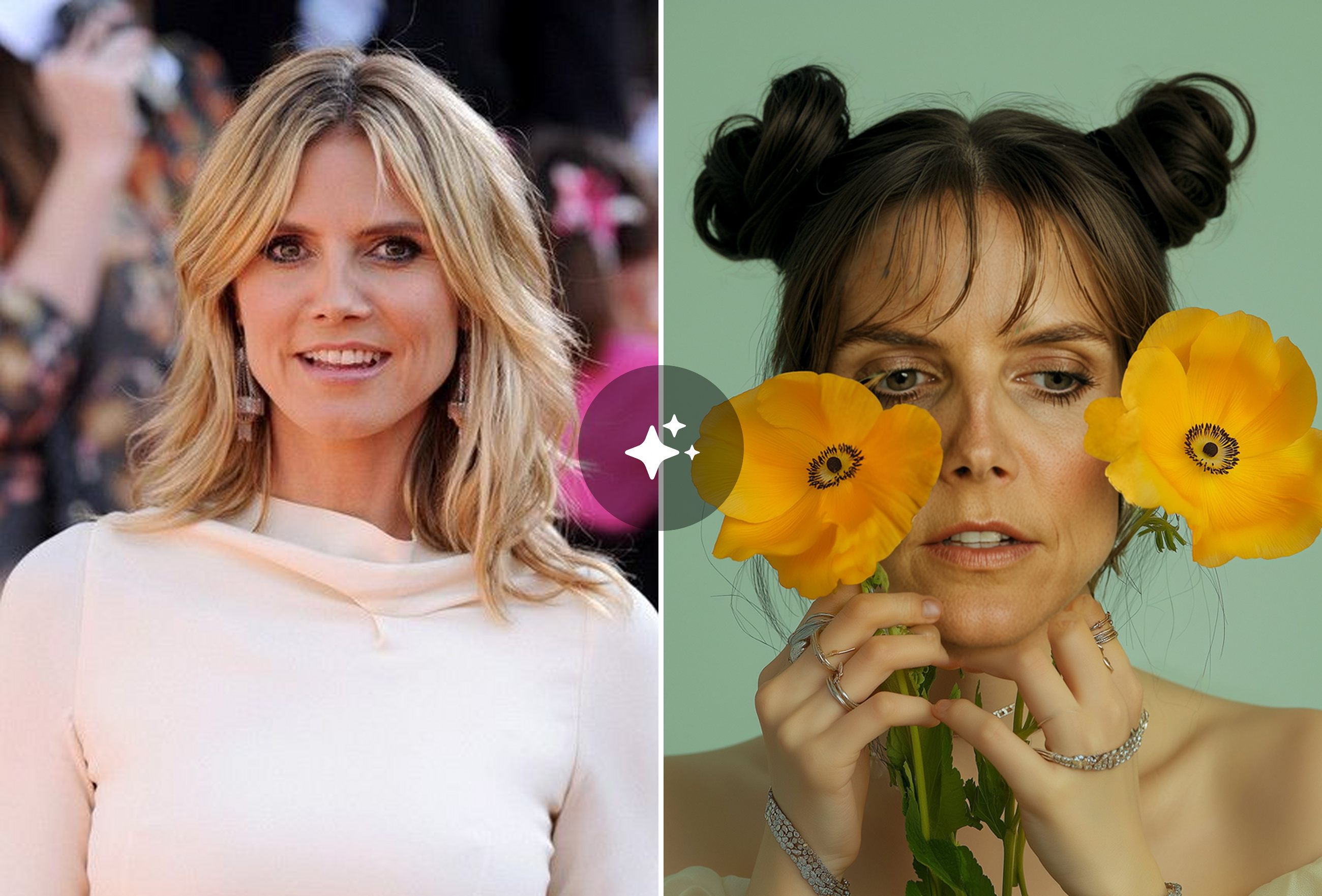
Bridal Portrait Magic Without Travel
Brides create enchanting portraits with cascading wisteria and peony backgrounds from simple indoor photos, achieving destination-shoot looks without travel costs or weather dependency.
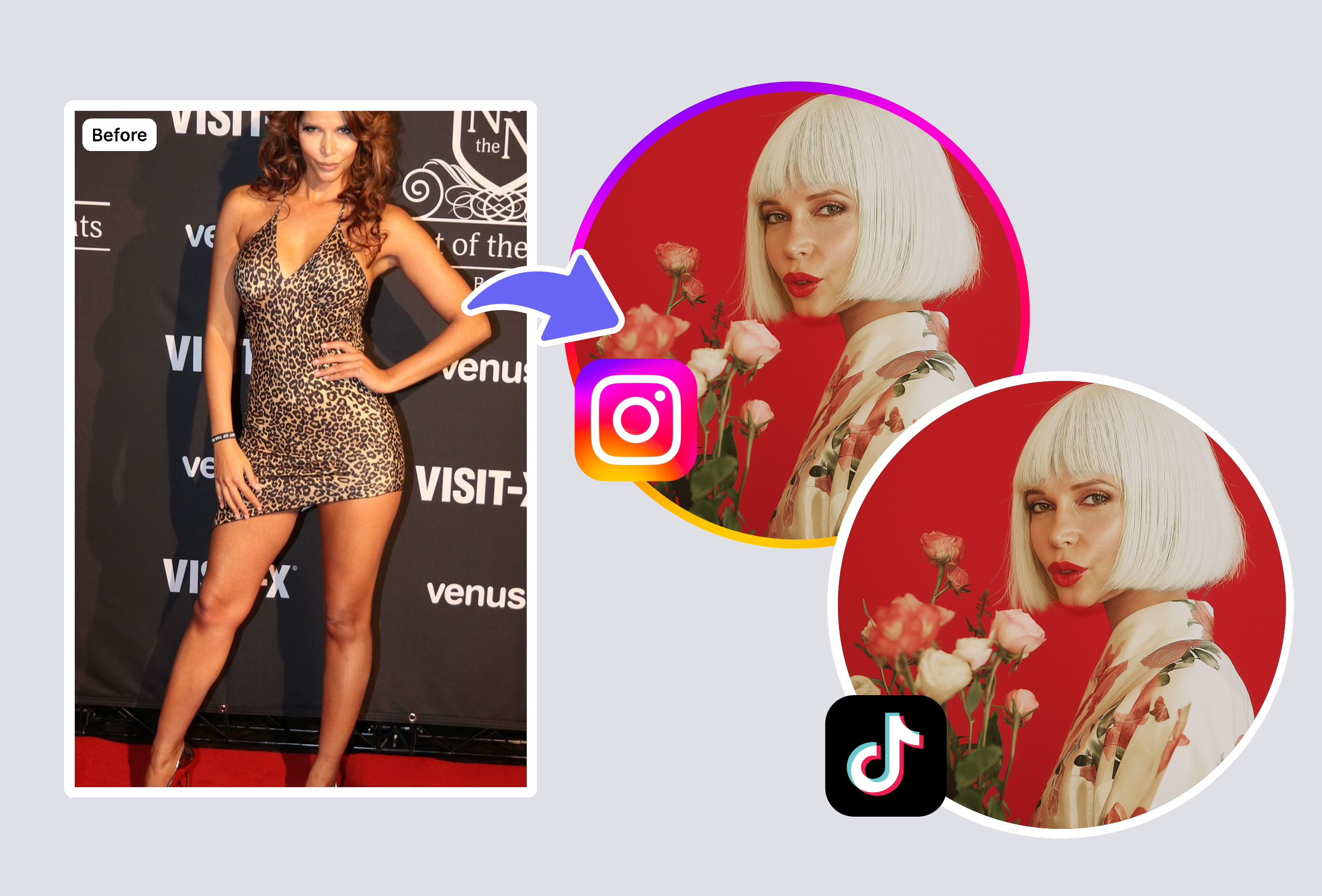
Cohesive Social Media Aesthetic
Influencers produce matching wildflower backgrounds across 30 posts, maintaining visual brand consistency while posting from various indoor locations. Engagement increases 65% with botanical aesthetics.
Frequently Asked Questions
How does AI match lighting with the flower background?
Analyzes direction, intensity, and color temperature using facial shadow mapping. Adjusts flower background highlights and ambient color to match—looks like a single naturally-lit photograph.
What flower options are available?
50+ templates: cherry blossoms, English roses, peonies, sunflowers, lavender, wildflower meadows, wisteria, orchids, tulips, magnolias, and seasonal options. Adjustable density and new templates monthly.
Does it work with group photos?
Yes—handles single subjects, couples, families, and groups up to 10 people. Edge detection processes each person individually. Groups may take 5-10 seconds longer.
What resolution for printing?
Output matches input up to 8192x8192. Smartphone photos produce print-ready 300 DPI results up to 24x36 inches. AI upscales background to match portrait sharpness.
Explore More AI Portraits
Keep creating — try these popular Framely AI tools next.