Framely AI
    ✦ 카테고리 · 7 AI 도구

    예술 필터

    사진을 예술 작품으로 바꿔보세요 — 만화, 스케치, 픽셀 아트, 글리치, 레트로 PS2 등. 셀카를 갤러리급 작품으로 변환하는 창의적인 AI 필터입니다.
    5+Art Styles
    <60sGeneration Time
    FreeNo Signup
    HDOutput Quality
    Glitch Effect
    Glitch Effect
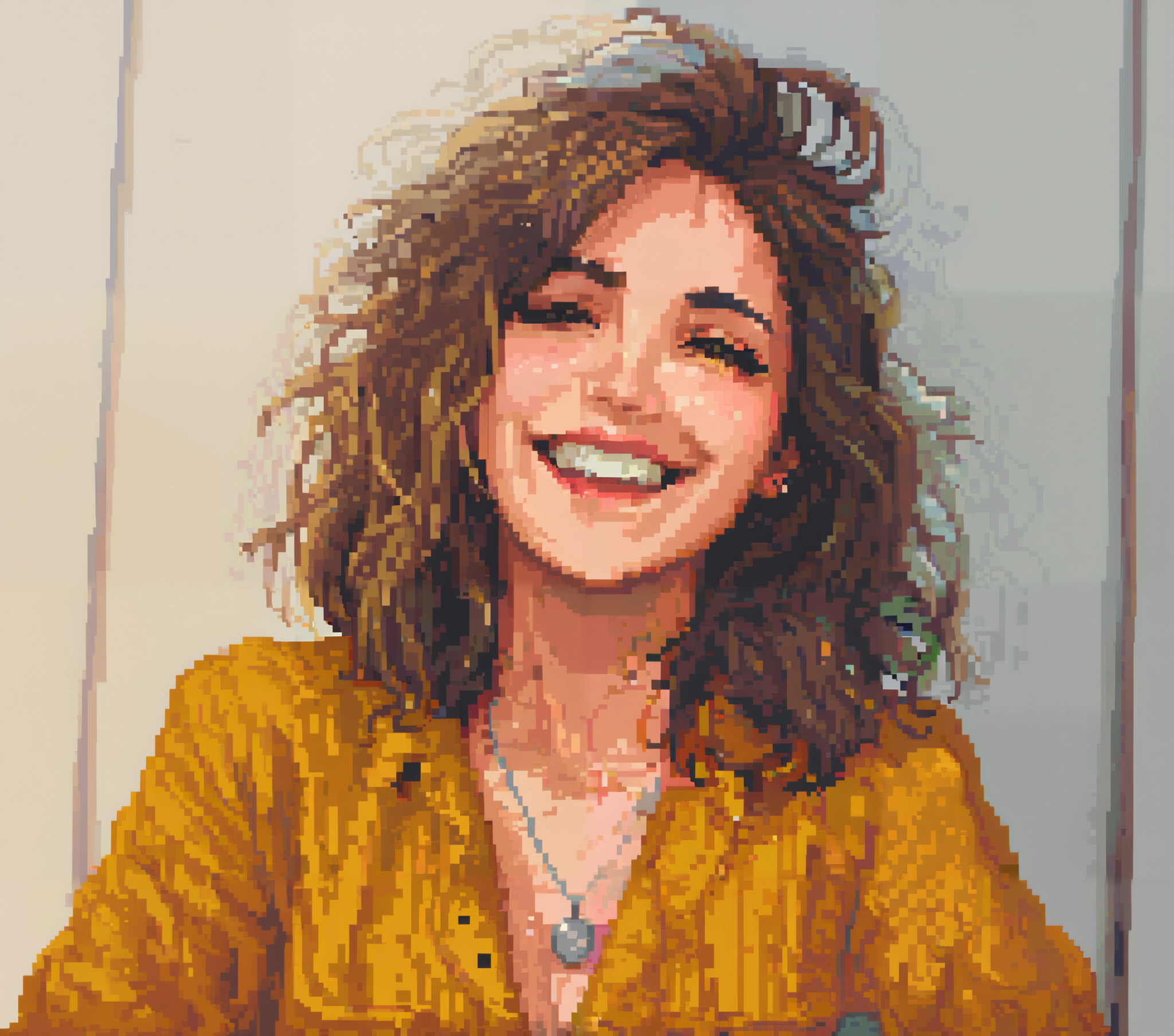
    Pixel Art
    Pixel Art
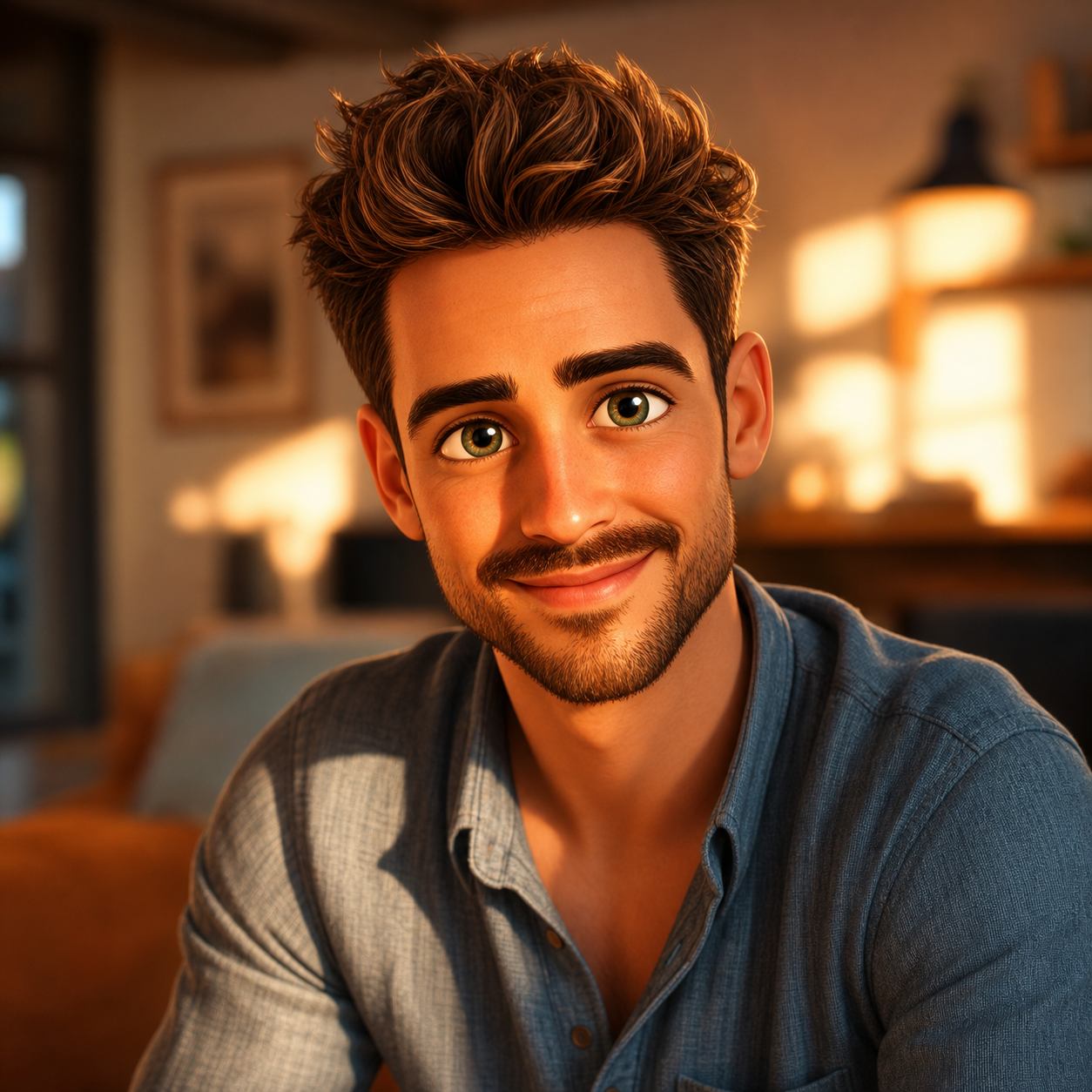
    Cartoon Yourself
    Cartoon Yourself

    모든 도구

    7 AI 도구
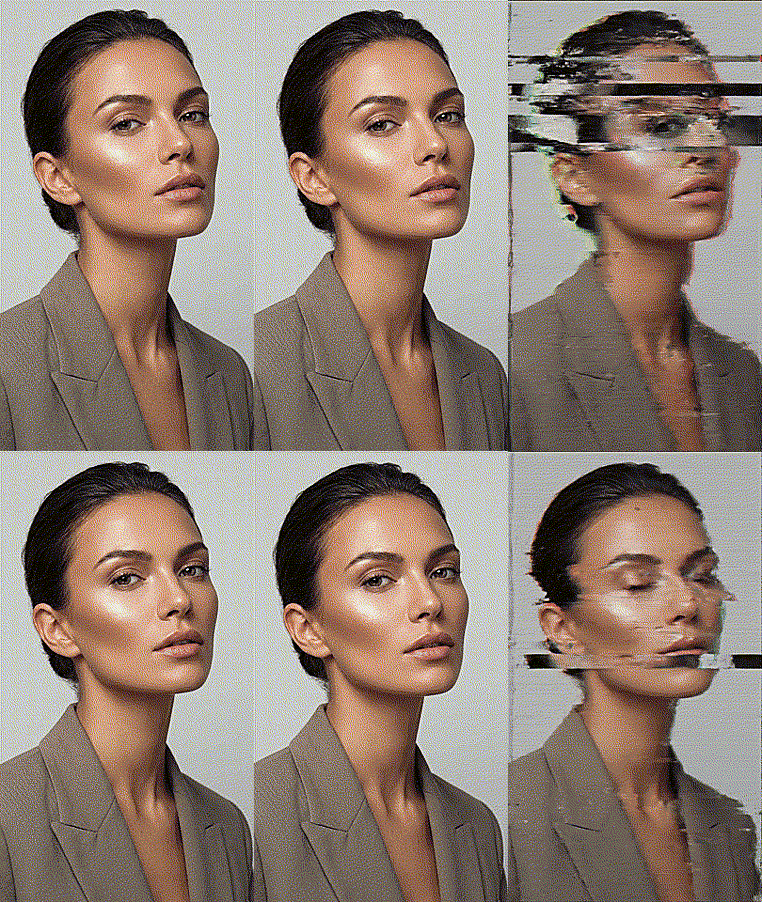
    글리치 스타일 필터

    글리치 스타일 필터

    무료 AI 글리치 효과로 사진에 극적인 디지털 왜곡, RGB 분할, 사이버펑크 미학을 추가하세요. 60초 이내에 즉시 글리치 아트 생성.
    4.7 · 472K무료로 사용해 보기

    세피아 필터

    무료 AI 세피아 필터는 모든 사진에 따뜻한 빈티지 톤을 추가합니다. 60초 이내의 클래식한 에이징 포토그래피 룩 — 시대를 초월한 우아함.
    5.0 · 323K무료로 사용해 보기

    AI 픽셀 아트 생성기

    무료 AI 픽셀 아트 생성기가 사진을 레트로 8비트 및 16비트 픽셀 아트로 변환합니다. 60초 이내에 게임 스타일 초상화를 생성하세요.
    4.8 · 488K무료로 사용해 보기

    자신을 만화화

    셀카를 업로드하여 픽사 스타일 3D 캐릭터로 변환하세요. 큰 눈과 영화 같은 품질로 15~30초 만에 1080p 해상도로 생성됩니다.
    5.0 · 855K무료로 사용해 보기
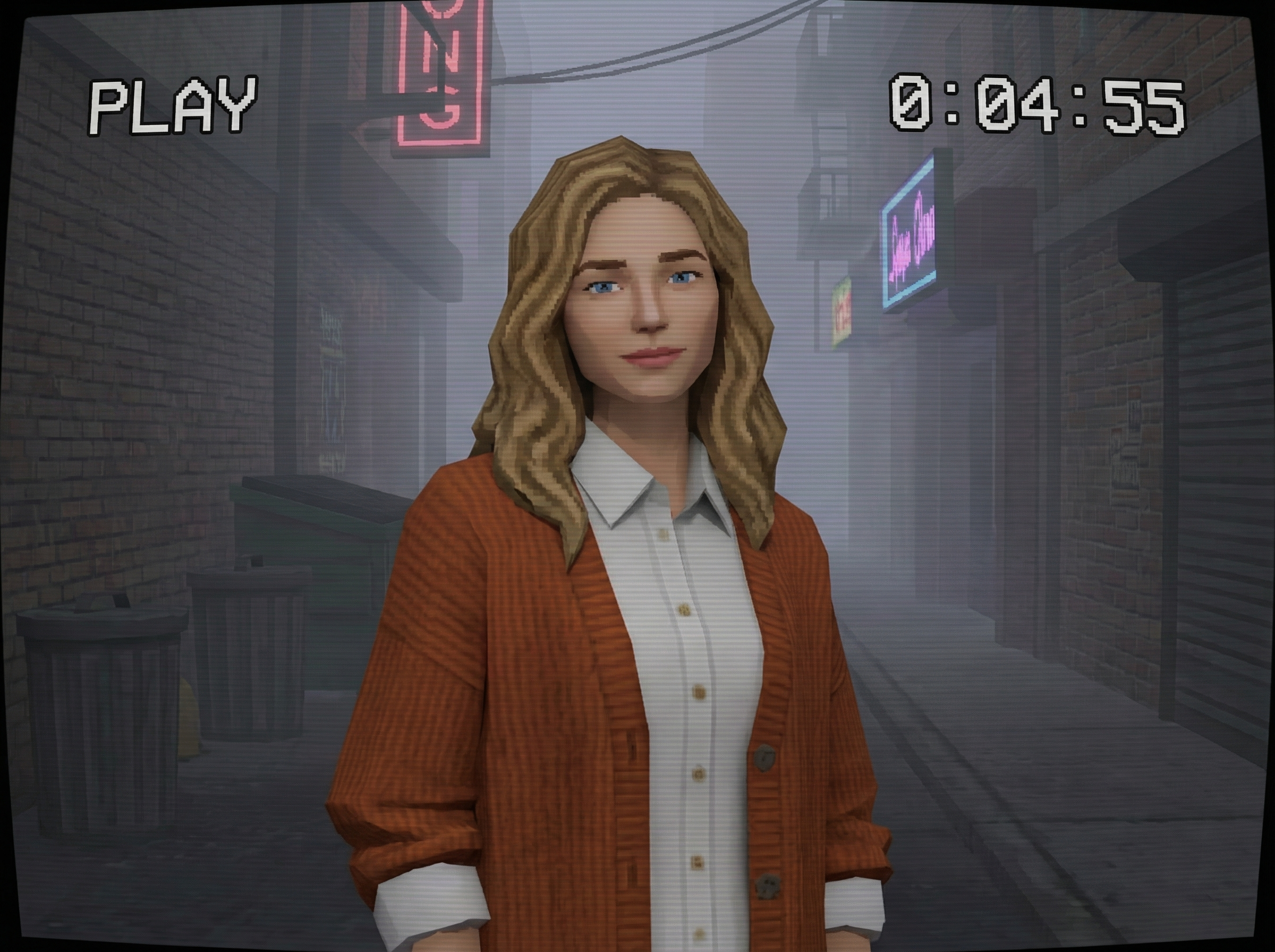
    PS2 필터

    PS2 필터

    무료 AI PS2 필터가 사진을 2000년대 초 PlayStation 2 게임 그래픽으로 변환합니다. 로우 폴리 레트로 미학을 60초 이내에.
    5.0 · 830K무료로 사용해 보기

    AI 스케치 생성기

    무료 AI 스케치 생성기가 사진을 연필 스케치와 목탄 그림으로 변환합니다. 60초 이내에 손그림 아트 스타일 제공.
    5.0 · 363K무료로 사용해 보기
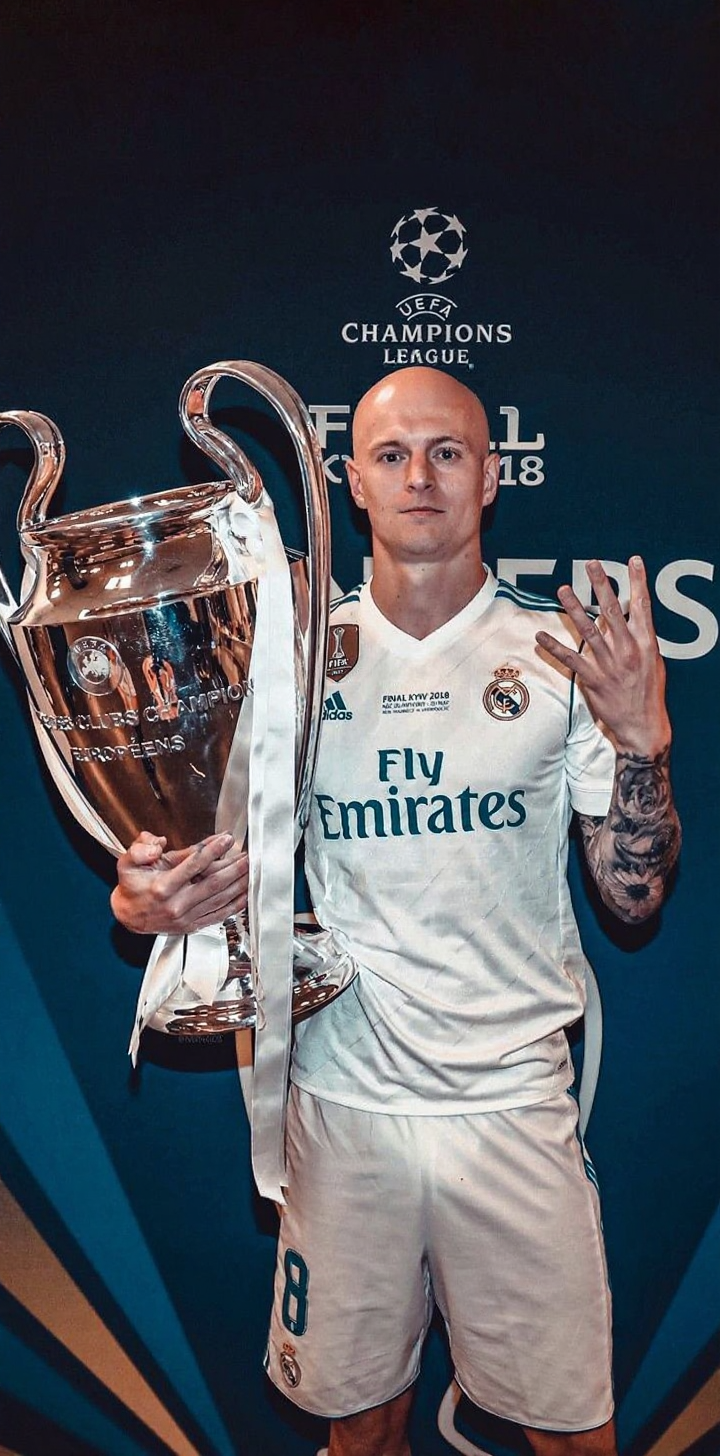
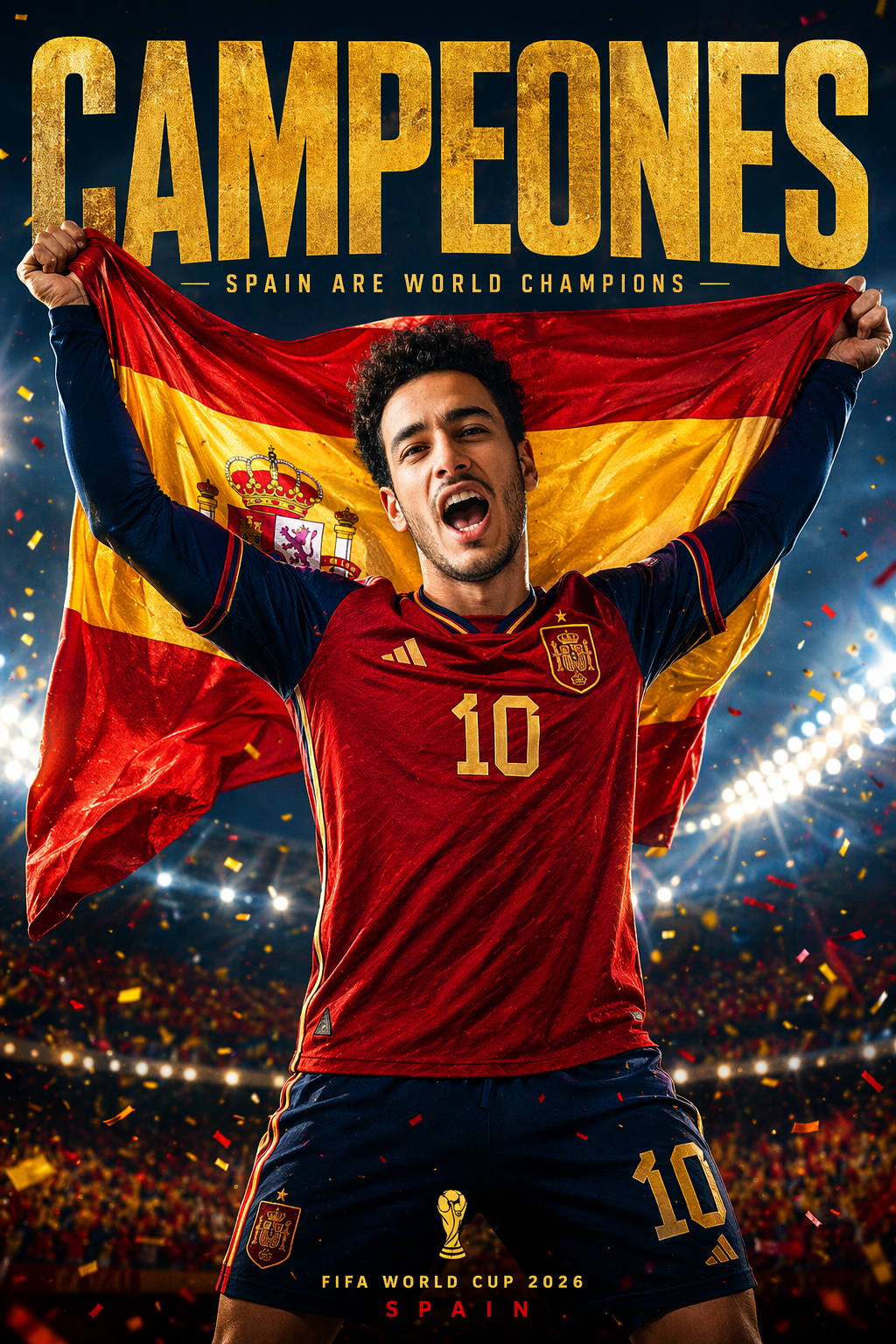
    World Cup Poster Generator

    World Cup Poster Generator

    Design your own world cup poster with AI — championship celebration posters featuring your photo in pro athlete style. 3 free uses, no sign-up needed. Generate and download HD posters in seconds.
    4.6 · 973K무료로 사용해 보기

    AI Art Filters & Creative Style Generators

    Turn Any Photo into Art

    AI art filters apply complex artistic techniques that would take hours by hand — cartoon rendering, pencil sketching, pixel art conversion, digital glitch effects, and more. No drawing skills needed. Just upload a photo and pick your style.

    Style Guide

    FilterStyleBest For
    Cartoon YourselfAnimated character lookSocial avatars, fun profiles
    Sketch GeneratorPencil/charcoal drawingArtistic portraits, gifts
    Pixel ArtRetro 8-bit/16-bitGaming profiles, nostalgia
    Glitch EffectDigital distortionCyberpunk aesthetic, edgy content
    PS2 FilterEarly-2000s 3D game lookRetro gaming, memes
    Sepia FilterWarm vintage toneTimeless, classic feel

    Popular Combinations

    • Social media refresh — Cartoon Yourself for a fun profile pic that stands out
    • Gift idea — Sketch Generator turns a couple's photo into a hand-drawn-style portrait
    • Retro content — PS2 Filter + Pixel Art for nostalgic gaming aesthetics
    • Edgy branding — Glitch Effect for music artists, tech startups, cyberpunk themes

    How to Get the Best Art Results

    1. Start with a clear photo — Good input = better artistic output
    2. Try different styles — Same photo can look amazing in multiple art styles
    3. Use high-contrast subjects — Sketch and pixel art work best with distinct features
    4. Experiment with angles — Profile shots create dramatic sketches, front-facing works best for cartoons

    FAQ

    Q: Which style is most popular?

    A: Cartoon Yourself is #1 for social media. Pixel Art Generator is trending for retro gaming communities.

    Q: Can I use these for commercial projects?

    A: Generated images are yours to use. Check our terms for specific commercial use details.

    Q: Do art filters work on group photos?

    A: Best results come from single-subject photos. For groups, try cropping individuals first.

    Q: What resolution do I get?

    A: All outputs are HD quality, suitable for printing or high-resolution displays.