AI Art Filters & Creative Style Generators
Turn Any Photo into Art
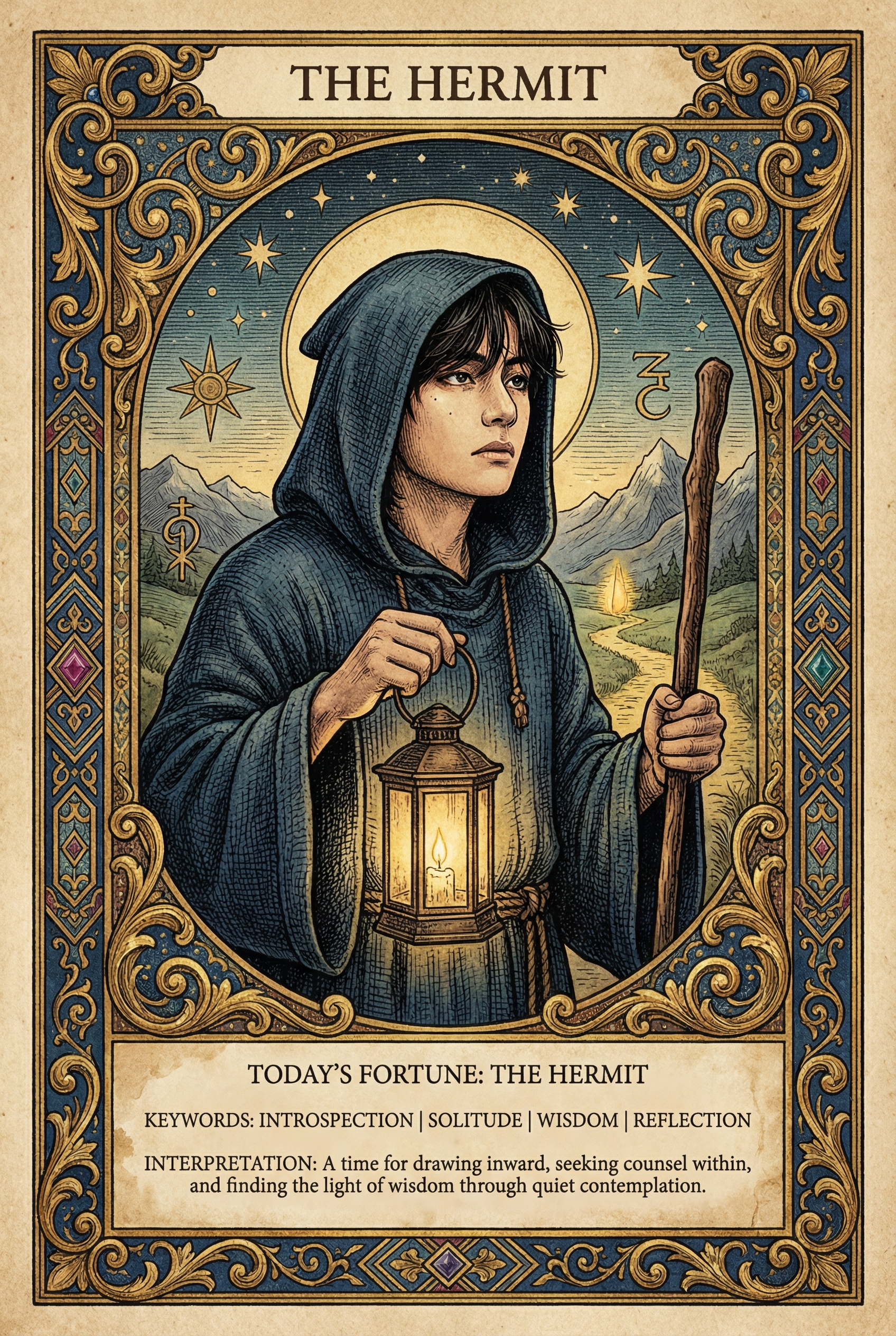
AI art filters apply complex artistic techniques that would take hours by hand — cartoon rendering, pencil sketching, pixel art conversion, digital glitch effects, and more. No drawing skills needed. Just upload a photo and pick your style.
Style Guide
| Filter | Style | Best For |
|---|---|---|
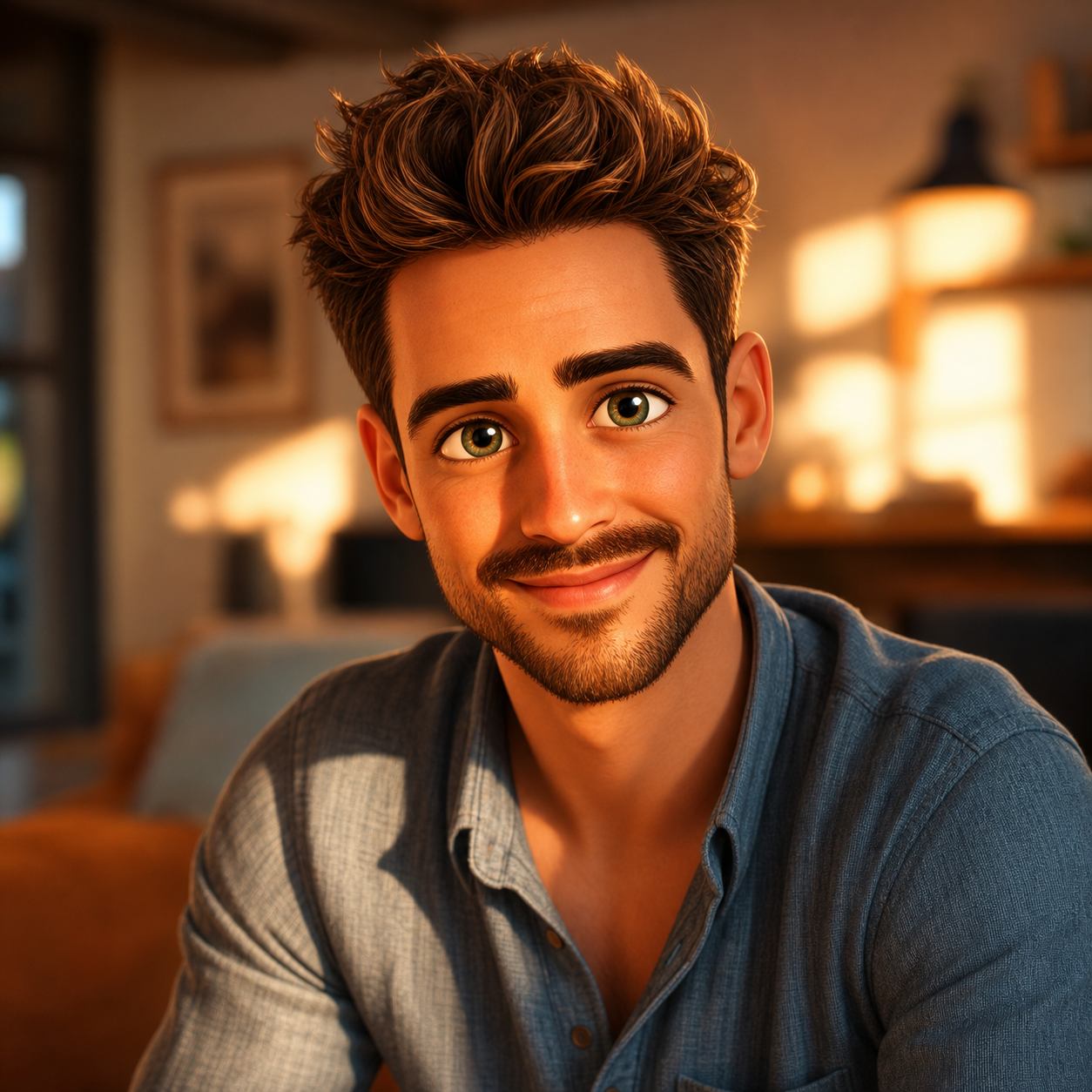
| Cartoon Yourself | Animated character look | Social avatars, fun profiles |
| Sketch Generator | Pencil/charcoal drawing | Artistic portraits, gifts |
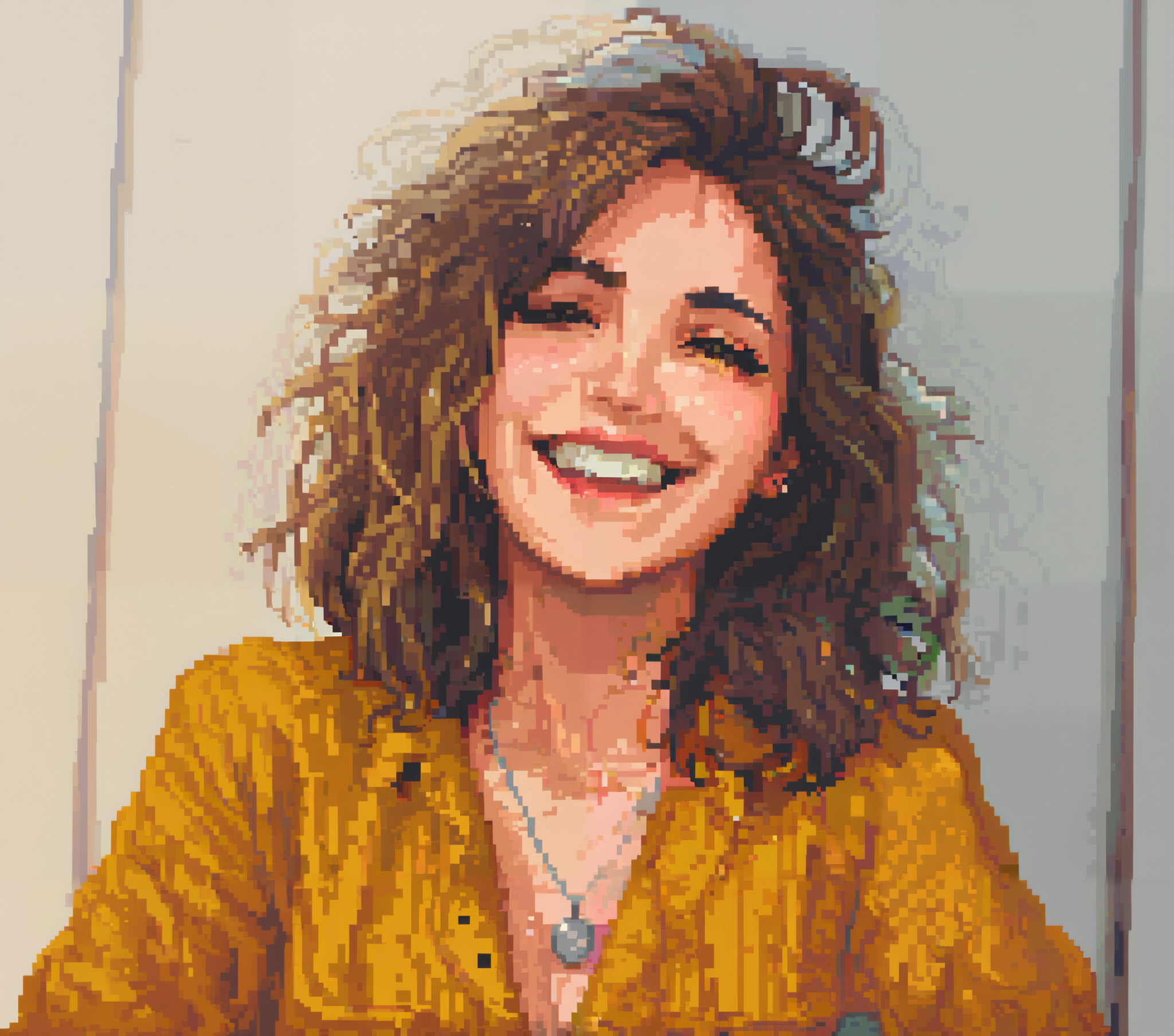
| Pixel Art | Retro 8-bit/16-bit | Gaming profiles, nostalgia |
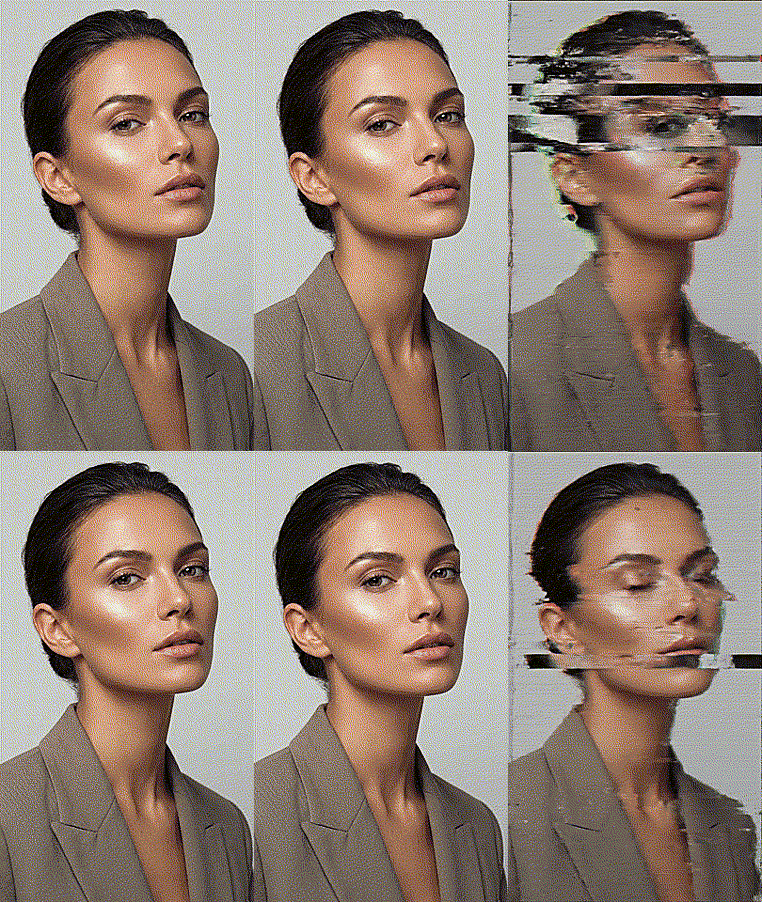
| Glitch Effect | td>Digital distortionCyberpunk aesthetic, edgy content | |
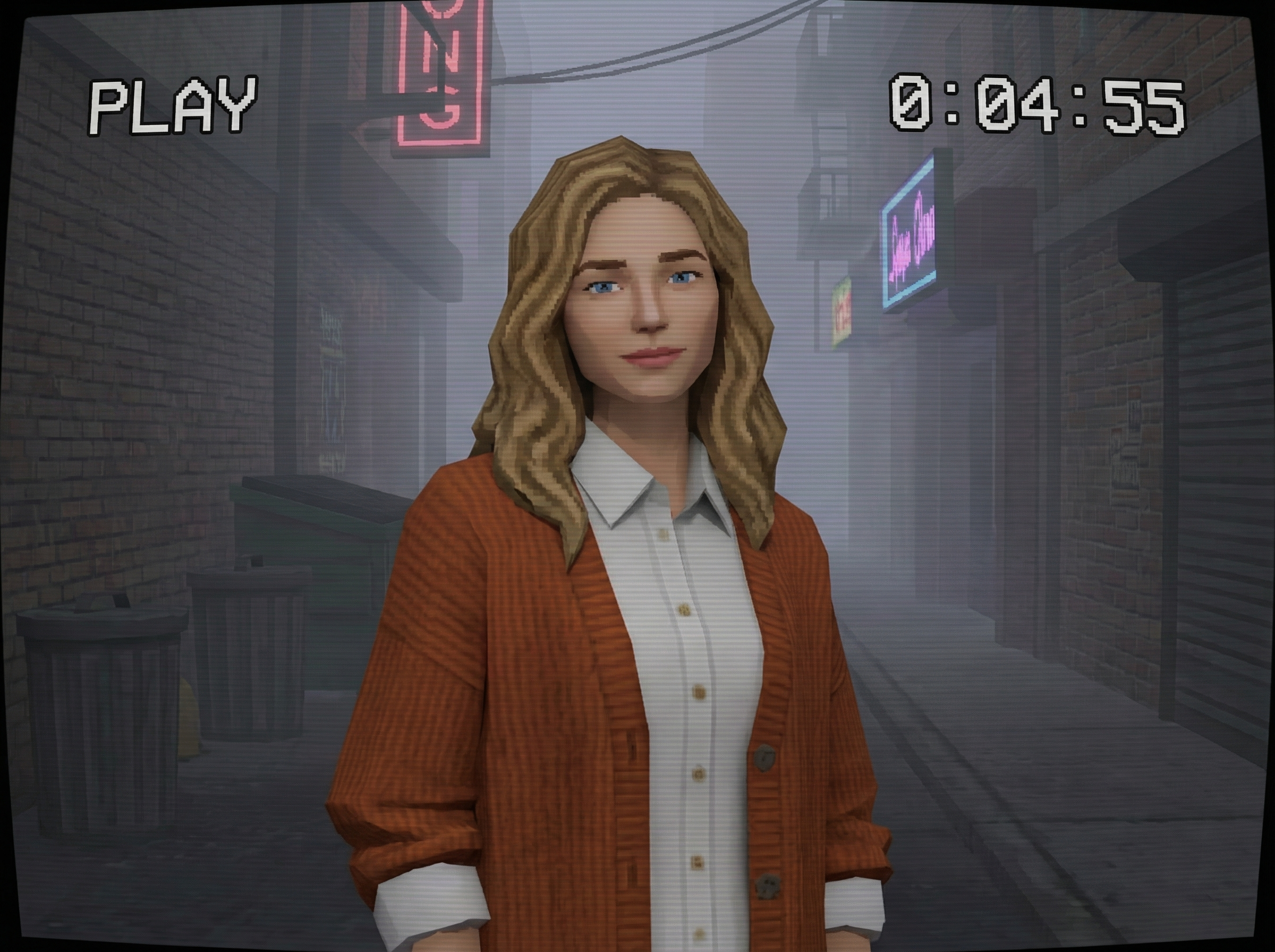
| PS2 Filter | Early-2000s 3D game look | td>Retro gaming, memes|
| Sepia Filter | Warm vintage tone | Timeless, classic feel |
Popular Combinations
- Social media refresh — Cartoon Yourself for a fun profile pic that stands out
- Gift idea — Sketch Generator turns a couple's photo into a hand-drawn-style portrait
- Retro content — PS2 Filter + Pixel Art for nostalgic gaming aesthetics
- Edgy branding — Glitch Effect for music artists, tech startups, cyberpunk themes
How to Get the Best Art Results
- Start with a clear photo — Good input = better artistic output
- Try different styles — Same photo can look amazing in multiple art styles
- Use high-contrast subjects — Sketch and pixel art work best with distinct features
- Experiment with angles — Profile shots create dramatic sketches, front-facing works best for cartoons
FAQ
Q: Which style is most popular?
A: Cartoon Yourself is #1 for social media. Pixel Art Generator is trending for retro gaming communities.
Q: Can I use these for commercial projects?
A: Generated images are yours to use. Check our terms for specific commercial use details.
Q: Do art filters work on group photos?
A: Best results come from single-subject photos. For groups, try cropping individuals first.
Q: What resolution do I get?
A: All outputs are HD quality, suitable for printing or high-resolution displays.