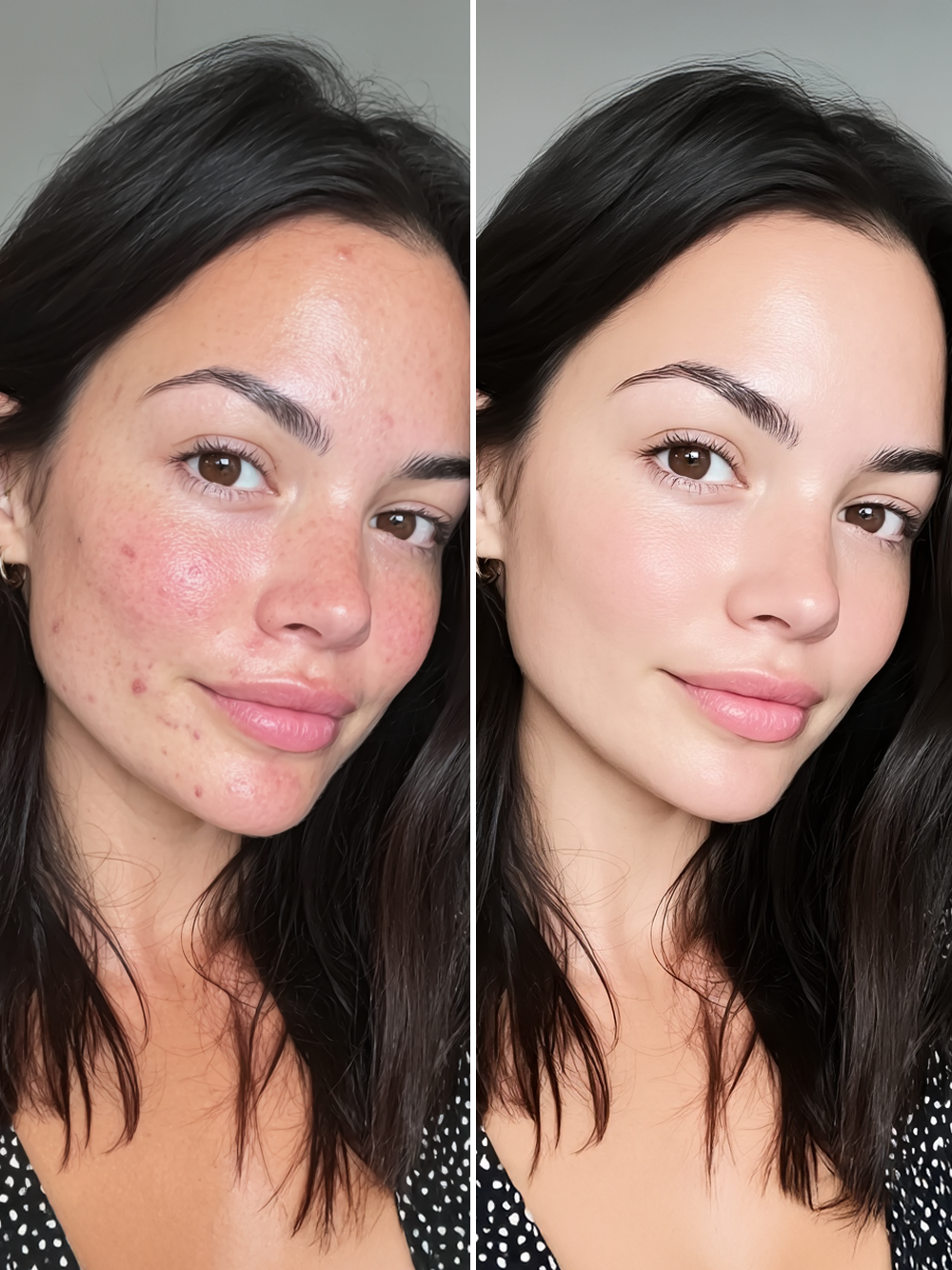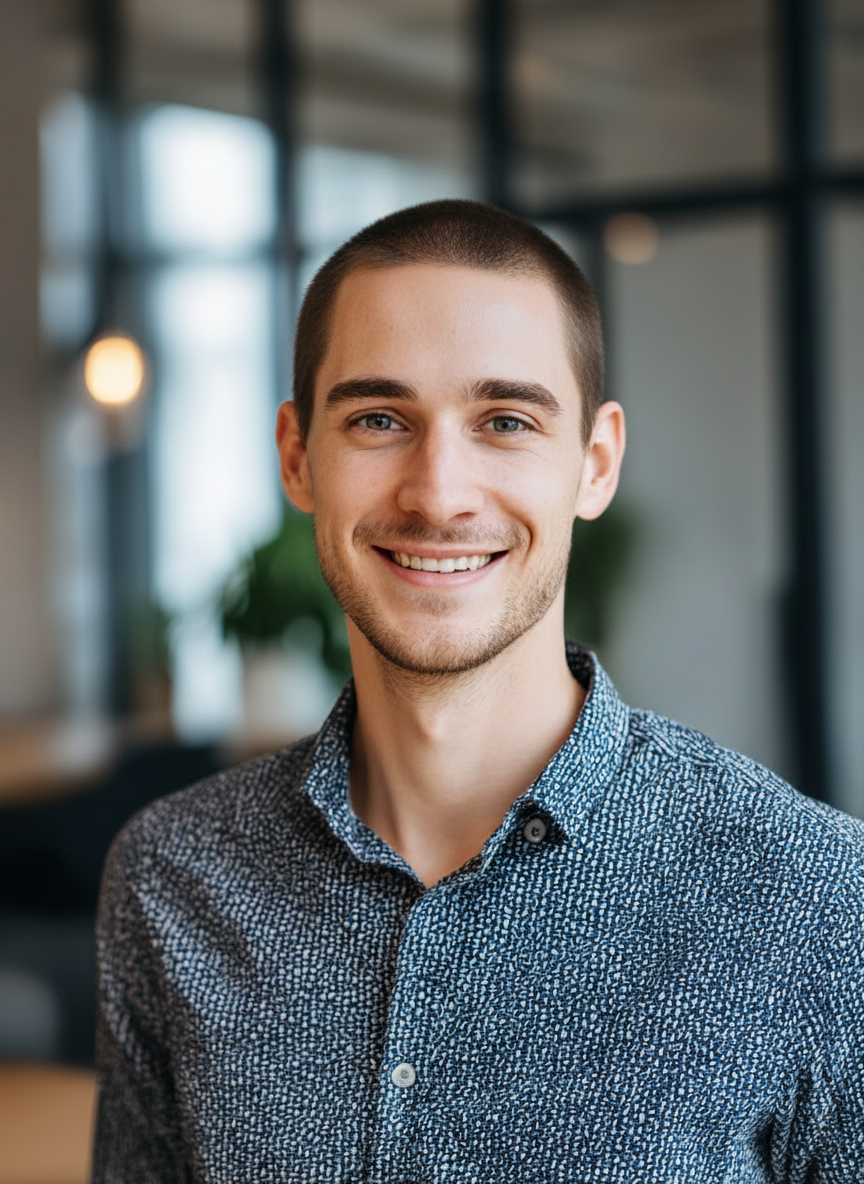
See Your Selfies With AI Makeup Virtual Try On
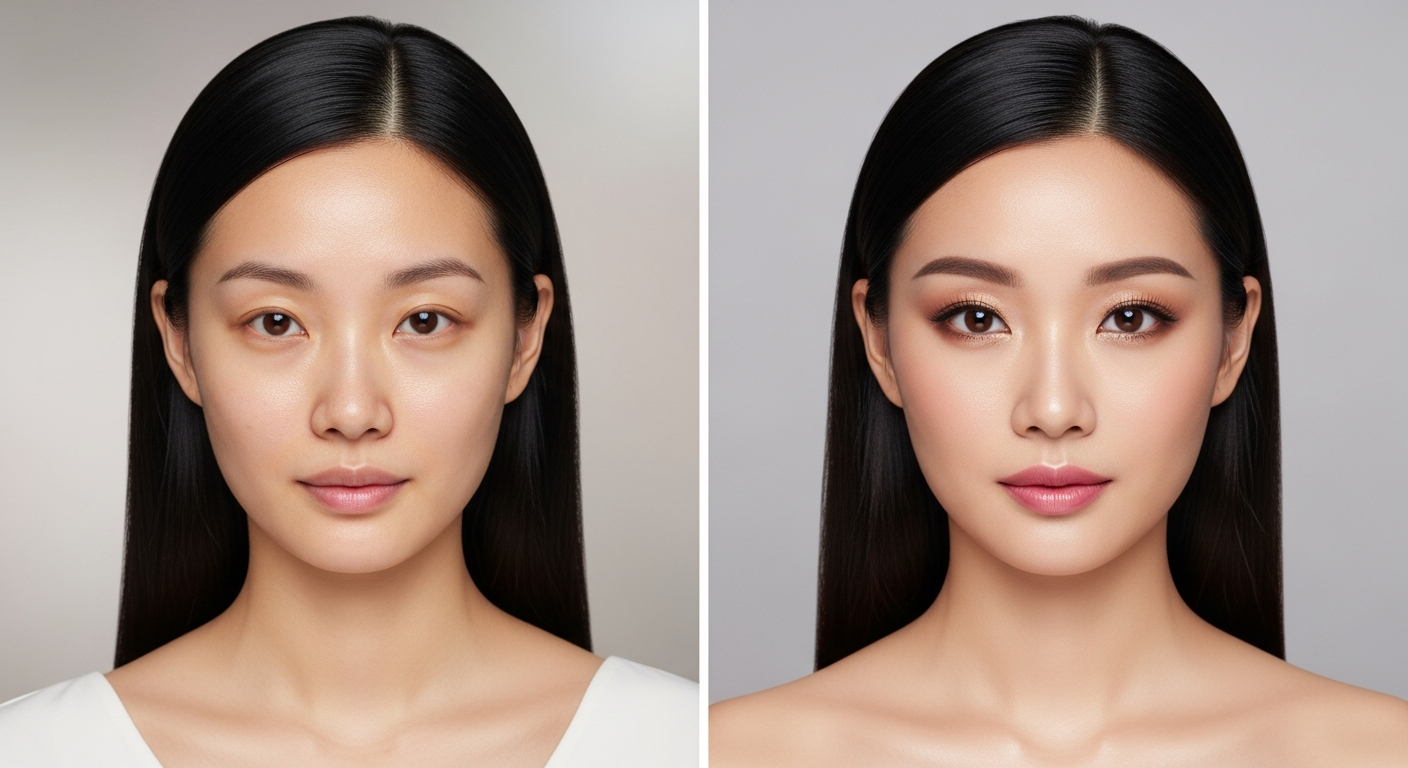
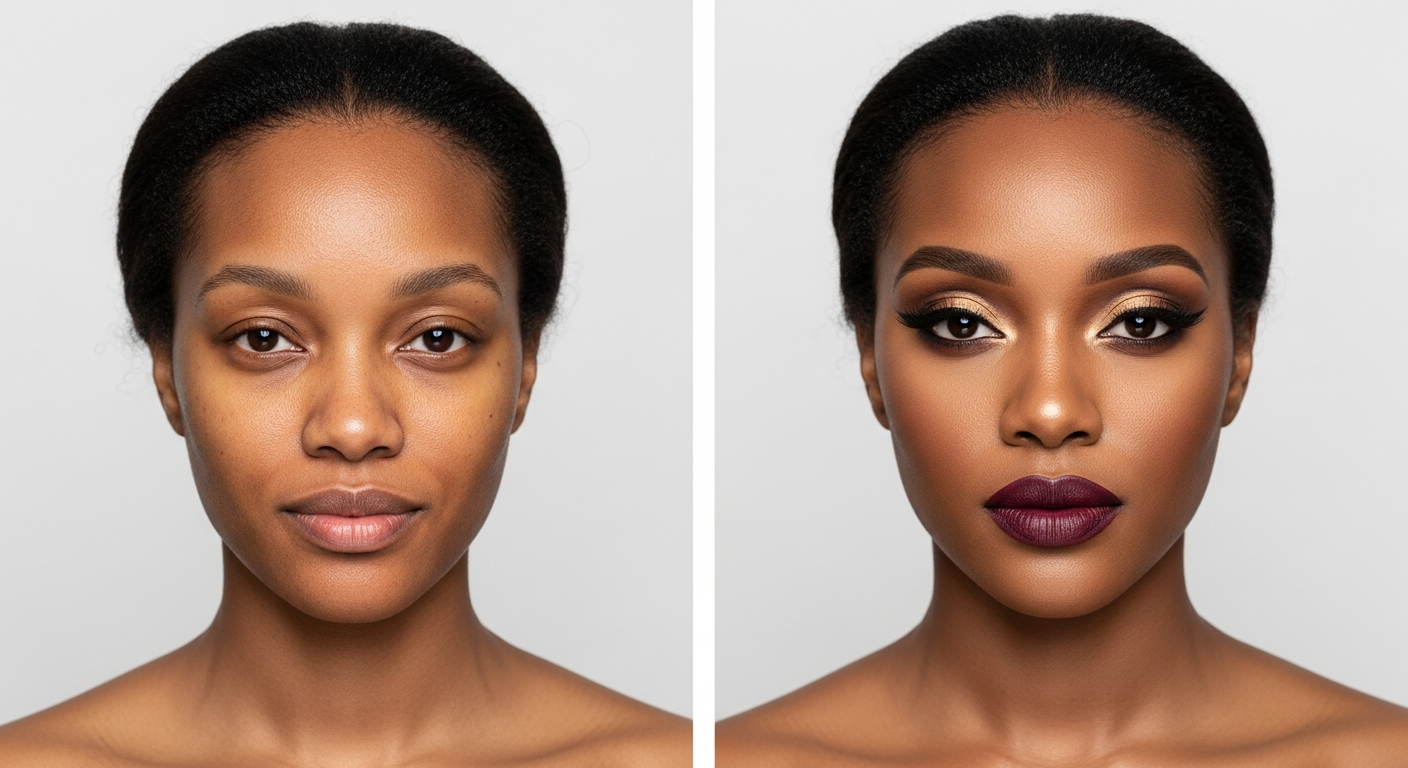
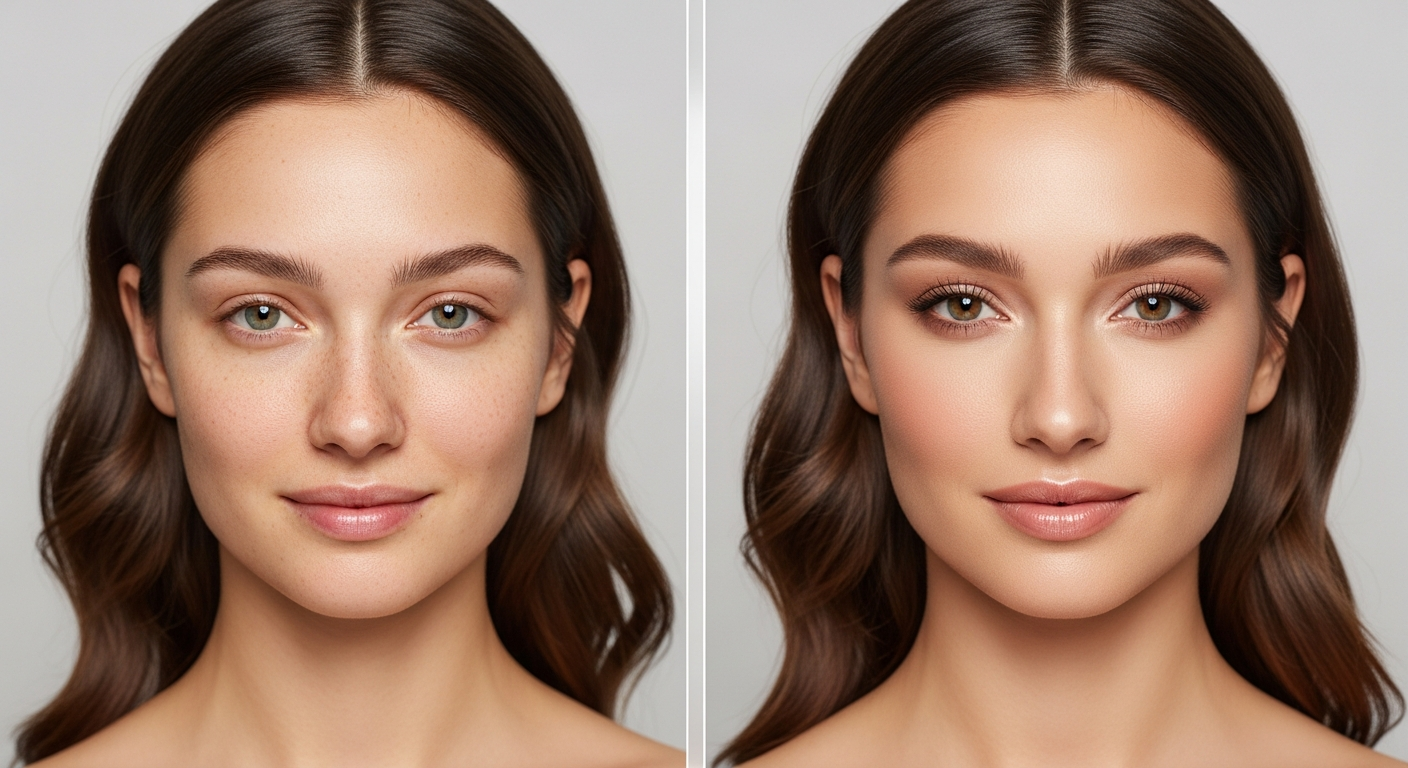
AI Makeup Virtual Try On lets users preview makeup styles on their face in 60 seconds. Upload one selfie and reference images to receive HD results.
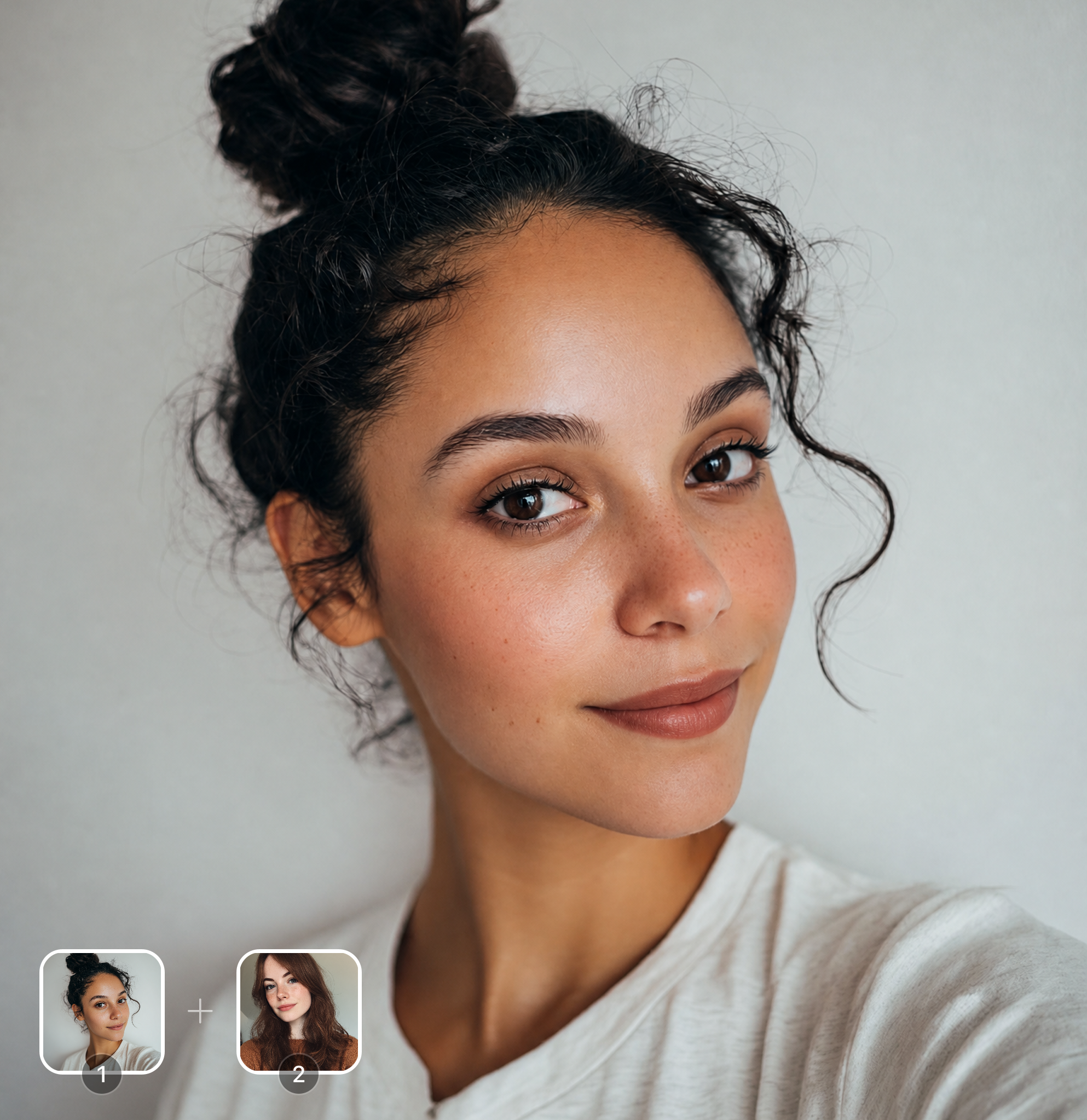
Ready in seconds · Energy-based generation · Full resolution download
See What's Possible
Perfect for Every Duo
From romantic couples to childhood best friends, create polished AI portraits for the relationships and moments that matter.
Try Before You Buy
Eliminate guesswork of online makeup shopping. Upload your selfie and test exact product shades lipstick, foundation, eyeshadow, blush on your own face before purchasing. Users save an average of $240 per year by avoiding wrong-shade purchases through virtual try-on.
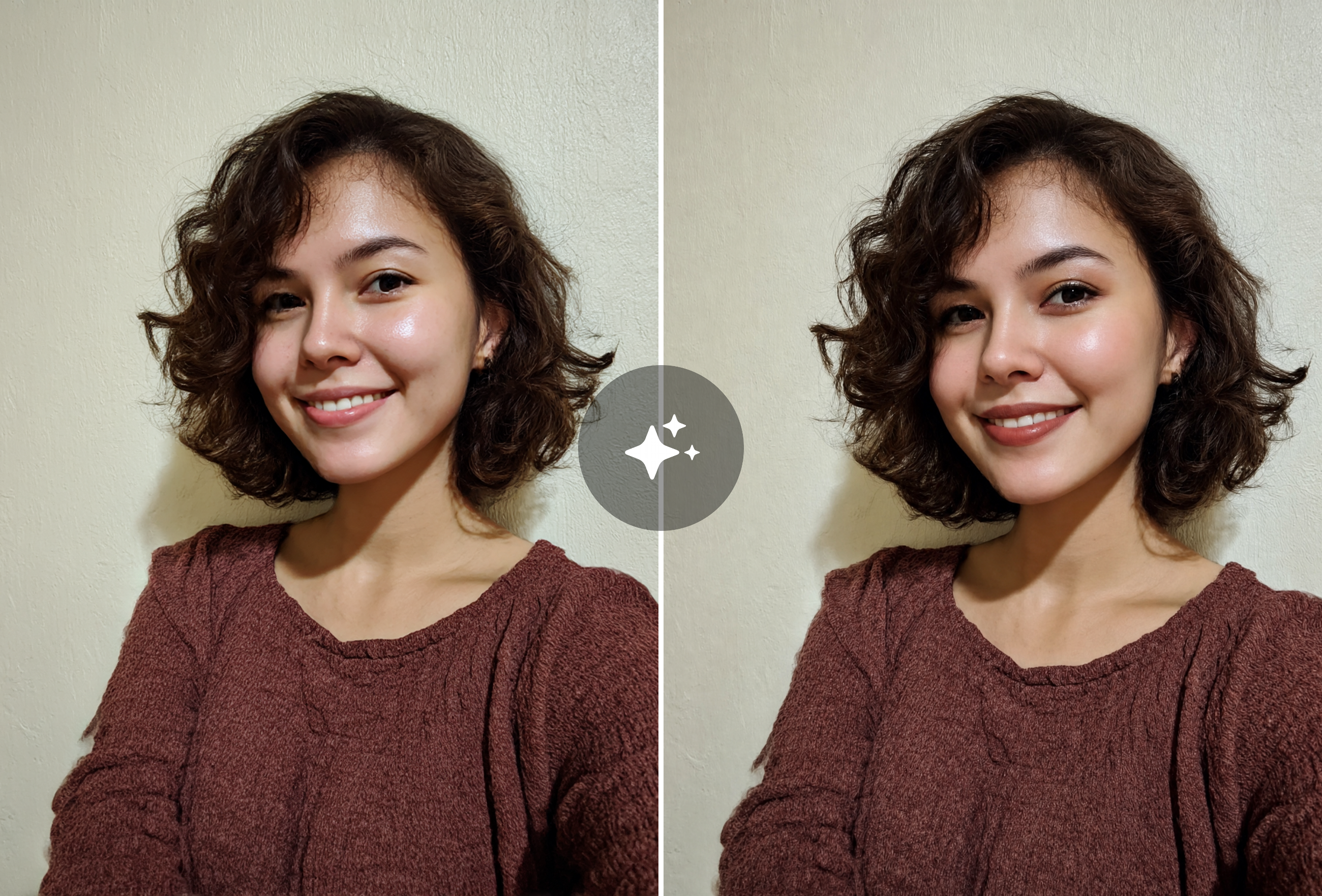
Get Inspired for Events
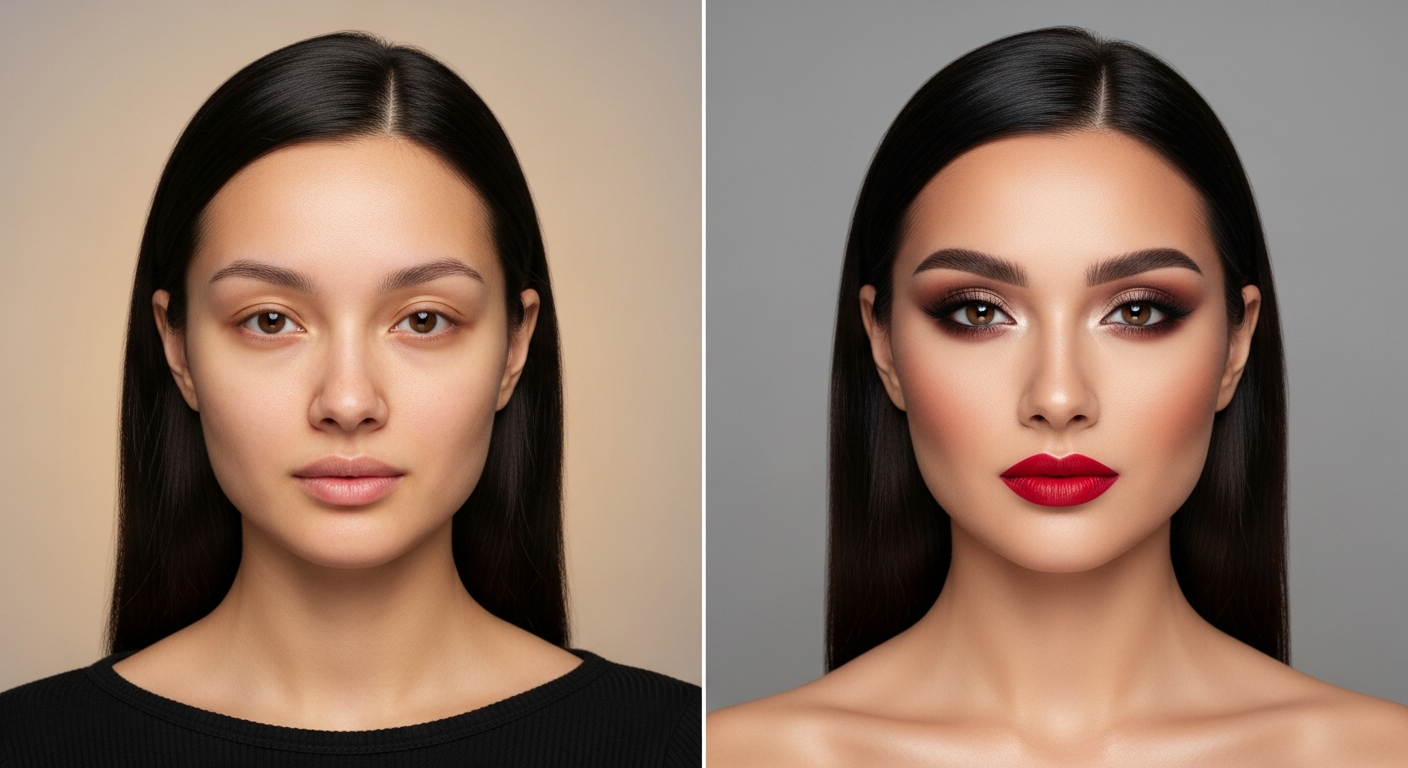
Planning wedding day look, a night out, or photoshoot? Experiment with bold contouring, dramatic smokey eyes, or soft glam finishes in seconds. AI renders over 500 unique shade combinations so you can screenshot your chosen look for your makeup artist.
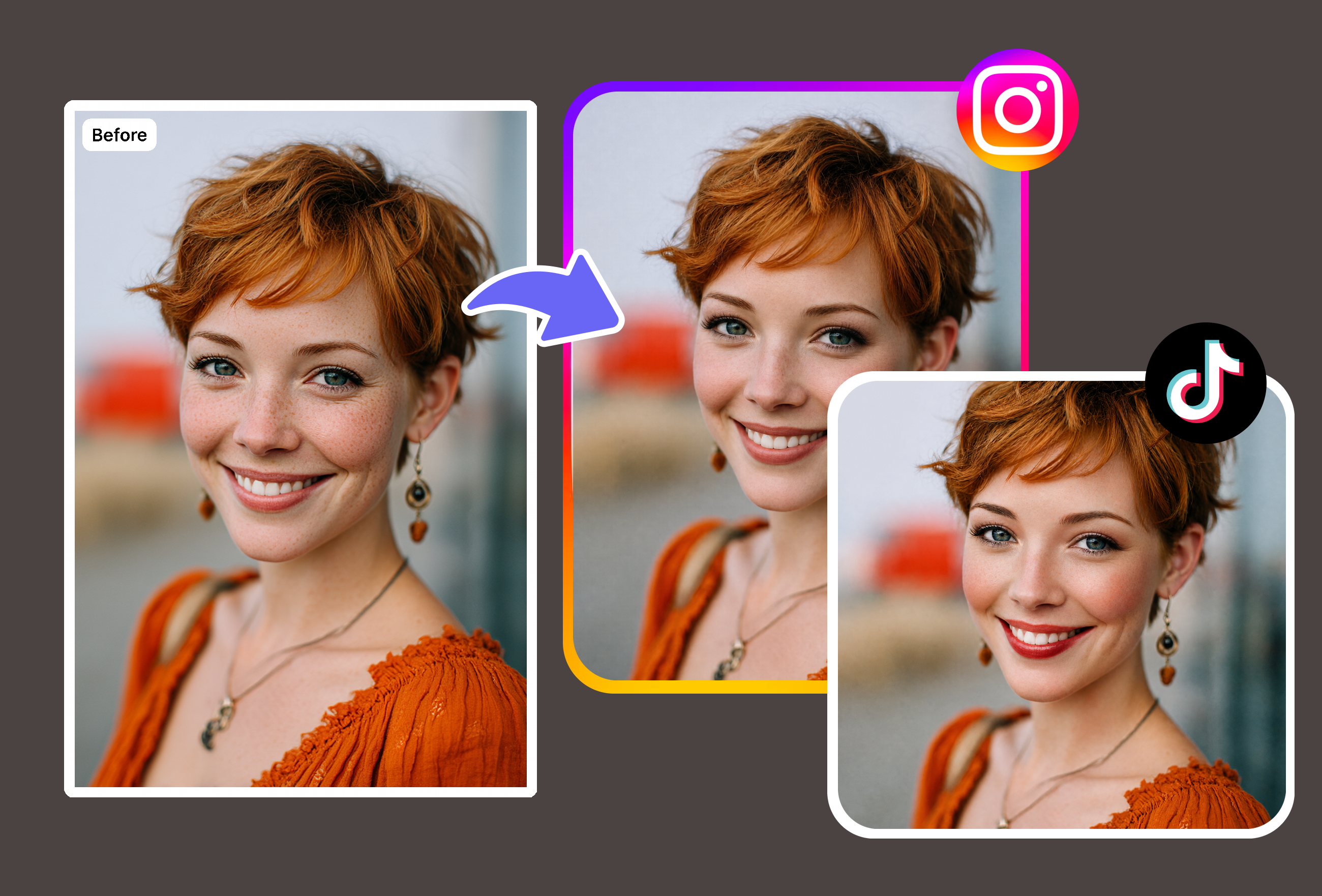
Create Social Media Content
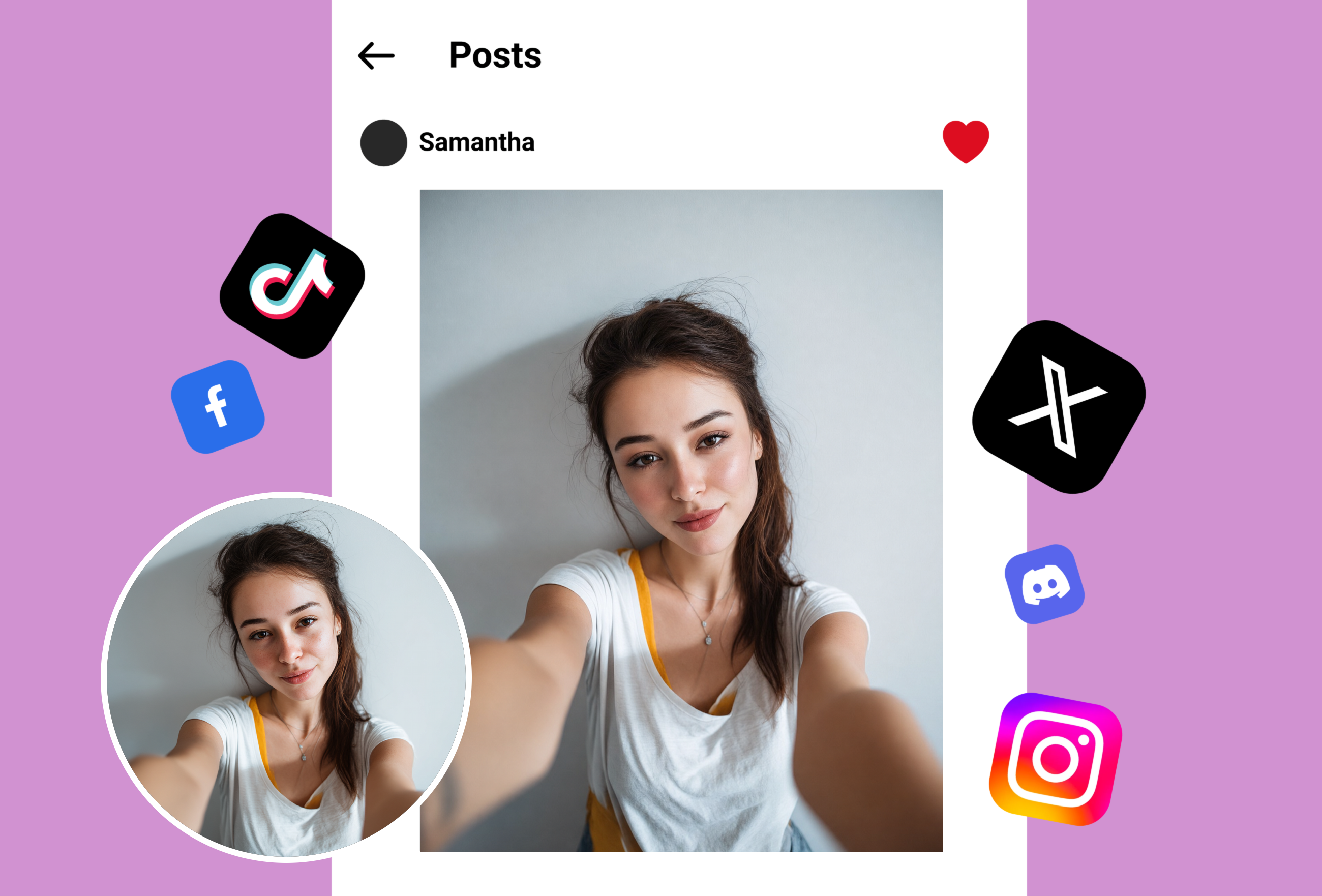
Beauty influencers use virtual makeup try-on to preview trending looks, compare color stories, and produce before-and-after content without full application. Generate scroll-stopping imagery in under 30 seconds preserving natural skin texture.
Frequently Asked Questions
How realistic is the AI virtual makeup try on?
The virtual makeup try on achieves exceptional realism by preserving natural skin texture, pores, and ambient lighting conditions. It simulates product opacity, finish type, and blending as physical cosmetics would appear on your specific skin tone. Unlike basic color overlay filters, the AI understands facial contours and applies makeup dimensionally — highlighting cheekbones, defining creases, and following lip lines precisely.
What makeup products and shades can I try on virtually?
The tool supports lipstick, eyeshadow, foundation, contouring, blush, highlighter, eyeliner, and brow products across hundreds of shades. Each product category includes matte, glossy, satin, shimmer, and metallic finishes. You can layer multiple products simultaneously to preview complete makeup looks and compare different combinations side by side.
How long does it take to generate a virtual makeup look?
Each makeup generation takes approximately 60 seconds to produce a high-quality result. Upload your selfie, select or describe the desired look, and the AI renders a photorealistic before-and-after comparison. The processing time ensures detailed rendering of texture, lighting interaction, and product blending rather than a simple color overlay.
Does the AI makeup try on work on all skin tones and face shapes?
Yes. The colorimetric AI analyzes your unique undertone — warm, cool, or neutral — and adjusts product rendering accordingly. Trained on a diverse dataset spanning all complexion ranges, the model accurately simulates how different formulations interact with varying skin types. Facial geometry mapping adapts application areas to your specific bone structure, eye shape, and lip proportions.
Do I need to create an account to use the virtual makeup try on?
Yes, a free account is required to access the tool. Registration takes under 30 seconds with email or social login. New accounts receive 3 free trial generations to experience the full AI makeup transformation. Each trial produces a complete before-and-after comparison with high-resolution output suitable for saving or sharing on social media.
Can I compare different makeup looks side by side?
Yes, the tool generates before-and-after comparison views showing your original photo alongside the makeup-applied version. Save multiple looks from your trial generations and compare them to decide which suits you best. This is especially useful for planning wedding makeup, testing bold colors before purchasing products, or choosing between subtle daytime and dramatic evening styles.
Explore More AI Portraits
Keep creating — try these popular Framely AI tools next.