Try Family Portrait Merge Tool for Combined Photo Memories
Merge multiple family photos into one stunning AI portrait — 3 free uses, no sign-up needed. Upload individual faces, choose from 50+ artistic styles, and download your unified family portrait in high resolution within seconds.
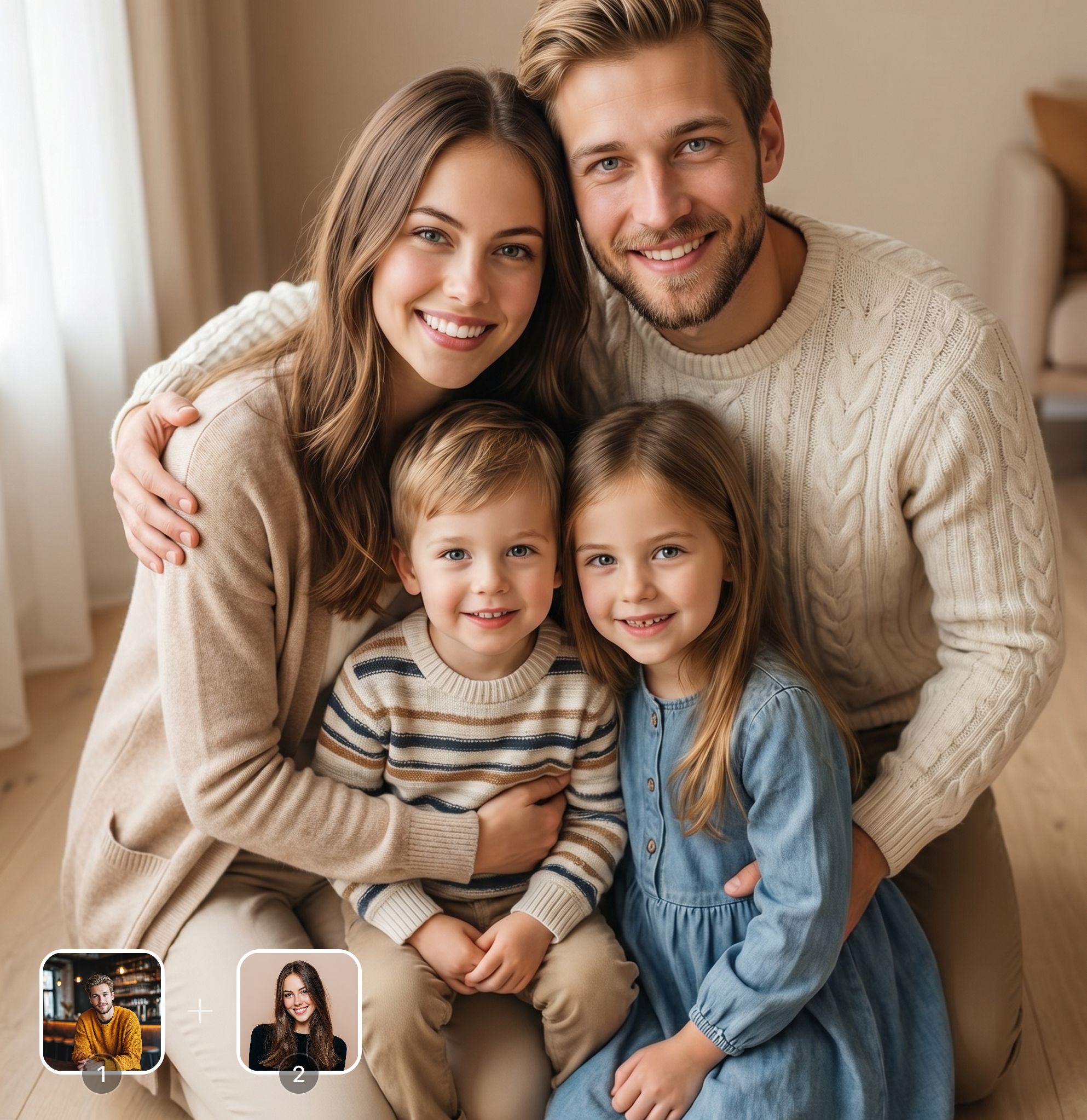
Ready in seconds · Energy-based generation · Full resolution download
See What's Possible
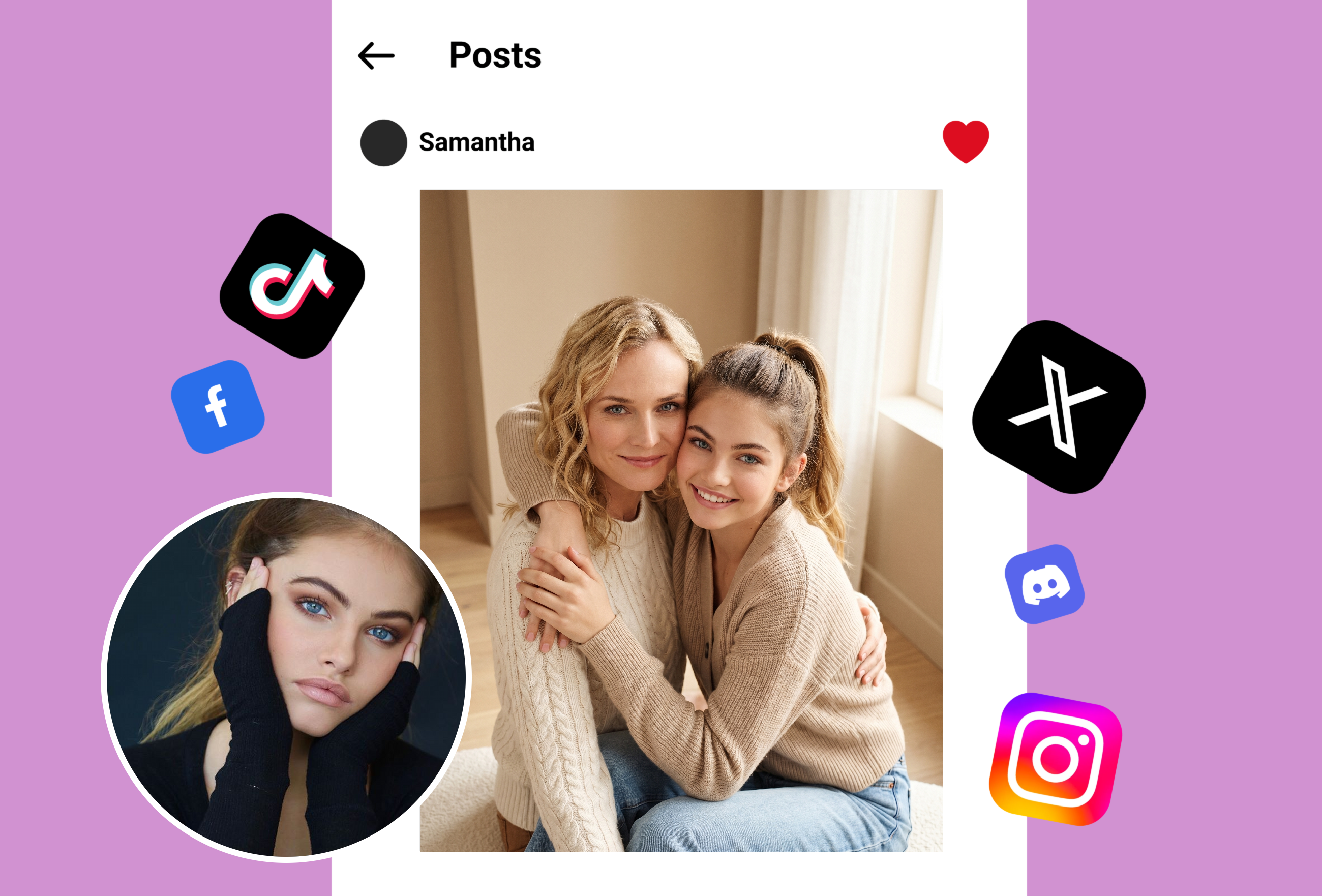
Perfect for Every Duo
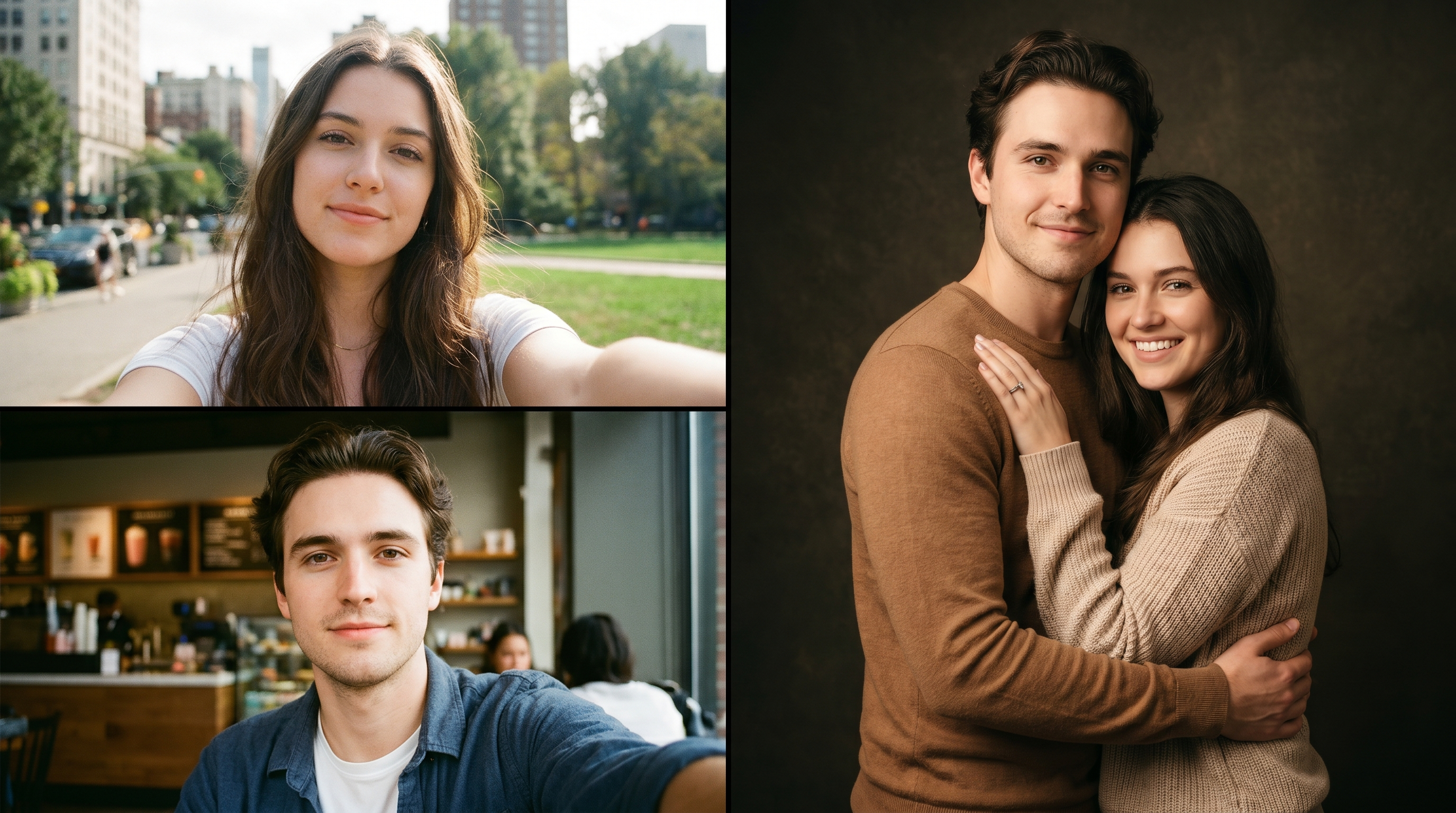
From romantic couples to childhood best friends, create polished AI portraits for the relationships and moments that matter.
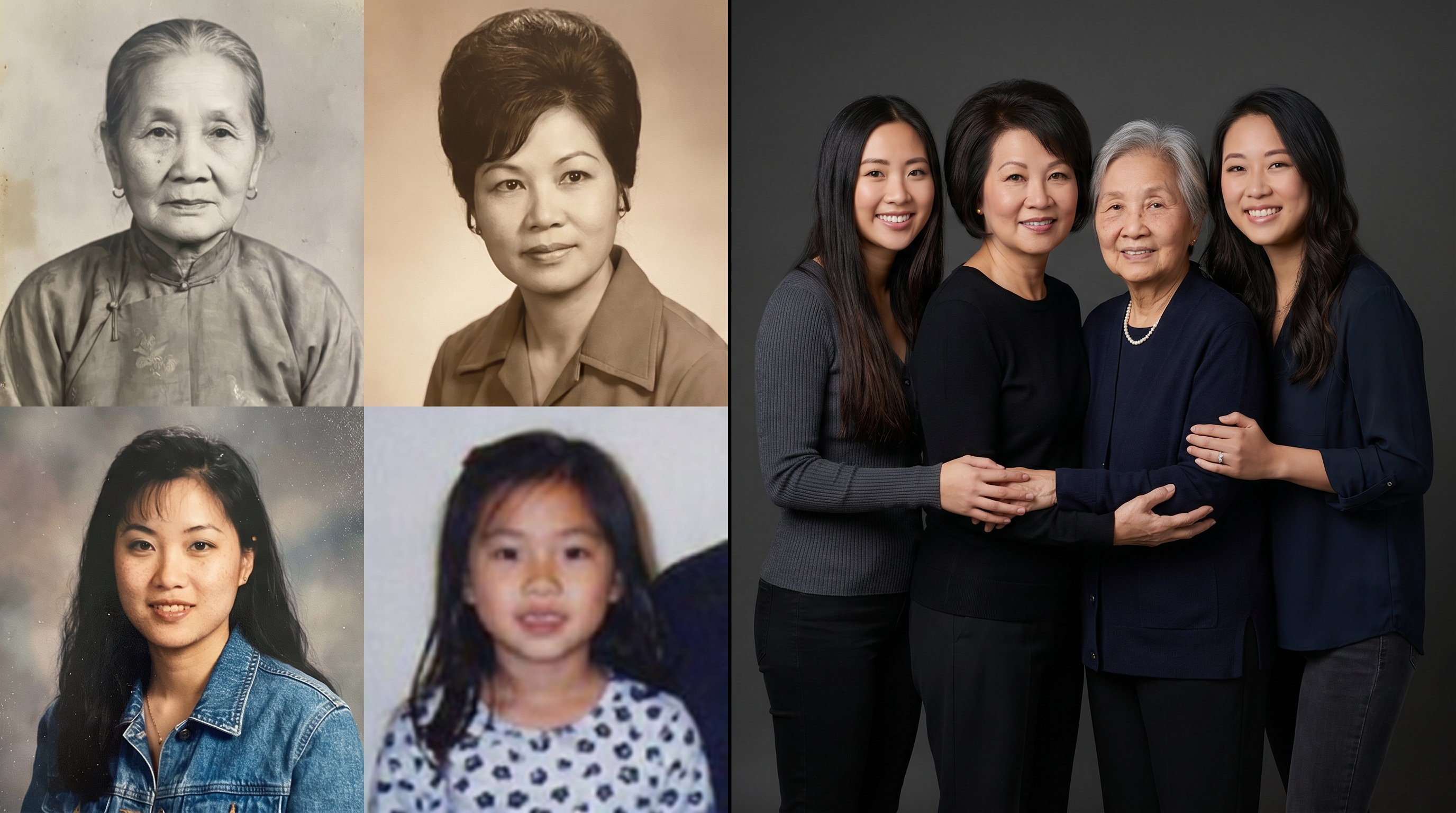
Multi-Generation Family Portrait Merge
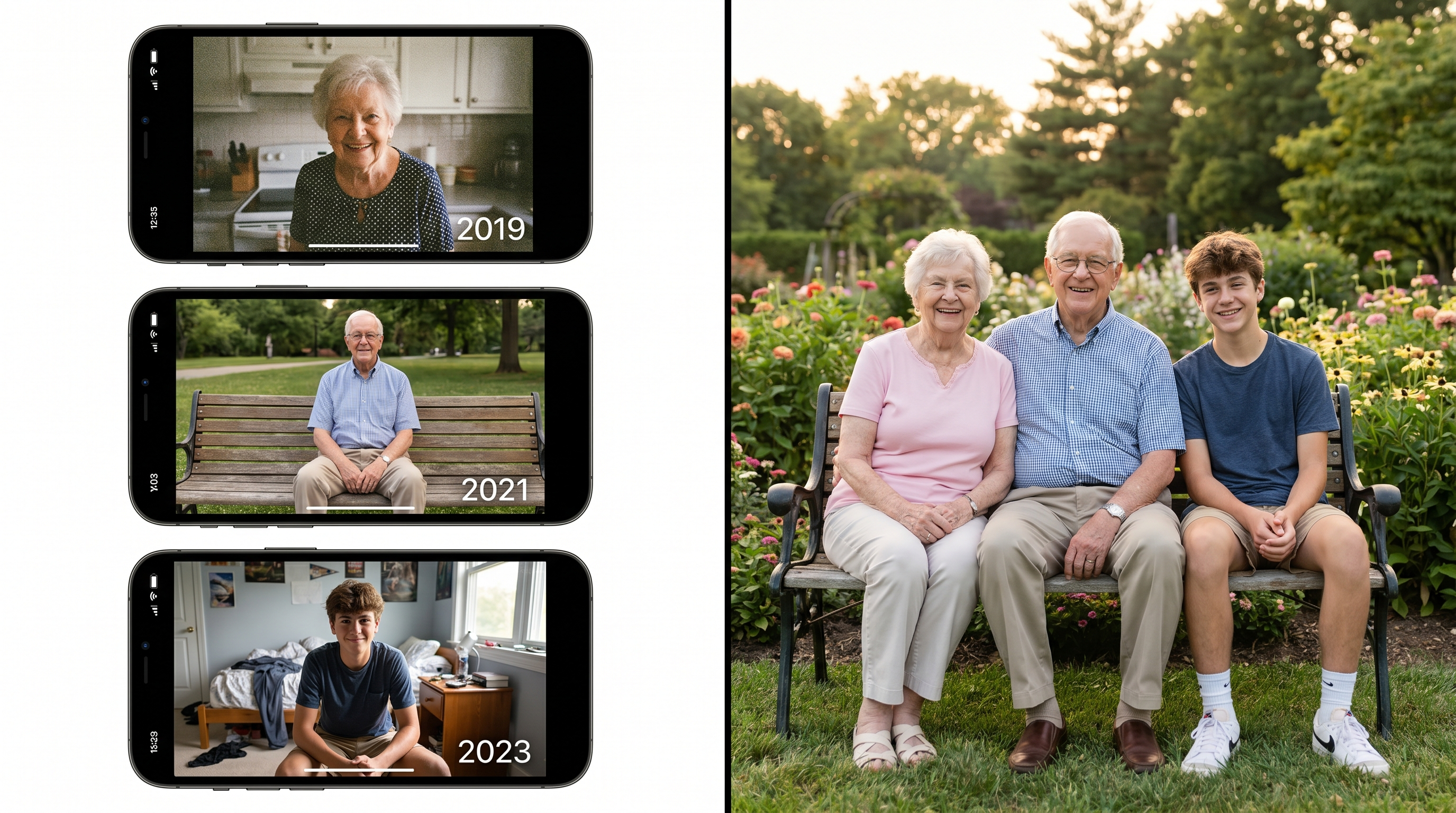
Combine photos of family members from different time periods into one cohesive portrait. Our AI family portrait merge technology matches lighting, skin tones, and aging patterns to create a realistic unified family photo — even if grandparents and grandchildren were never photographed together.
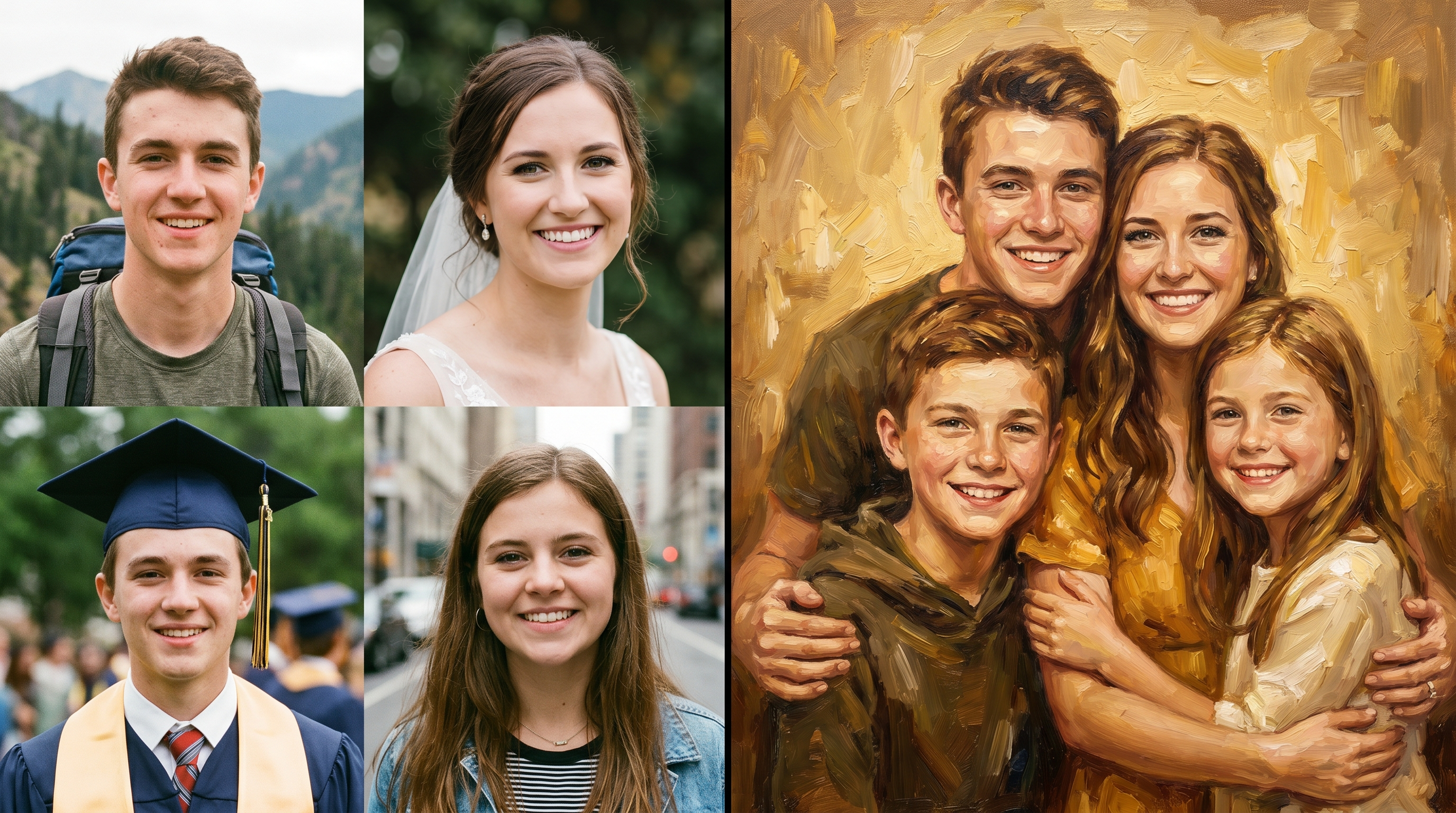
Artistic Style Family Portrait Merge
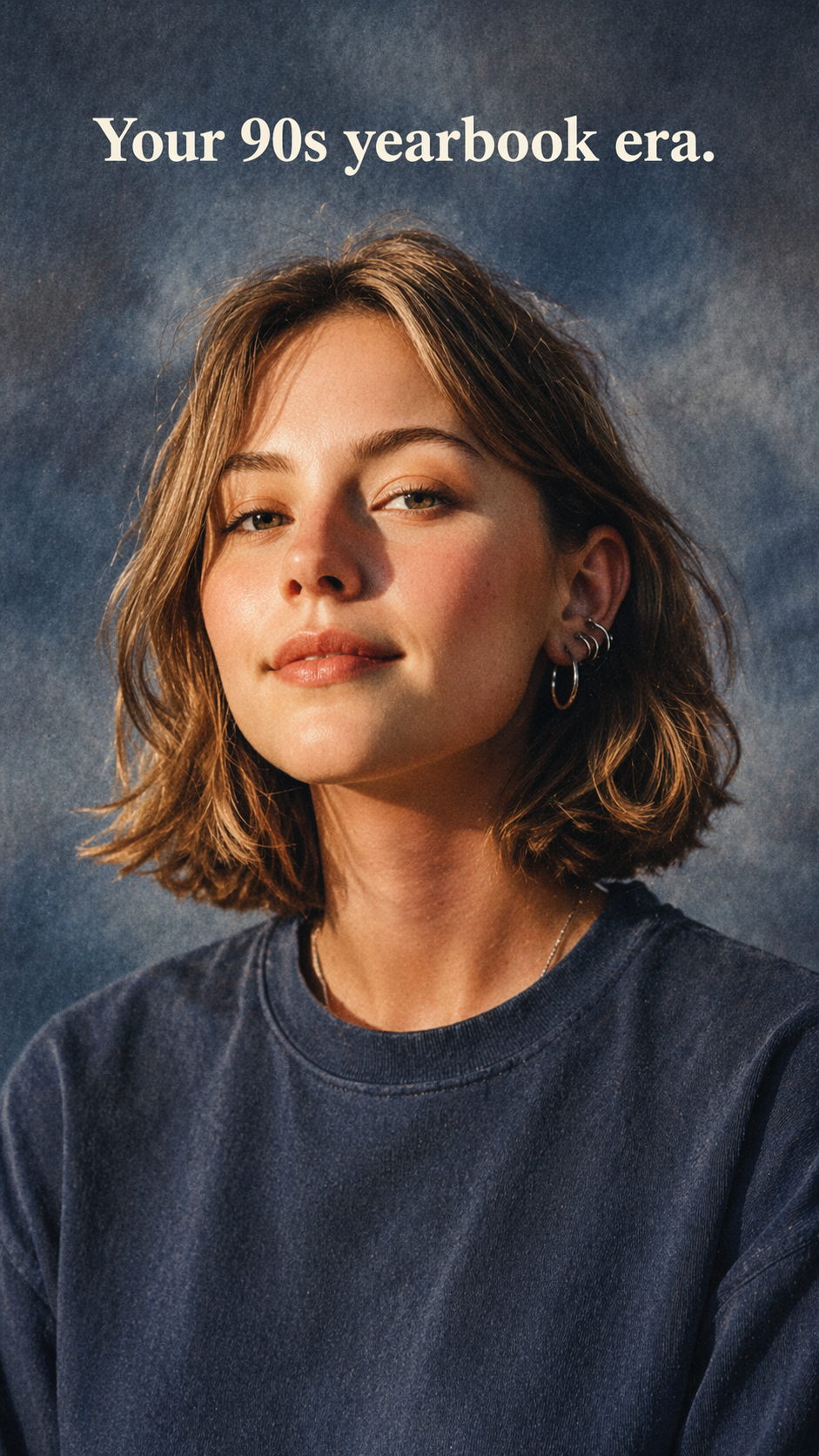
Transform your merged family portrait into stunning art styles — oil painting, watercolor, pencil sketch, or classic studio portrait. The family portrait merge AI preserves each member's unique features while applying consistent artistic treatment across all faces for a gallery-worthy result.
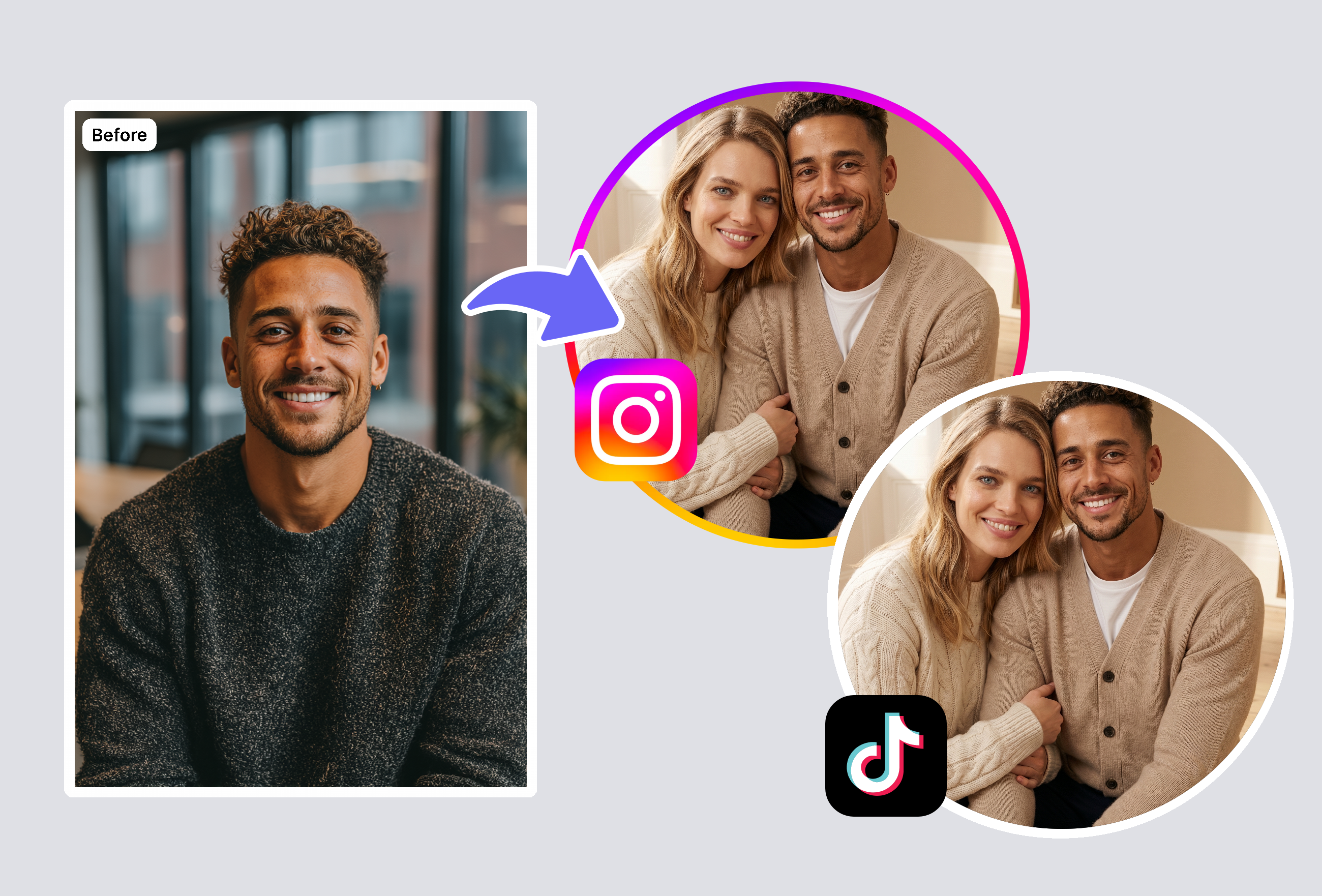
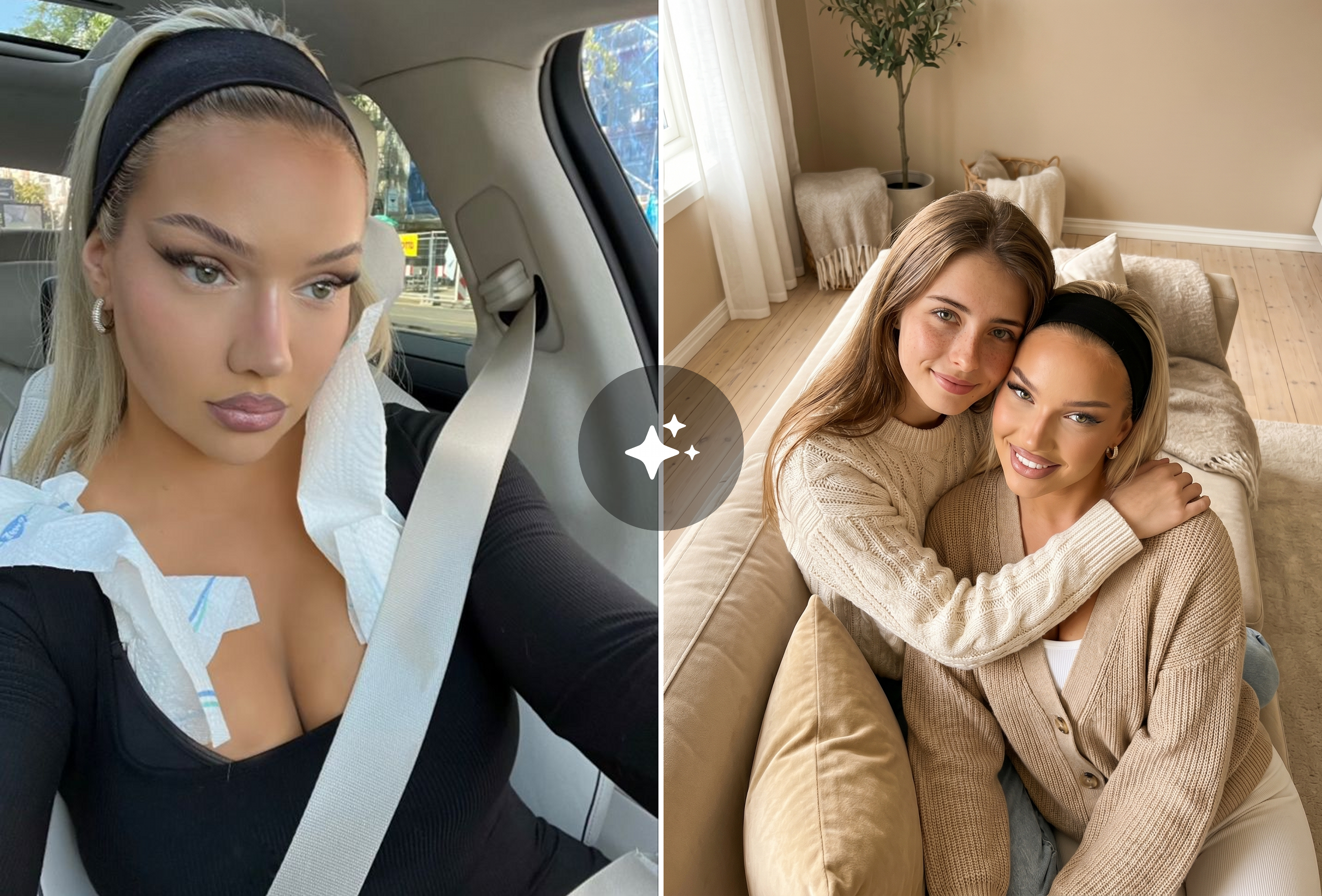
Long-Distance Family Portrait Merge
Living in different cities or countries? Our family portrait merge tool combines individual selfies into a professional group portrait. Upload photos taken anywhere — the AI handles background removal, pose alignment, and natural composition so your family looks together even when apart.
Frequently Asked Questions
How many family members can I merge in one portrait?
Our family portrait merge tool supports combining 2 individual photos into a single unified portrait. For best results with larger groups, use clear face shots with good lighting for each person.
Can I merge family photos from different time periods?
Yes! The AI family portrait merge technology excels at combining photos from different eras. It automatically adjusts lighting, color temperature, and image quality to create a cohesive result — even mixing vintage prints with modern smartphone photos.
What photo quality do I need for family portrait merge?
Each source photo should clearly show the person's face. Minimum 200x200px resolution is recommended. The family portrait merge AI can handle different cameras, lighting conditions, and backgrounds — it extracts and recomposes each face intelligently.
Is the family portrait merge tool free to use?
Yes — you get 3 free uses of the family portrait merge tool, no sign-up required. Create 3 merged family portraits completely free to experience the full quality. After your 3 free merges, affordable plans unlock unlimited portrait creation with all art styles and maximum resolution.
Explore More AI Portraits
Keep creating — try these popular Framely AI tools next.